Most WordPress performance plugins optimize the frontend — minifying CSS, deferring scripts, compressing images.
But if your server takes 2 seconds to respond before any of that matters, you're optimizing the wrong end.
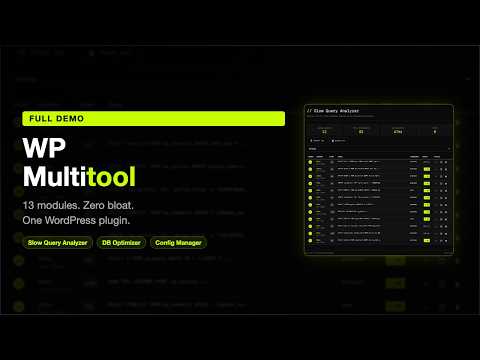
WP Multitool is a backend optimization plugin for WordPress. It finds the actual performance bottlenecks that
PageSpeed scores don't show: slow database queries, autoload bloat in wp_options, expired transients, orphaned
data, and expensive plugin callbacks running on every page load.
13 modules, enable only what you need:
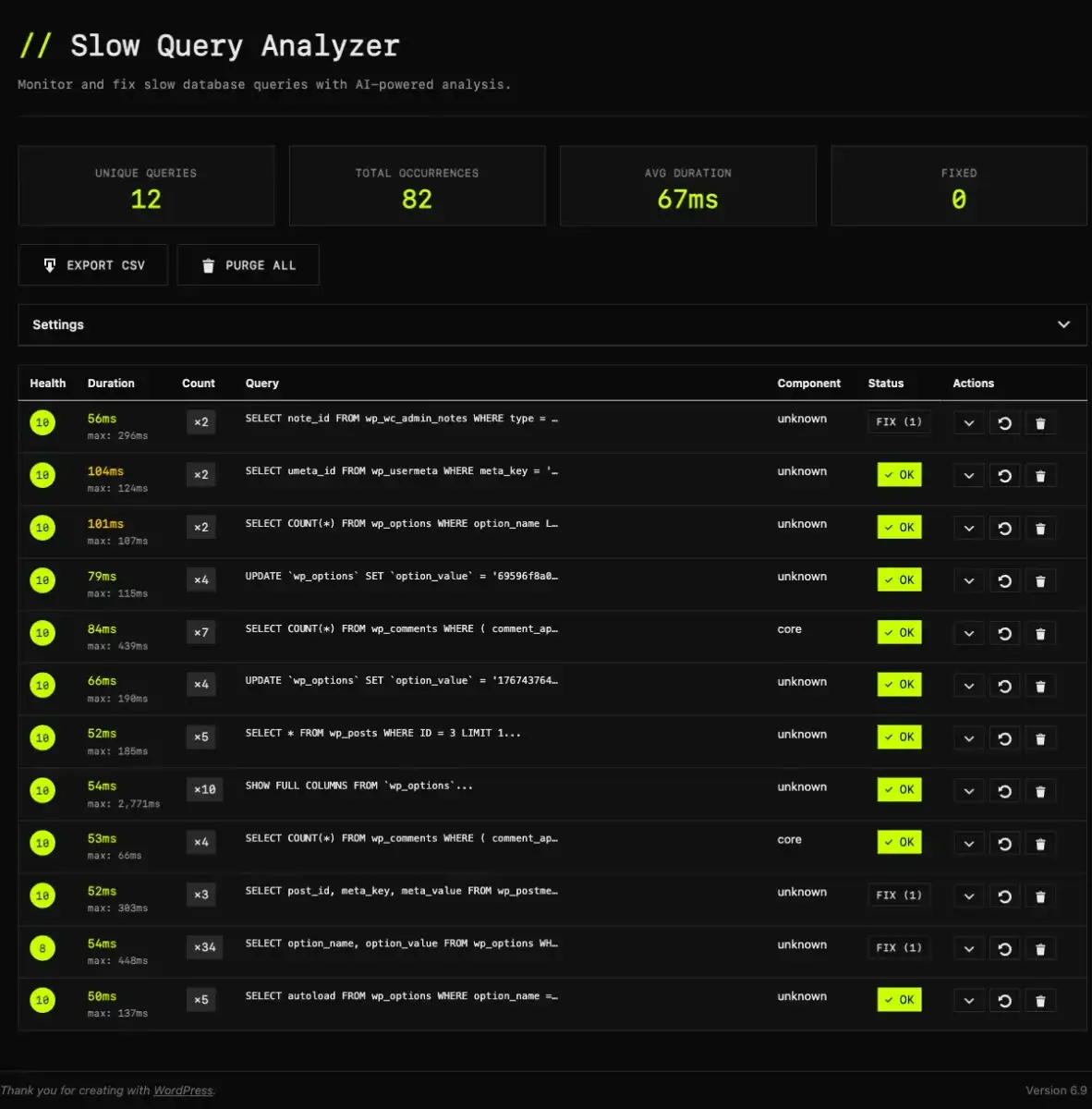
- Slow Query AI Analyzer — monitors database queries in the background, runs EXPLAIN analysis, and identifies
which plugin function caused the problem
- Autoloader Optimizer — tracks which wp_options are actually used vs. loaded for nothing, then removes autoload
from the unused ones
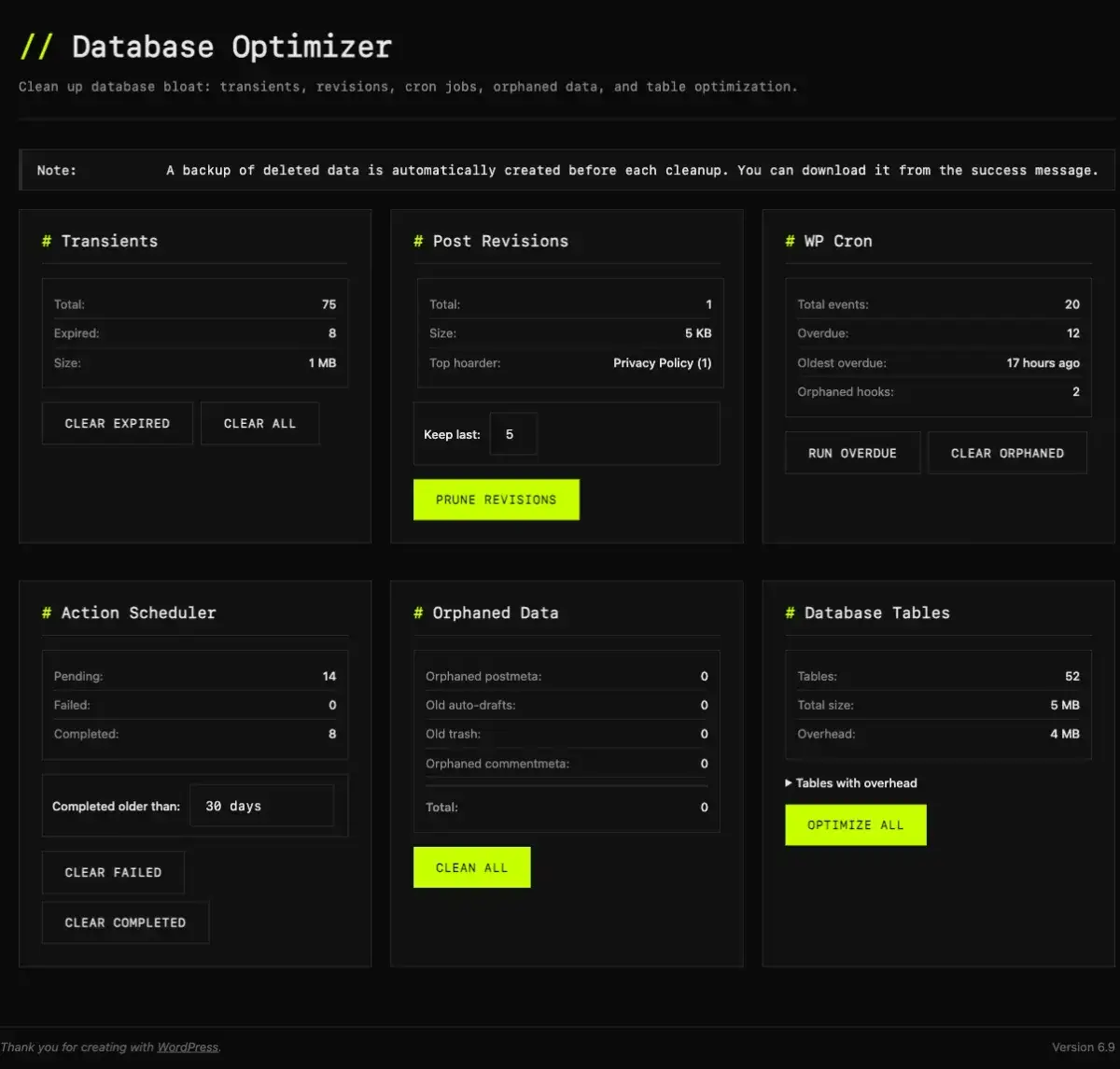
- Database Optimizer — cleans expired transients, prunes post revisions, removes orphaned postmeta
- Frontend Optimizer — defers render-blocking scripts, removes emoji support and XML-RPC
- Find Slow Callbacks — identifies plugin hooks that take too long to execute
- Config Manager — export/import WordPress settings across environments
- System Info, Image Manager, Quick Updater, and more
Disabled modules add zero overhead. No bloat from features you don't use.
Also free: WP Site Inspector — a Chrome extension that lets you check any WordPress site's tech stack and
performance from your browser toolbar.
$50 one-time. No subscription. No yearly renewal. Unlimited sites. Lifetime updates.
Built by a developer for developers who've had clients say "my site is slow" after everything visible has already
been optimized.