Export Figma to CMYK with Bleed, Crop Marks, and 300 DPI
Use Figma for print design instead of slow and expensive Adobe software.
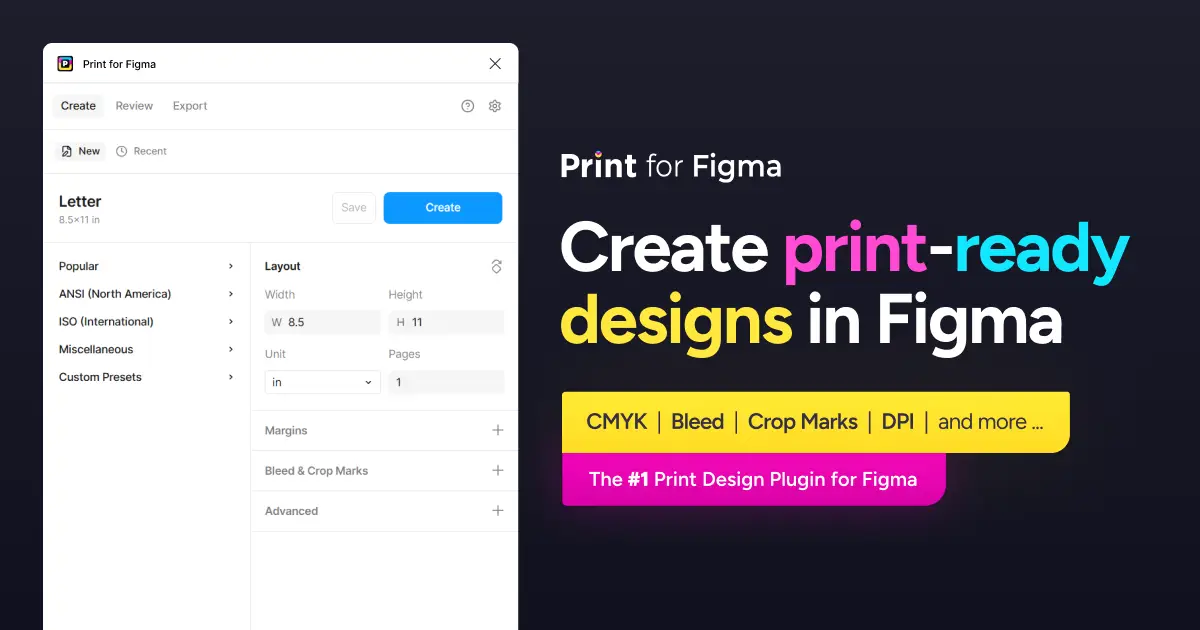
📄 Create flyers, posters, business cards, reports, and more!
🎨 Export Figma to CMYK, with ICC profiles
🌈 Define custom RGB→CMYK color mappings
🔍 Create 300dpi PDFs with the DPI tool
⏹ Add bleed and crop marks
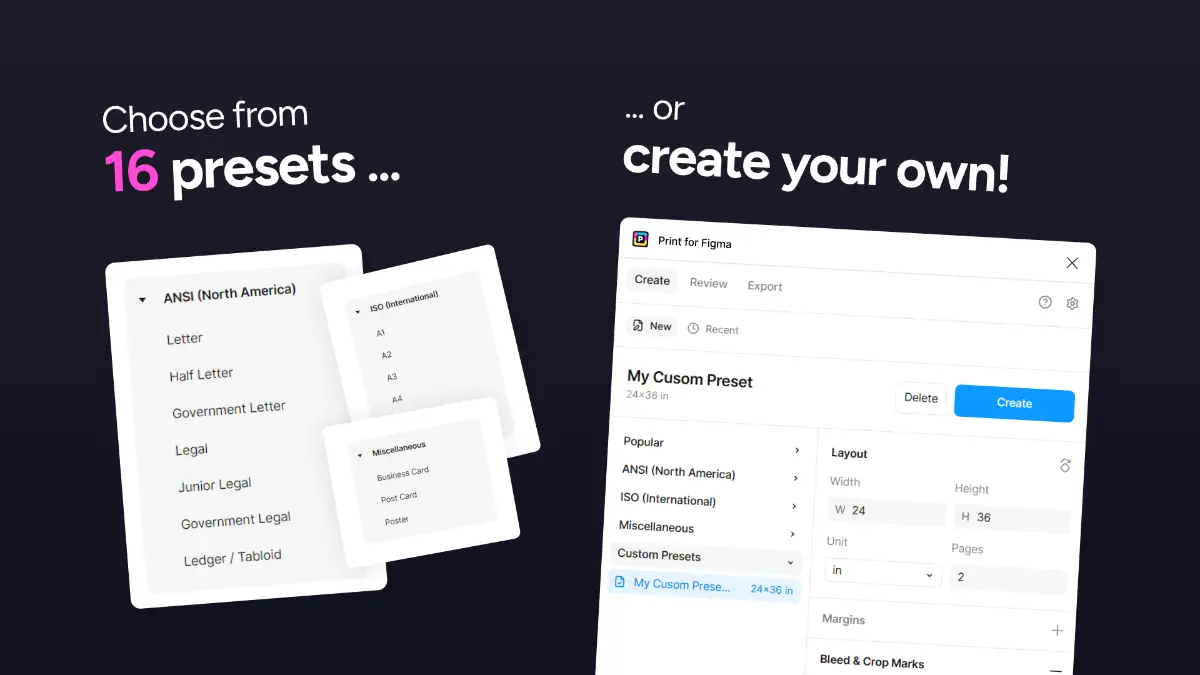
⚡ Save your own custom presets
Create print-sized layouts in seconds
8.5x11 (Letter), Legal, Ledger ...
A1, A2, A3, A4, A5, A6 ...
and more …
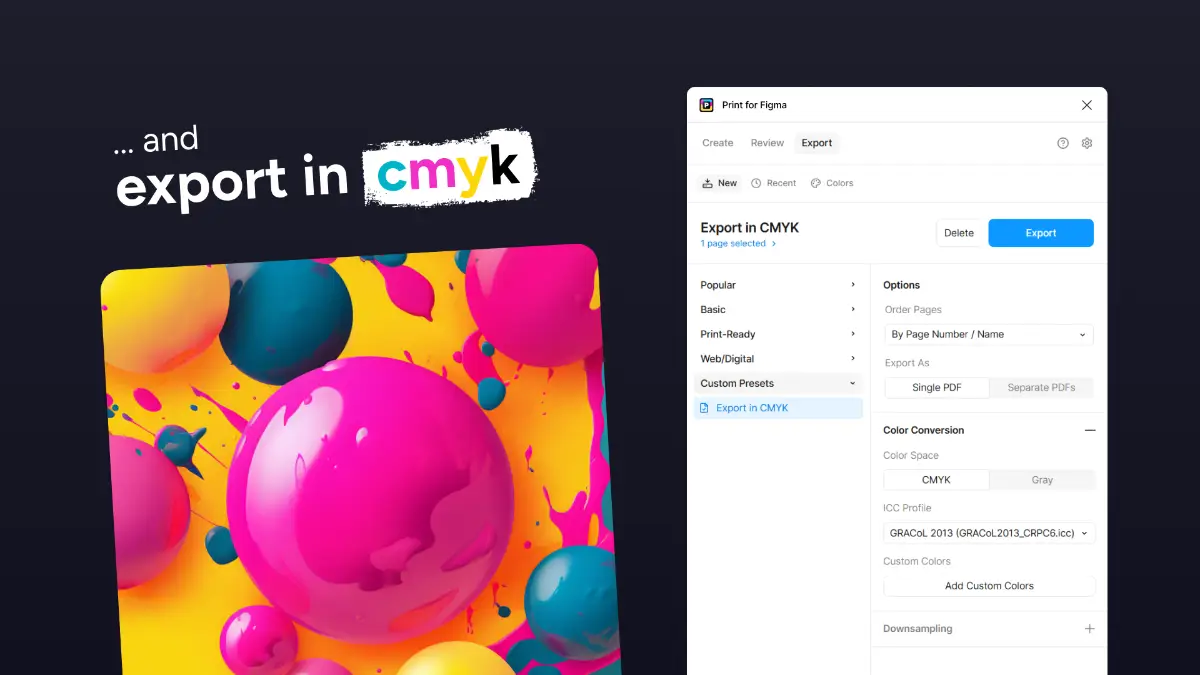
Export in CMYK
Export Figma to CMYK/Grayscale/RGB color format PDF for printing.
Use your own custom RGB→CMYK color maps
Select from all the industry standard ICC profiles
Set a maximum DPI for 600/300 DPI exporting
About Print for Figma
Print for Figma is a design product listed on Uneed, with a free tier and paid plans. It's tagged with Design, Figma. See the best Design products for related options.
Frequently asked questions about Print for Figma
What is Print for Figma?
Print for Figma is create print-ready designs in Figma with CMYK.
Is Print for Figma free?
Print for Figma offers a free tier with paid plans available for additional features.
What are alternatives to Print for Figma?
Discover similar design, figma, colors products in the Uneed directory.
What category does Print for Figma belong to?
Print for Figma is listed under Design on Uneed.
What users say about Print for Figma
Matterhornso
Finally a clean way to handle print-ready designs in Figma. CMYK export with bleed and crop marks is a huge time saver for anyone working on print projects.