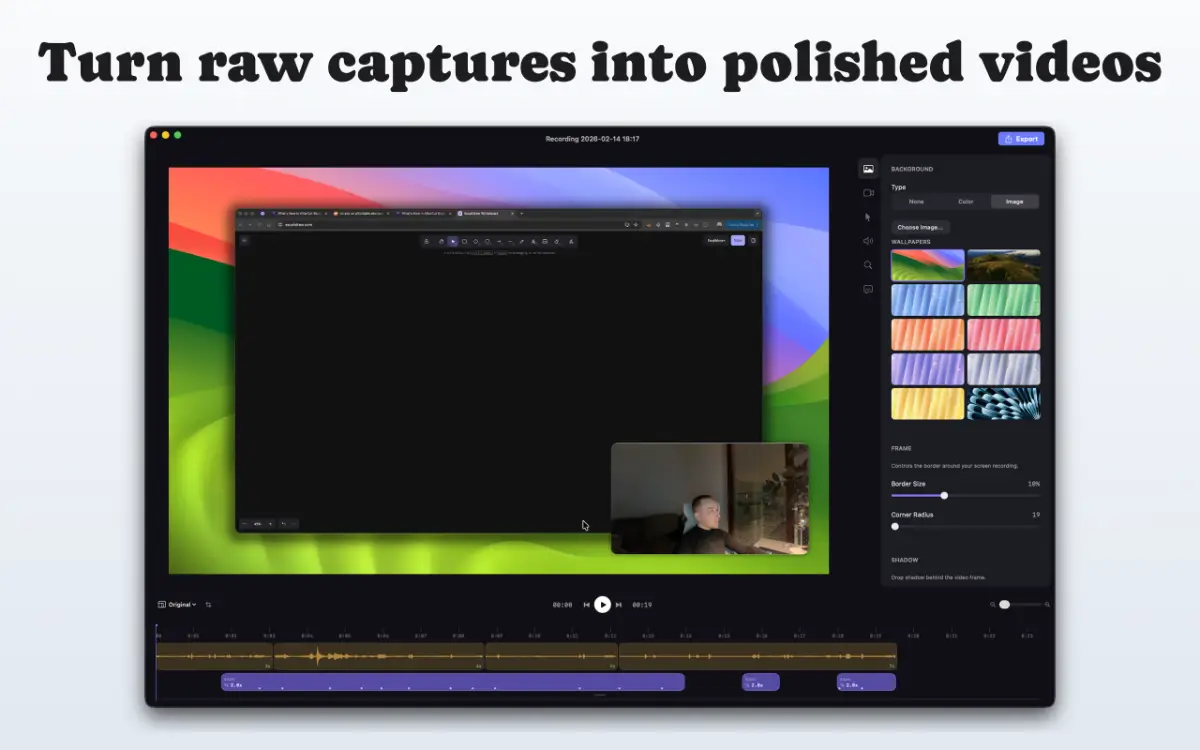
AfterCut turns raw screen recordings into polished, professional demos — in minutes, not hours.
Hit record, do your thing, and let AfterCut handle the rest. It automatically detects where you clicked, zooms in at the right moments, and smooths out your cursor movement so everything looks intentional.
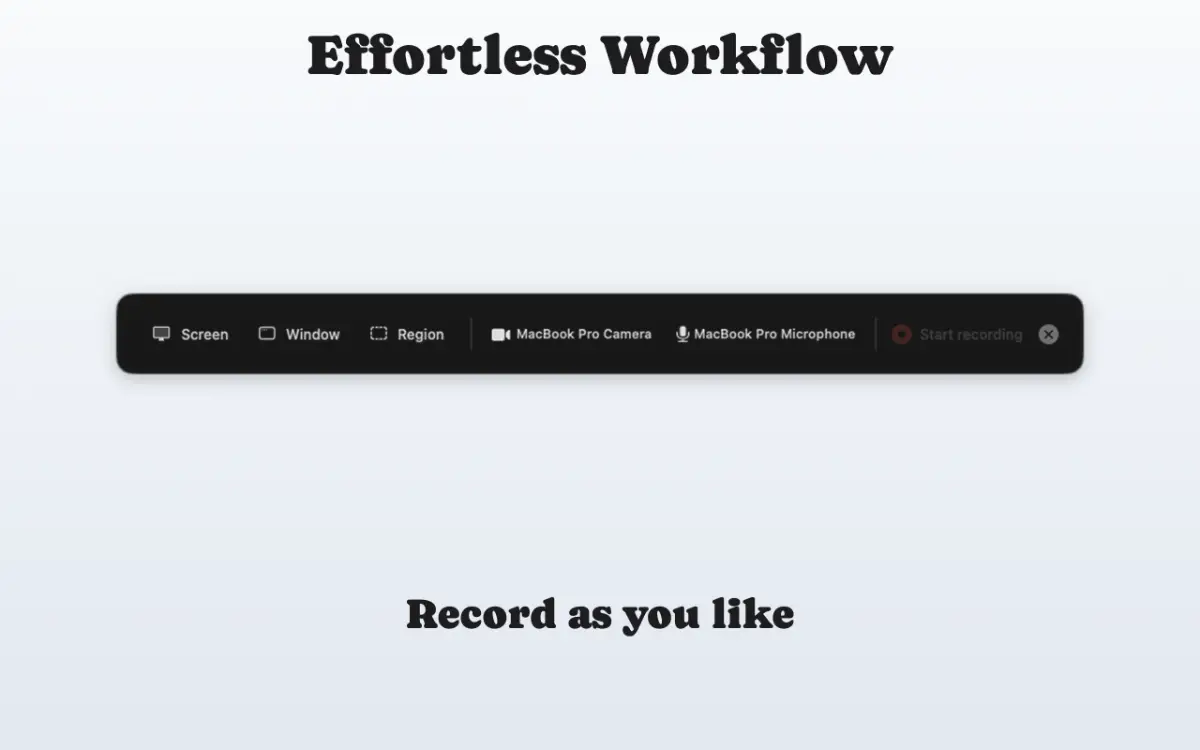
Capture your entire screen or a single window alongside your camera and microphone. AfterCut runs quietly in your menu bar and stays out of the way while you work.
No complex video editor to learn. AfterCut gives you simple, focused controls:
- Auto-Zoom: Detects your clicks and generates cinematic zoom-ins automatically. Adjust zoom level per section or let the defaults do the work.
- Camera Overlay: Your webcam appears as a floating bubble — circle, rounded rectangle, or square — positioned in any corner. Enable auto-enlarge so the camera grows when you're not zoomed in.
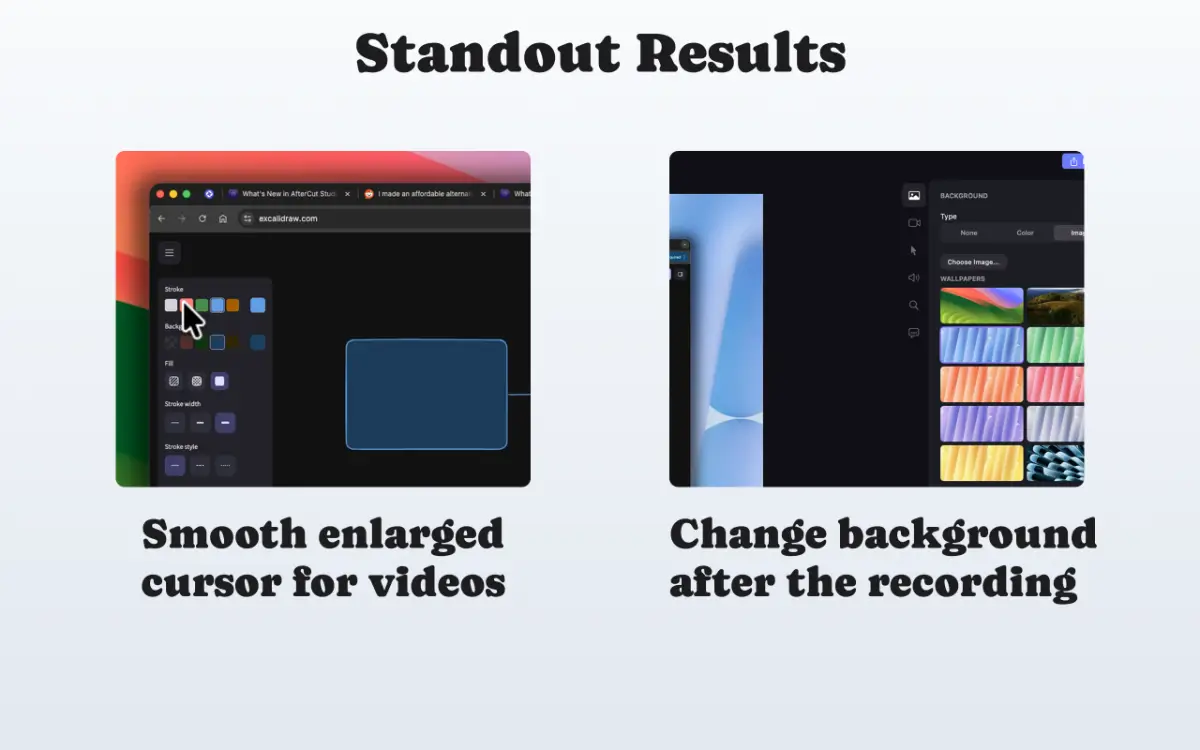
- Cursor Smoothing: Shaky mouse movements are cleaned up automatically. Adjust smoothing strength, add click highlights, and scale the cursor for visibility.
- Captions: Transcribe your microphone audio and overlay styled captions on your video. Choose font, color, background, and position.
- Backgrounds: Wrap your recording in a styled canvas with padding, rounded corners, drop shadows, and custom colors or images.
- Trim & Cut: Remove mistakes by splitting your recording into segments.