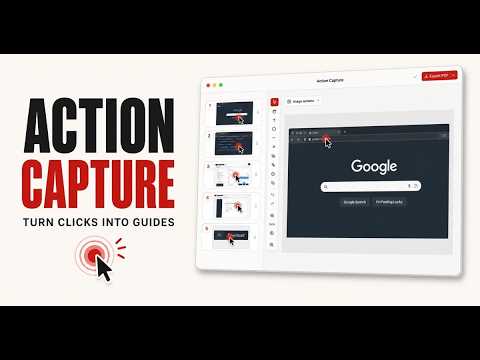
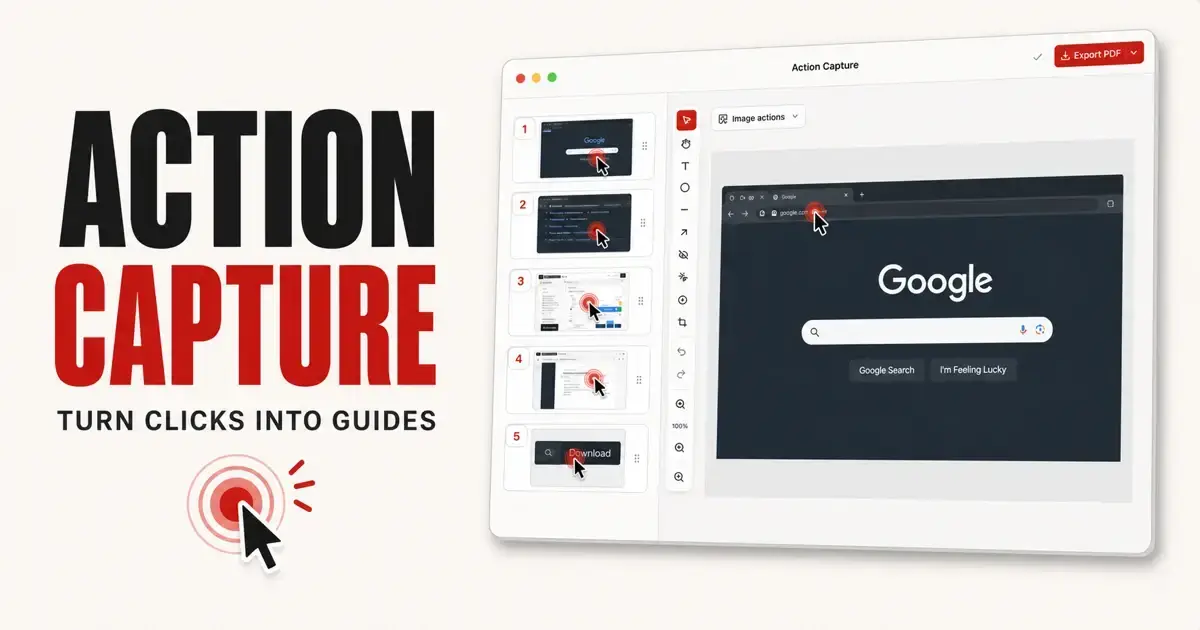
Shotomatic is a macOS app that turns repeatable screen workflows into organized visual documents.
Action Capture
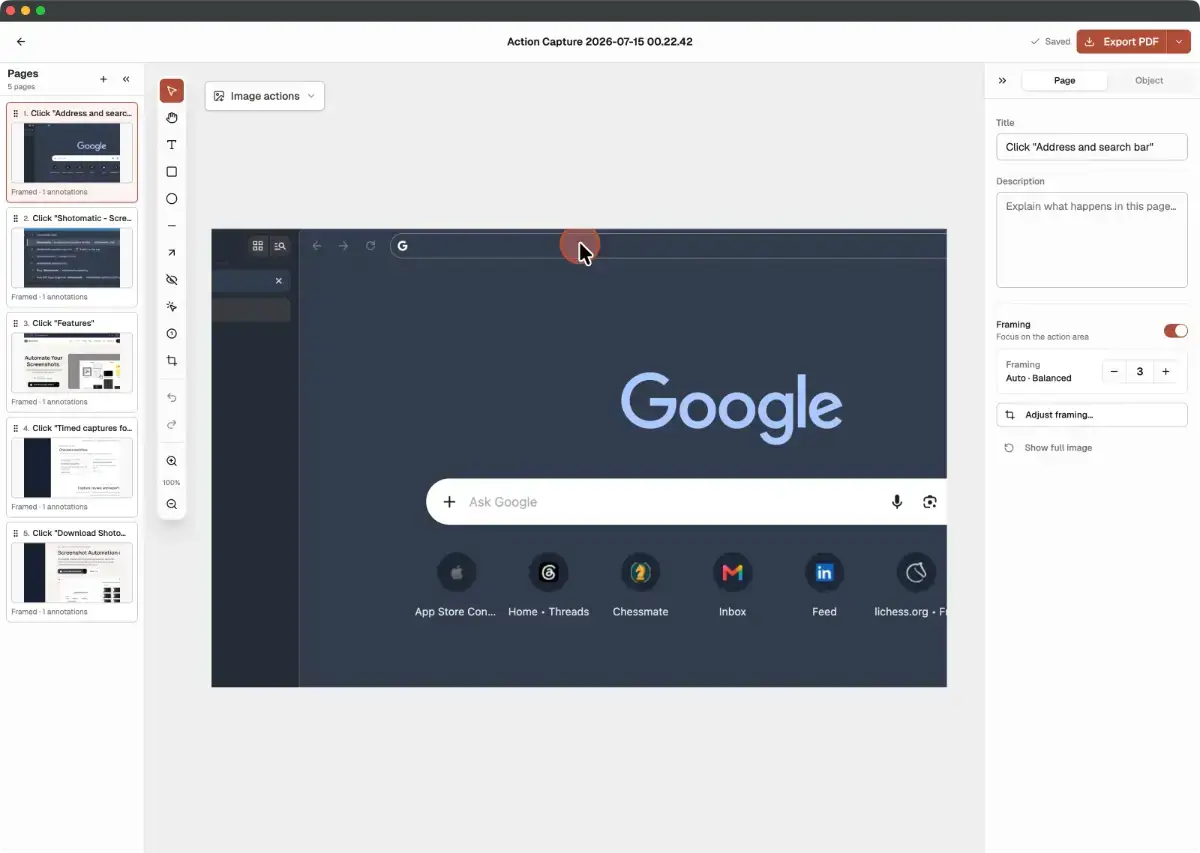
Choose Active Window, Full Screen, Specific Window, or Capture Area, then complete a task normally. Shotomatic saves the screen immediately before each accepted click, marks the action, and opens the sequence as an editable Document.
Build guides without stopping after every step
• Reorder Pages and adjust their framing
• Add titles, descriptions, and annotations
• Apply Blur, Click Markers, and Step Numbers
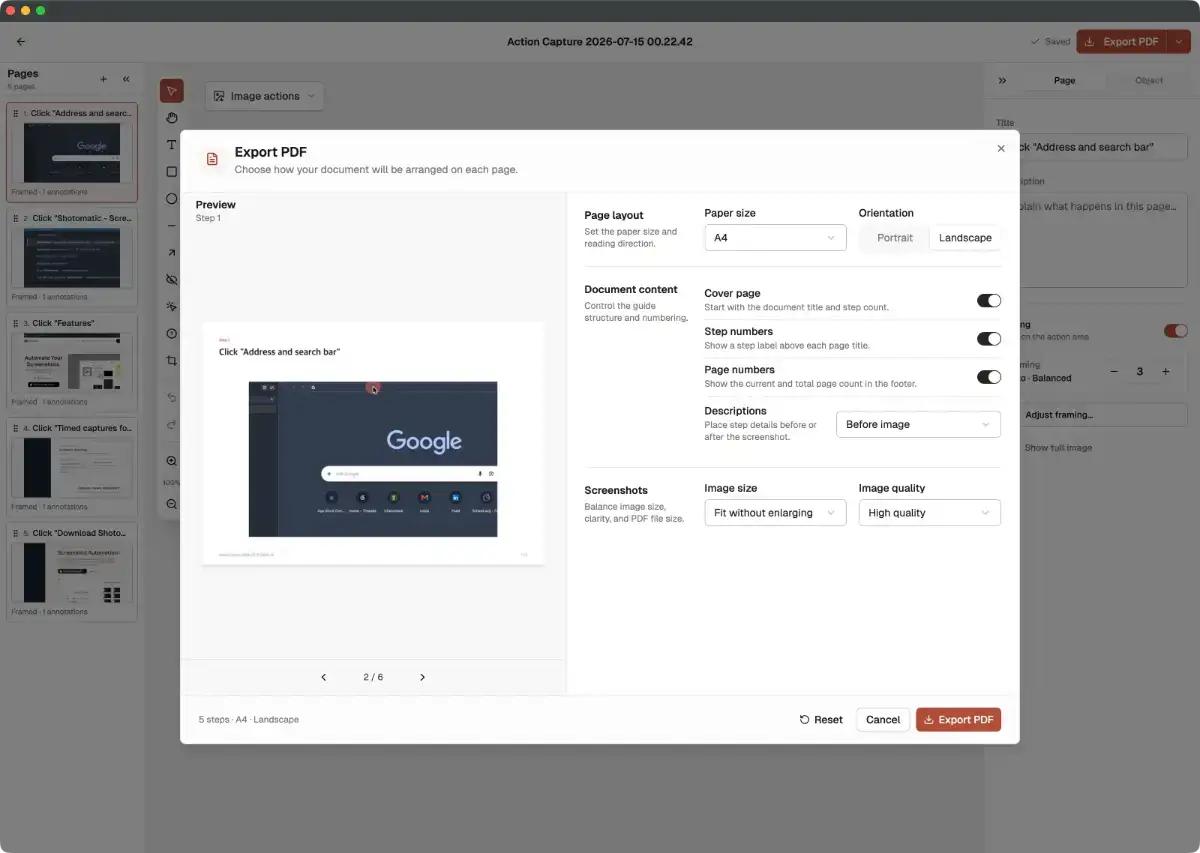
• Export the finished guide as PDF, PNG, JPG, WebP, or ZIP
Made for real workflows
Action Capture is useful for SOPs, onboarding guides, support walkthroughs, tutorials, QA evidence, and any process that is easier to explain visually.
Shotomatic also includes scheduled, interval-based, and scripted screenshot capture for workflows that need repeatable automation.
Free and Pro
The Free plan supports up to five saved Action Capture steps per session and unlimited Documents. Free Document exports include Made with Shotomatic branding.
Shotomatic Pro removes the step limit and watermark, and adds Blur, additional Click Markers, Step Numbers, and advanced PDF customization.
Your screenshots and Documents are stored locally on your Mac. Shotomatic supports macOS 12.3 or later and requires Screen Recording and Accessibility permissions.