

ShiftPlus is a native macOS menu-bar app that switches your entire workspace context — browser profile, apps, windows, virtual desktops, terminal env vars, quick links — with a single hotkey.
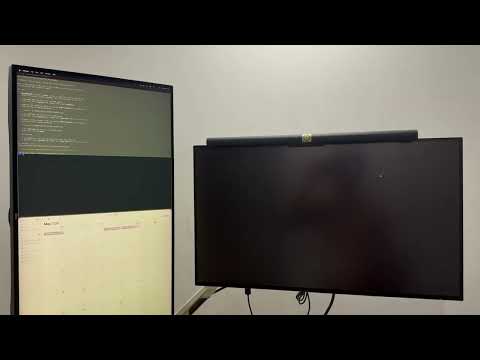
Assign a hotkey to each workspace (say ⌘9 for "Client A", ⌘0 for "Side project") and press it. ShiftPlus closes irrelevant apps, launches the right browser with the right profile, opens your project URLs, places every window in its saved position across multiple monitors, routes apps to the correct Spaces, and even sets your AWS_PROFILE for the terminal. ~2 seconds end-to-end.
Why ShiftPlus is different
- 10 browsers, one app — Safari, Arc, Chrome, Brave, Edge, Vivaldi, Opera, Firefox, DuckDuckGo, Orion. Auto-detects existing profiles.
- Per-workspace terminal env vars — including a real AWS Profile dropdown that reads ~/.aws/config. No other workspace switcher does this.
- Full window restore — 11 named arrangements (halves, corners, fullscreen) plus saved position/size per app, per monitor.
- Virtual Spaces aware — capture which app lives on which Space, restore it across displays. Works around the macOS 15+ compositor bug.
- iCloud sync (new in 1.3) — your workspaces follow you to every Mac. Split-file model keeps device-specific stuff local, syncs the portable layer.
- Native, unsandboxed, no Electron — fast, low memory, feels like a real Mac app.
Built for
Developers juggling multiple AWS profiles and clients. Agencies running per-client browser logins. Designers and traders with strict multi-monitor layouts. Anyone running 8+ apps daily who's tired of context-switching tax.
Pricing
- Pro (1 device) — $24 lifetime
- Pro (2 devices) — $39 lifetime
- 14-day free trial, all features unlocked, no card required
- No subscription. Ever.
Download for macOS → https://shiftplus.app
Requires macOS 14.6+. Not on the Mac App Store (uses private window-management APIs that App Store doesn't allow).