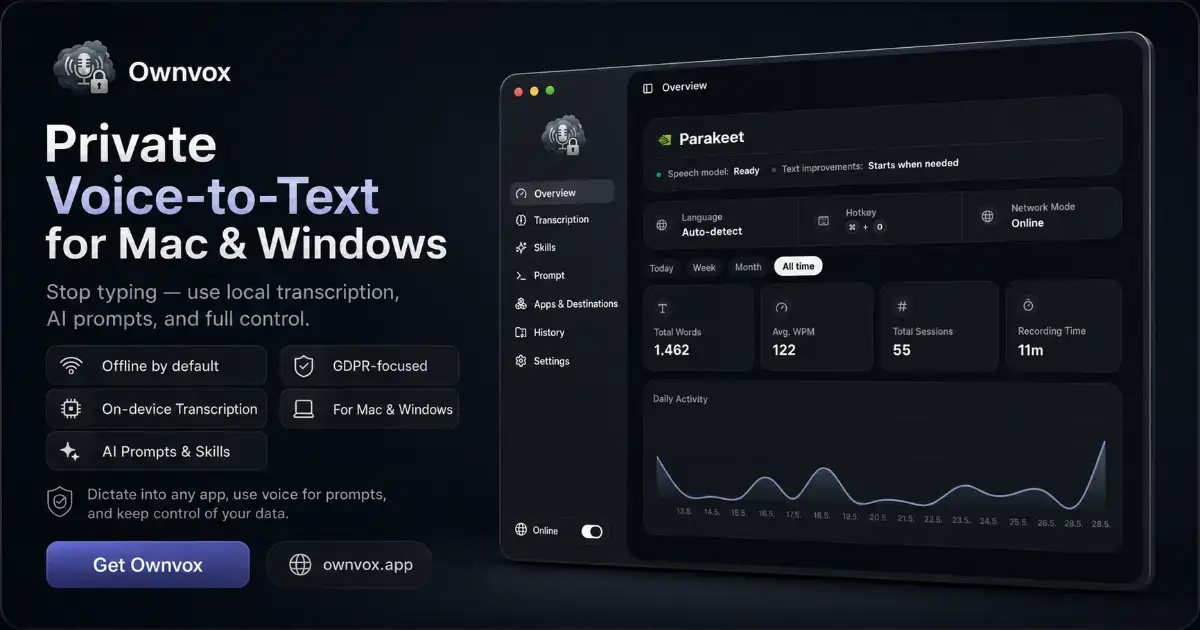
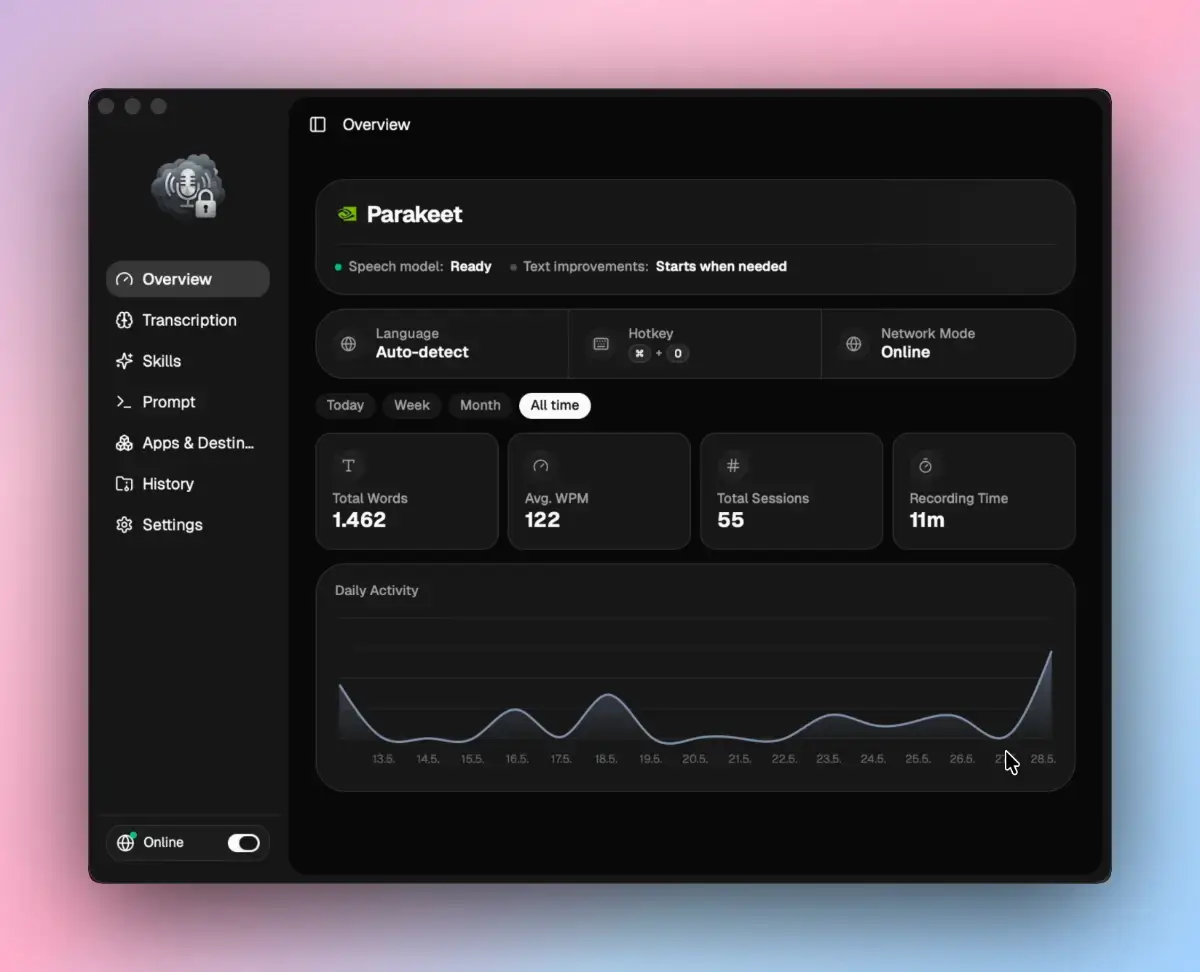
Ownvox is private voice-to-text and an AI voice layer for Mac and Windows. Press a shortcut and work by voice right at your cursor in any app: ChatGPT, Mail, Slack, Notion, your code editor, any text field. No separate window, no copy and paste.
Three things in one tool:
1. Dictation. Speak and the text appears at your cursor. Transcription runs locally on your device with OpenAI's Whisper models, so by default your voice never leaves your machine. You can optionally switch to cloud transcription that runs exclusively through European subprocessors and is fully GDPR compliant.
2. Voice prompts. Talk to AI from any app. Press the hotkey, say what you need, and the answer lands right in your text flow. Highlight text first and it is passed along as context automatically.
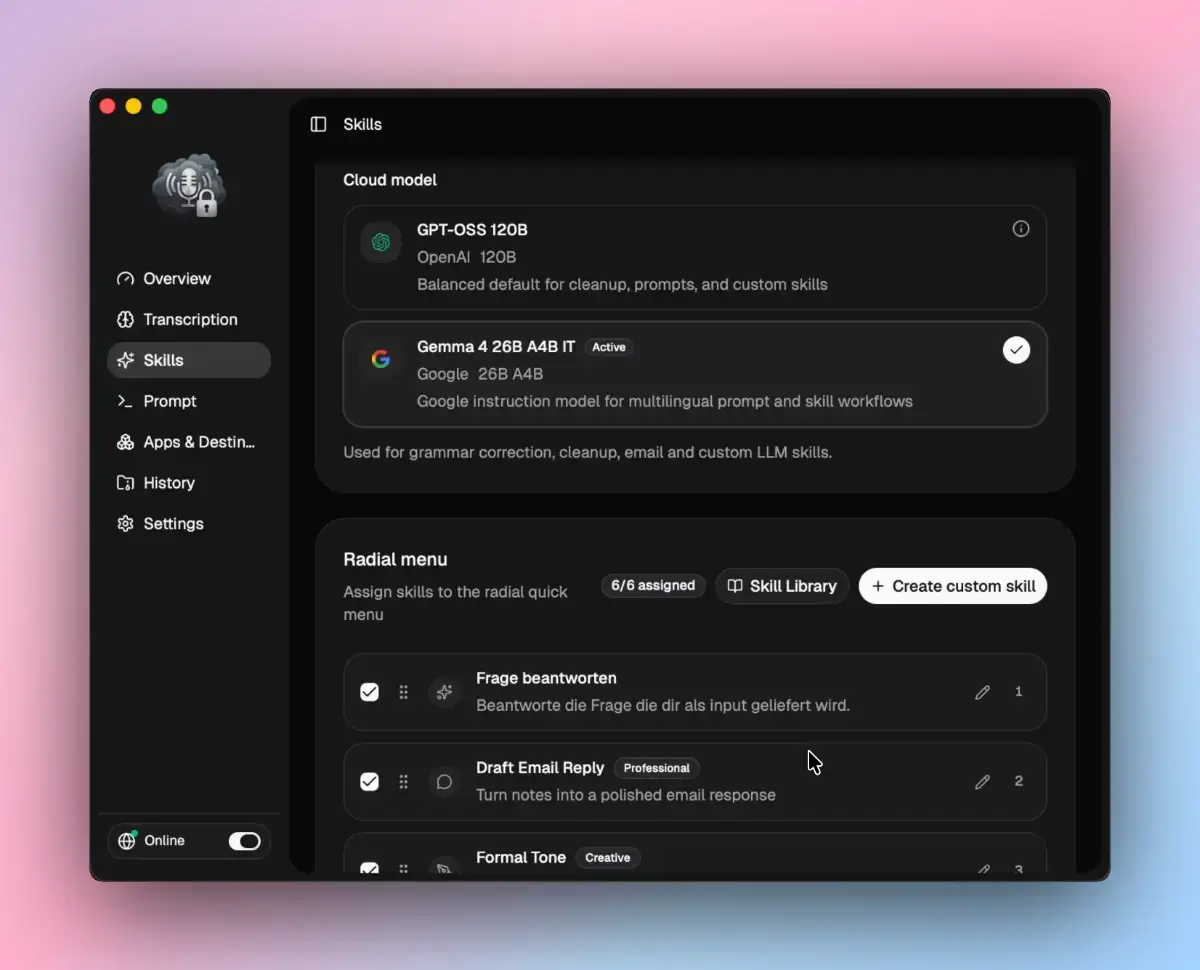
3. AI Skills. Select text, press the hotkey, and pick a skill from a radial menu: cleanups, summaries, formatting, translation, or your own prompt chains. The output replaces your selection in place, no tool switching. Build your own skills from templates and organize them with drag and drop.
Why Ownvox
- System-wide, right at the cursor, no copy and paste
- Local on-device transcription with Whisper, optional EU cloud
- Native Apple Silicon and Windows builds, GPU and NPU accelerated
- Push-to-talk and toggle, several dozen languages, custom vocabulary
- Privacy-first and GDPR compliant, your voice stays yours
Who it's for
Anyone who speaks faster than they type: people prompting AI all day, writers, knowledge workers, developers, and anyone with RSI or confidentiality obligations.