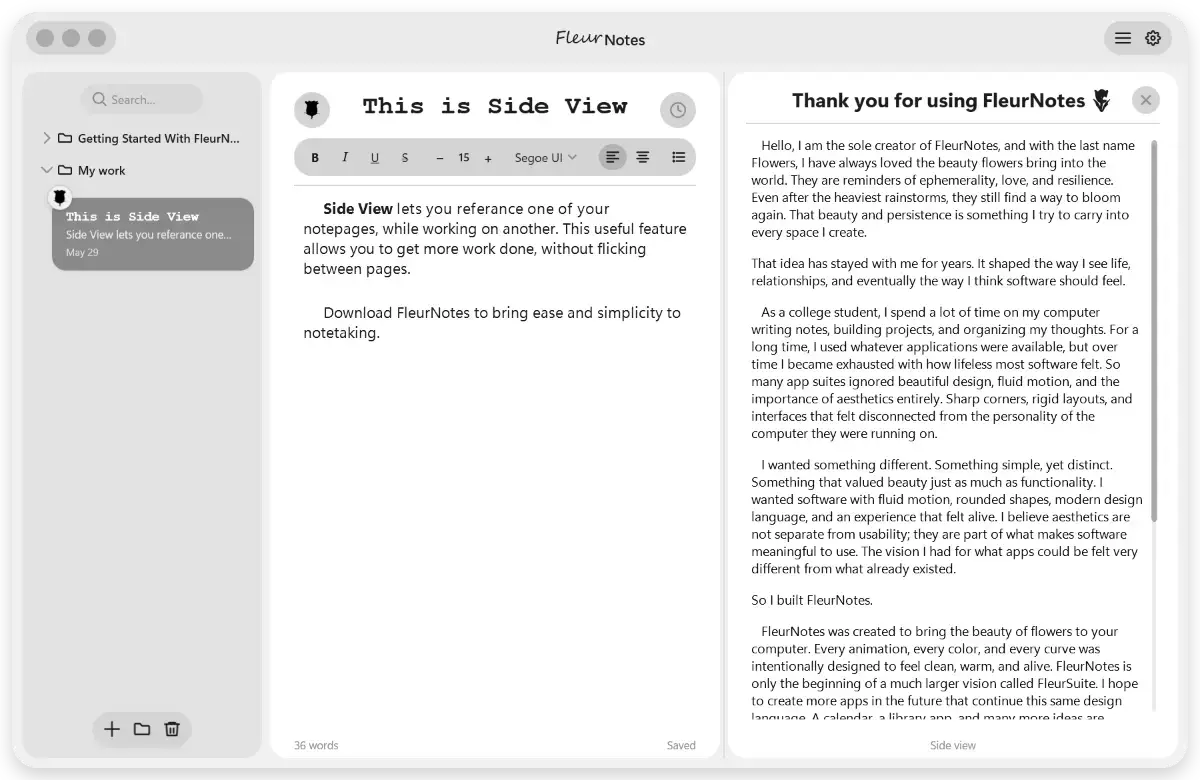
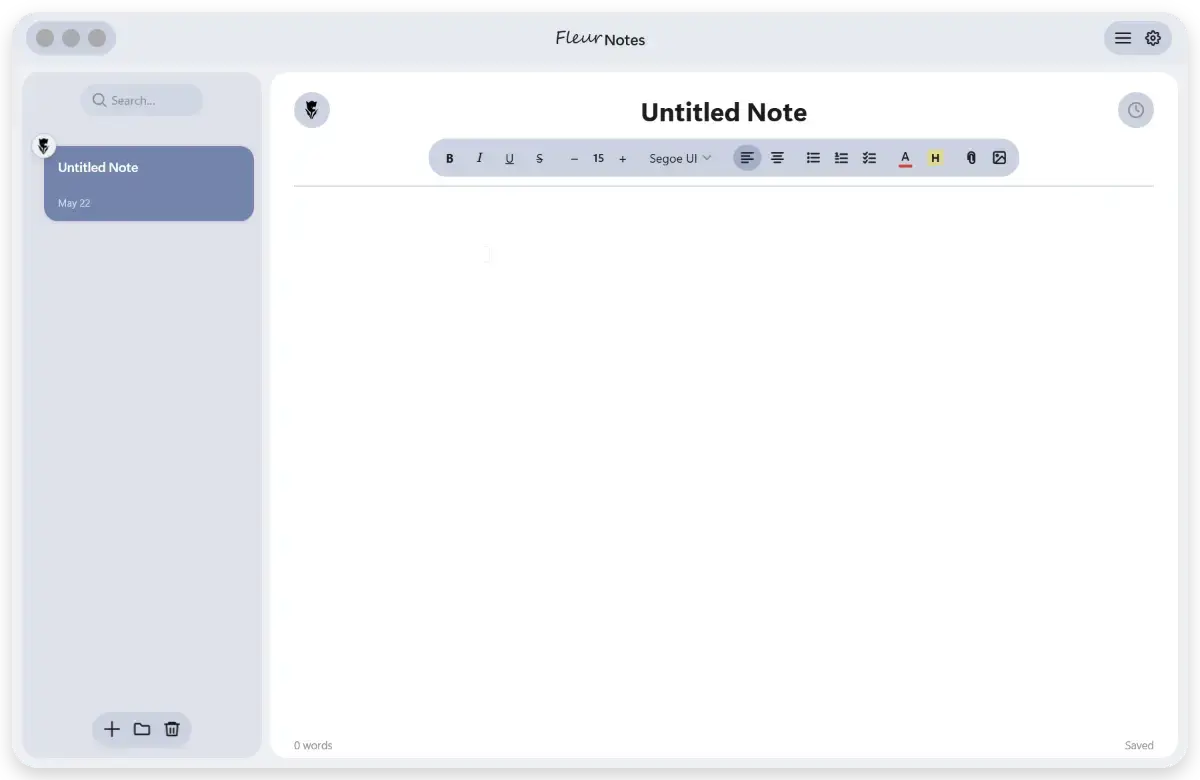
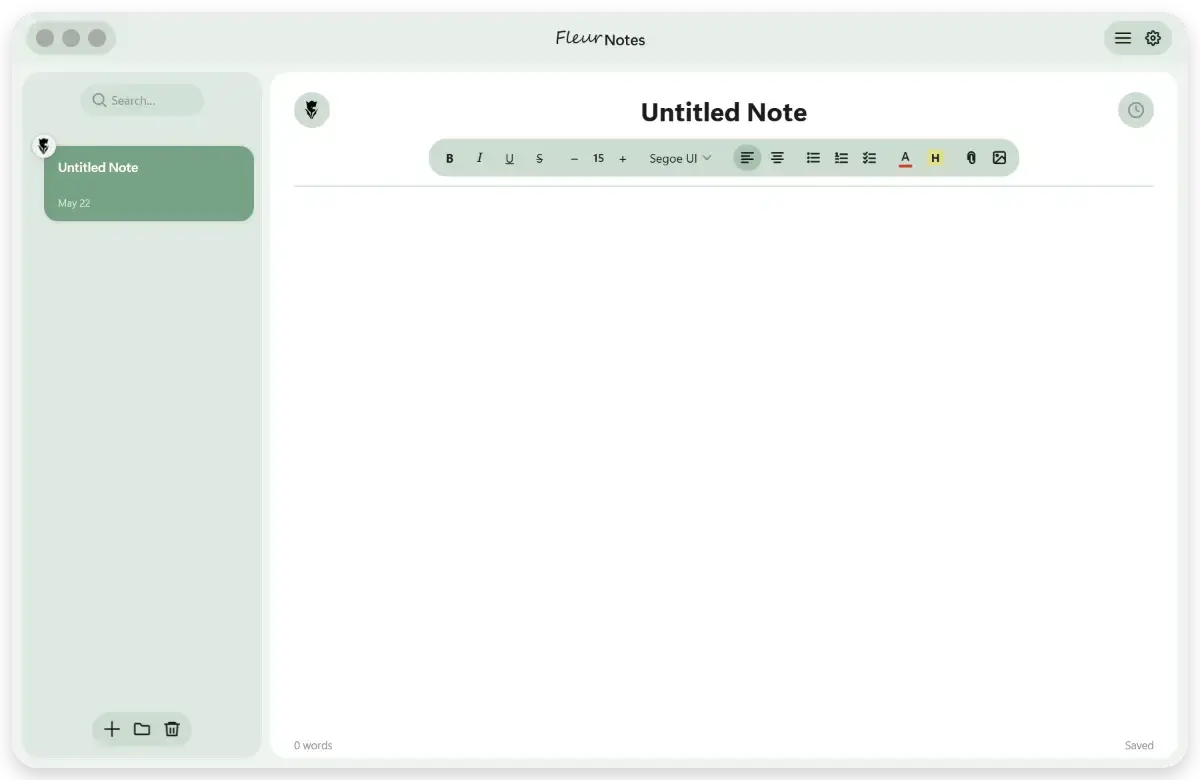
FleurNotes is a fully on-device note-taking app, specifically made to rival all major note-taking apps in aesthetics, privacy, and functionality.
The '/' Menu - While typing, write a / to summon a popup that allows you to change text styling, insert images, or link notes together.
Folders - Organize your notes into folders. Right-click or use the + button in the sidebar to create, rename, or delete folders.
Rich Text Editing - Bold, italic, underline, text color, highlight, font size, and font family are all available in the formatting toolbar above the editor.
Images and Attachments - Drag and drop images directly into a note, or attach files from the toolbar. Images can be rounded, shadowed, and repositioned inline.
Themes - Choose from Accent (follows your Windows accent color), Monochrome, or a fully custom color. Open Settings and go to Themes to switch.
Find and Replace - Press Ctrl+F to search within a note, or Ctrl+H to open find and replace.
Version History - FleurNotes saves snapshots of your notes every 30 seconds. Click the history icon in the toolbar to browse and restore any previous version. Flower
Emoji - Each note card shows a small flower emoji you can customize. Click it to change it to any flower in the collection.
Storage - All your notes live in a single data.json file, not as individual files. Go to Settings and then Storage to change where that file lives, export notes to PDF, or manage your data.