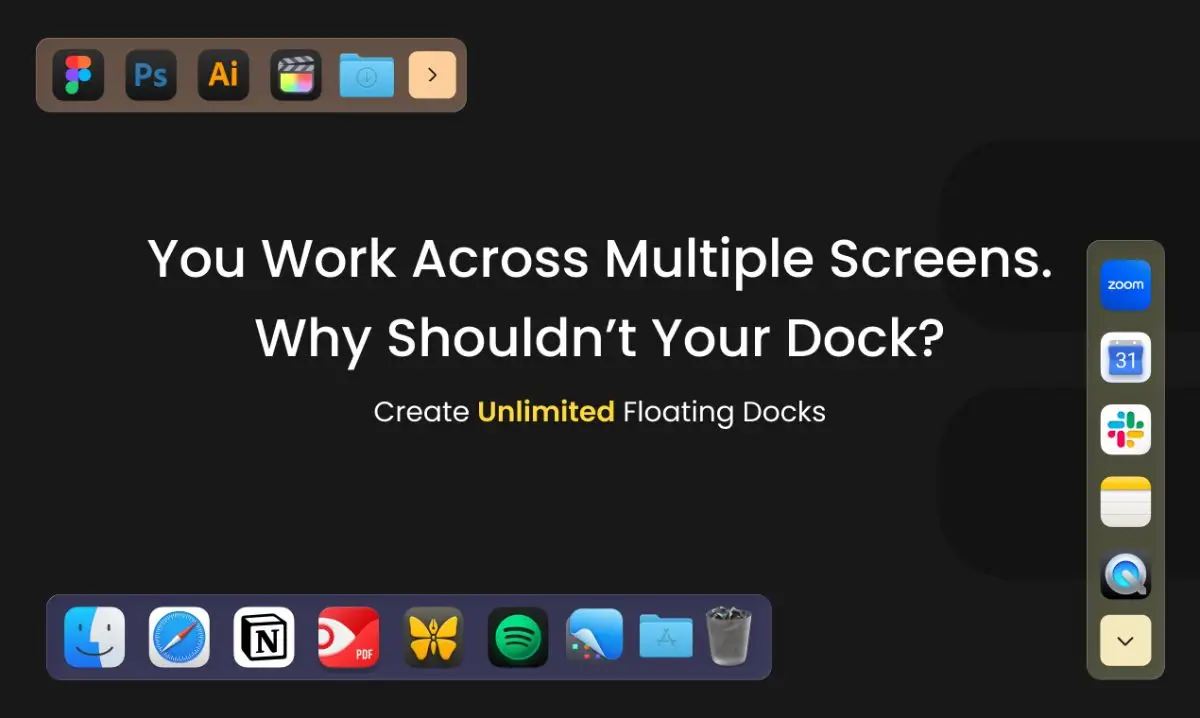
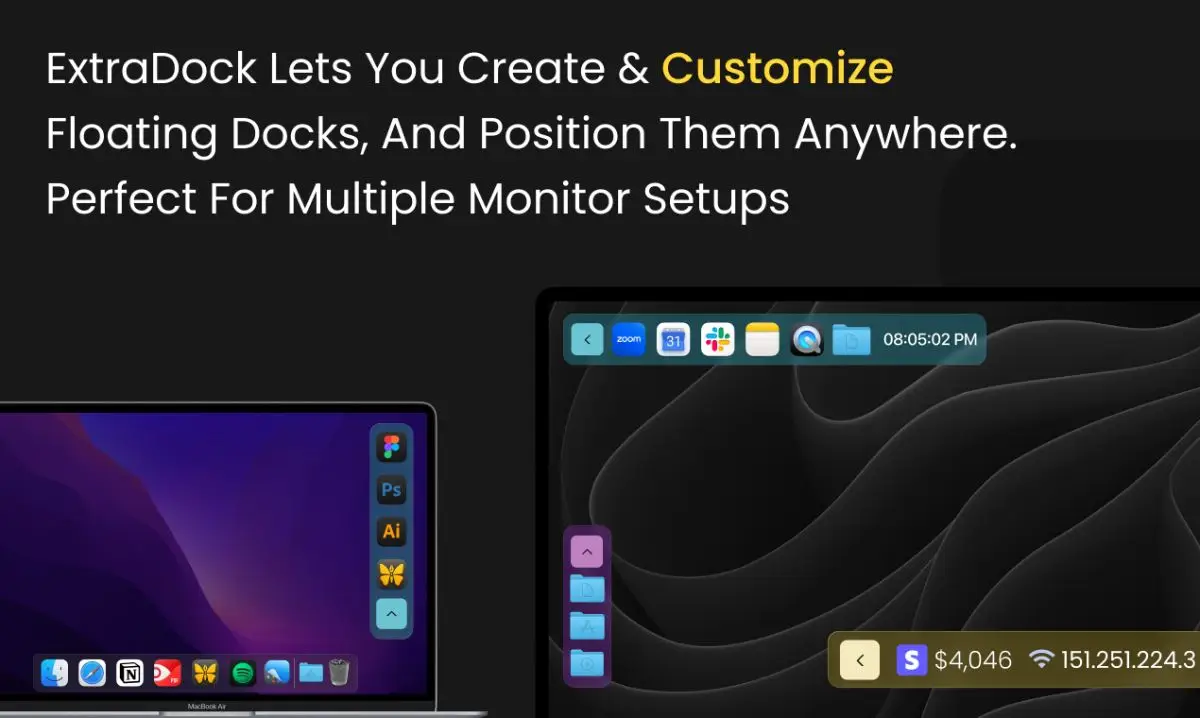
ExtraDock is a powerful macOS productivity app that lets you create unlimited custom floating docks and place them anywhere on your screen, transforming how you organize your workspace — especially on multi-monitor setups.
ExtraDock ends the chaos. Create a “development dock” on your center monitor with your code editor and terminal. Add a “design dock” on your side screen. Place a “communication dock” anywhere you need quick access to Slack and Mail. Each dock operates independently with its own apps, folders, widgets, colors, and behavior.
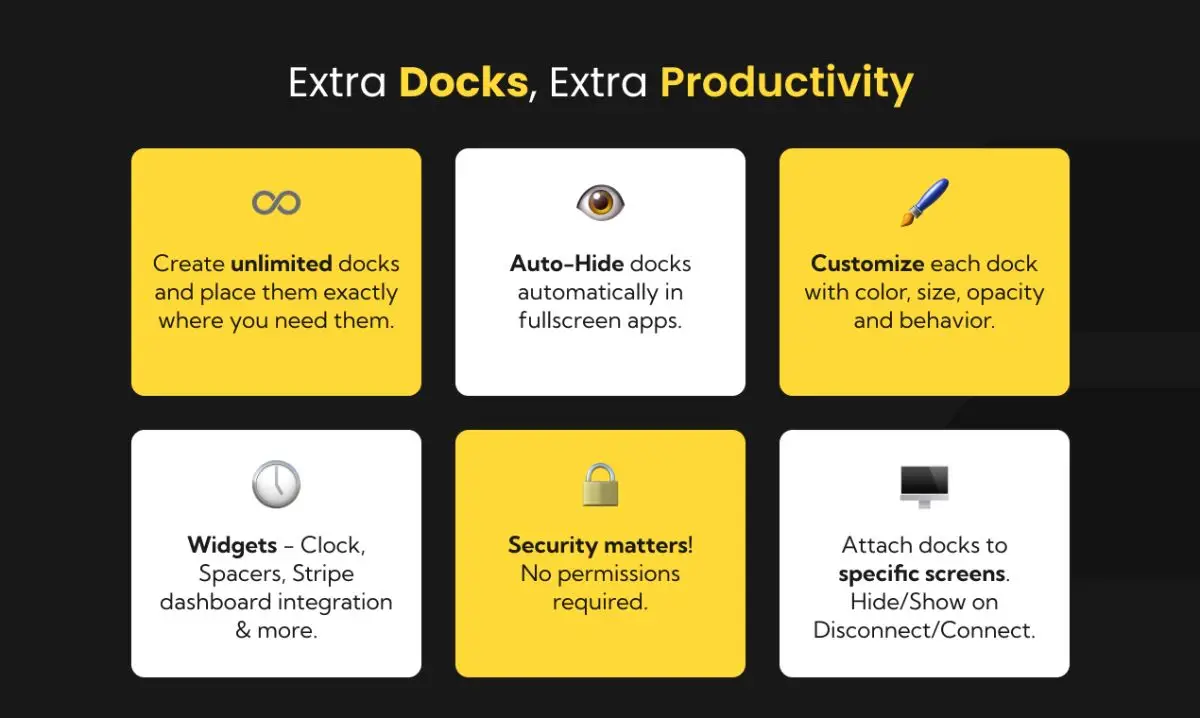
ExtraDock doesn’t replace your Dock — it complements it. Pin docks to specific monitors (they automatically hide when you disconnect and reappear when you reconnect). Auto-hide on fullscreen. Snap to screen edges or make them float anywhere. Customize colors for instant visual recognition. Add widgets like clock displays and spacers to keep everything tidy.
ExtraDock is built securely and native for macOS. It doesn’t require any permission on your operating system. Compatible with macOS 12+, including macOS 26 (Tahoe).