


DropToss makes it easy to transfer photos, videos, audio files, and documents from an iPhone, iPad, or Android device to a Windows PC.
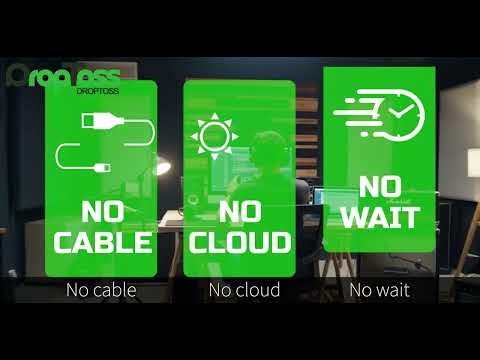
Simply scan the QR code displayed on your computer and select the files in your phone’s browser. No mobile app installation, account registration, or USB cable is required.
Key features include:
QR-based phone-to-Windows file transfer
No phone app or user account required
Transfer multiple files at once
Direct local transfer when both devices are on the same network
Temporary cloud relay when a direct connection is unavailable
Automatic HEIC-to-JPEG conversion
Automatic MOV-to-MP4 conversion
Automatic M4A-to-MP3 conversion
One-time purchase with no recurring subscription
7-day free trial through the Microsoft Store
DropToss is ideal for photographers, content creators, small businesses, event staff, educators, and anyone who regularly moves files between mobile devices and Windows PCs.