Brightness control made simple.
A screen that is too bright. Monitor buttons that are awkward to reach. Different brightness levels across your desk.
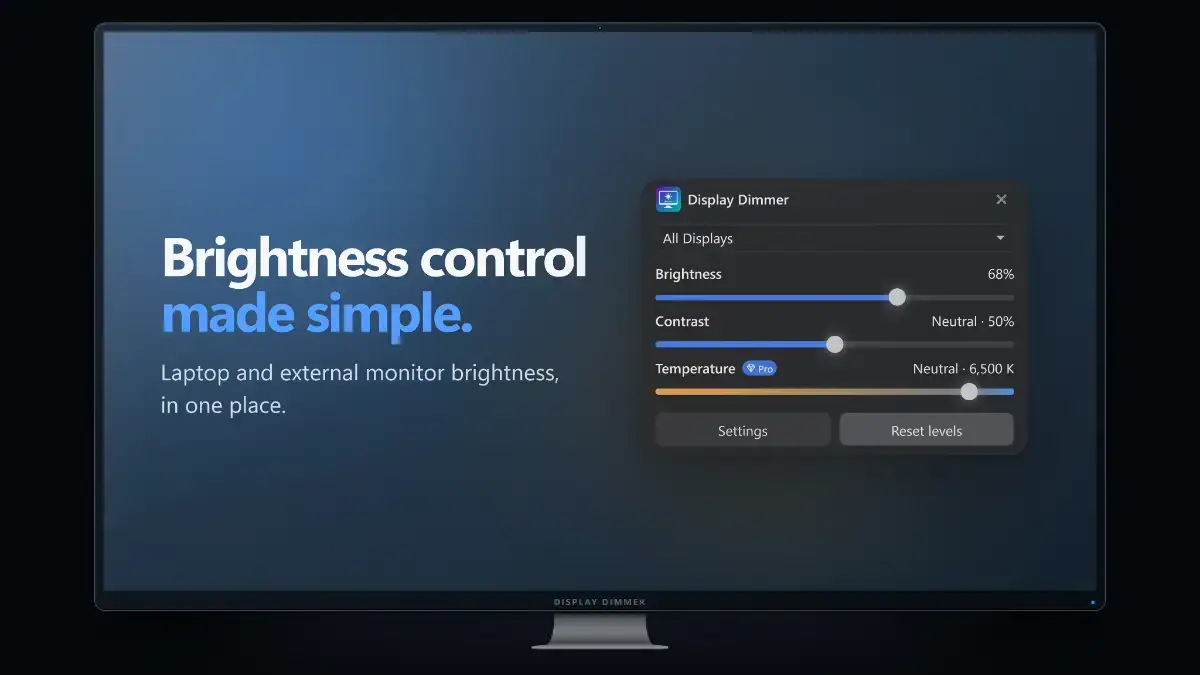
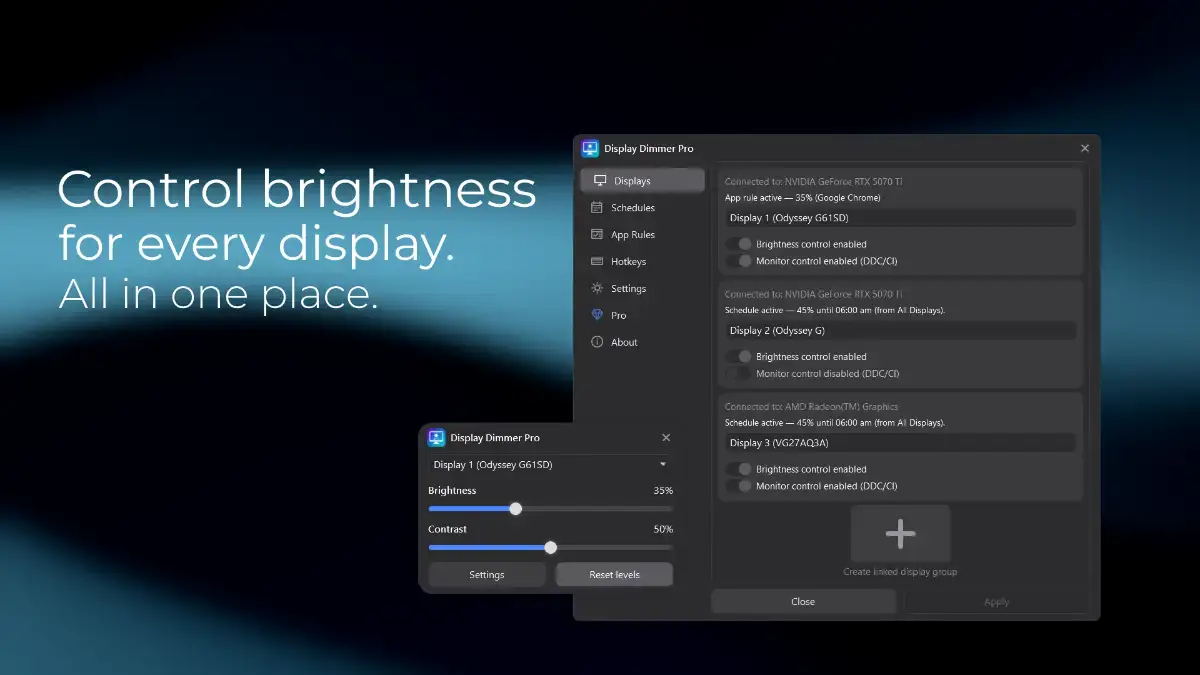
Display Dimmer brings laptop and external monitor brightness control into one Windows app. Adjust brightness and contrast for each display individually, or change your whole setup together.
80,000+ Windows installs · Windows 10 and 11 · Free with optional Pro upgrade
More than a monitor brightness slider
Use DDC/CI hardware control to change your monitor’s own brightness when your display and connection support it. When hardware control is unavailable, software dimming offers another way to darken your screen.
You can use hardware control on one display and software dimming on another. Software dimming can also make the image darker when a screen is already at its lowest hardware brightness setting.
Let your screens follow your day
Schedules: Set brightness around your routine, from daytime work to late-night browsing.
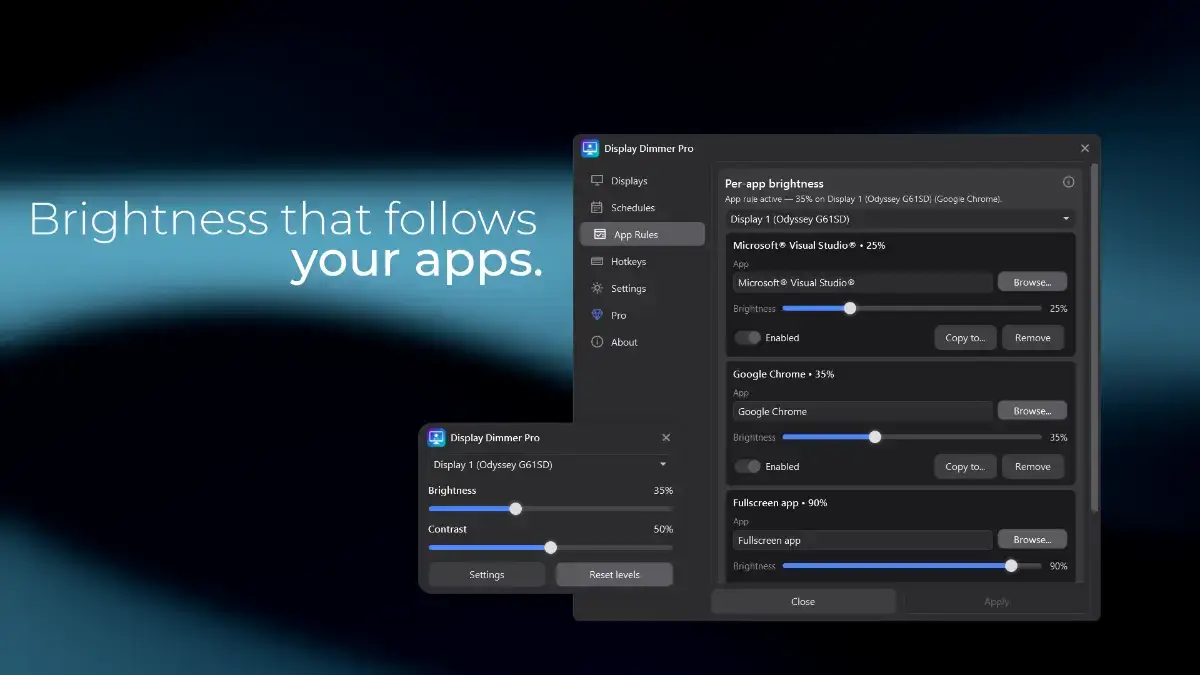
App rules: Apply your preferred brightness when selected apps are active, including rules for fullscreen content.
Hotkeys: Adjust brightness from your keyboard without opening monitor menus.
Warmer colors, screen by screen
With Display Dimmer Pro, choose warmer screen colors for one display or your entire setup. Adjust color temperature separately from brightness, schedule warmer evenings, or use app rules to return to neutral colors for specific tasks.
Try temperature control free for 30 minutes each day, with unlimited use available through Pro.
Make it part of your workflow
Pro’s command-line interface and local automation let you control brightness, contrast, and color temperature from your own scripts and shortcuts. Build workflows using PowerShell, AutoHotkey, Windows Task Scheduler, or Stream Deck buttons that run display commands.
Start free. Upgrade once for more.
Free includes individual and combined display brightness and contrast control, plus one schedule, one app rule, and two hotkeys that control all displays together.
Pro adds unlimited schedules, app rules, hotkeys, and color-temperature control, along with per-display automation, linked display groups, local automation, and additional themes.
One-time Pro purchase. No subscription.
Download Display Dimmer free from the Microsoft Store and find the settings that suit your screens.