
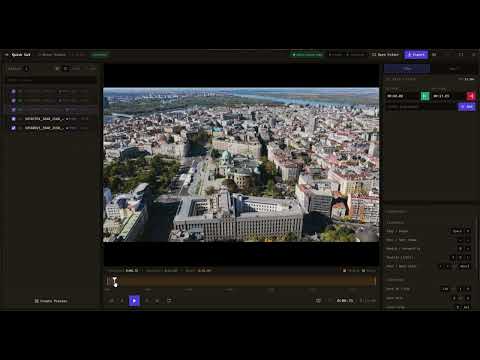
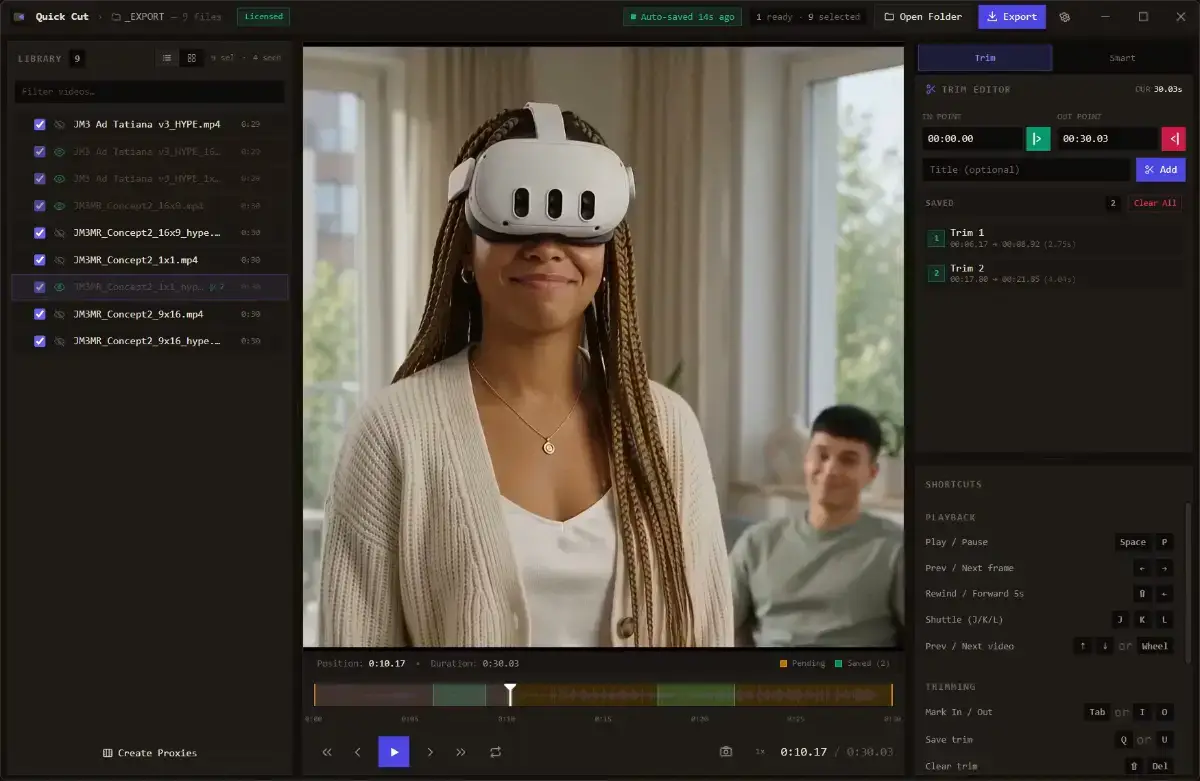
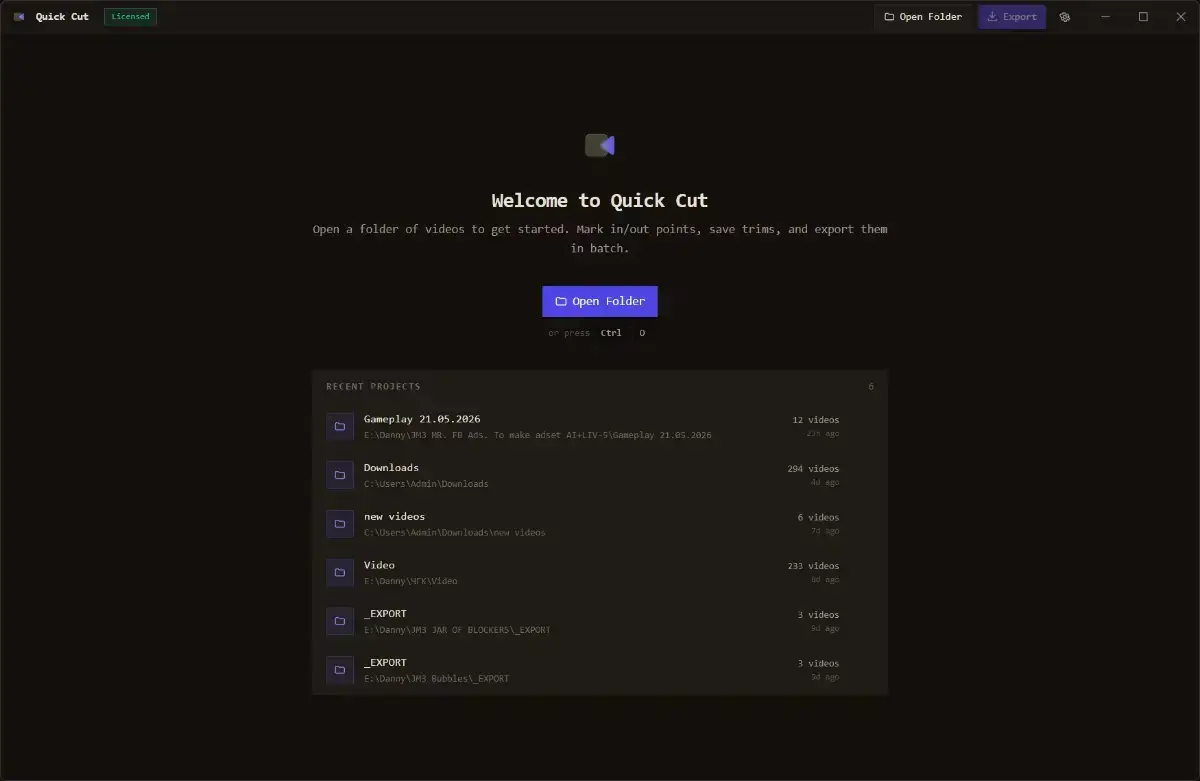
VQC - Video Quick Cut is a lightweight desktop app for batch video trimming.
It is built for the first pass of editing: turning folders of raw footage into clean, usable clips before opening a full video editor.
With VQC, you can drop in a folder of videos, review files quickly, mark In/Out points with keyboard shortcuts, save multiple clips from the same source video, and export everything through FFmpeg.
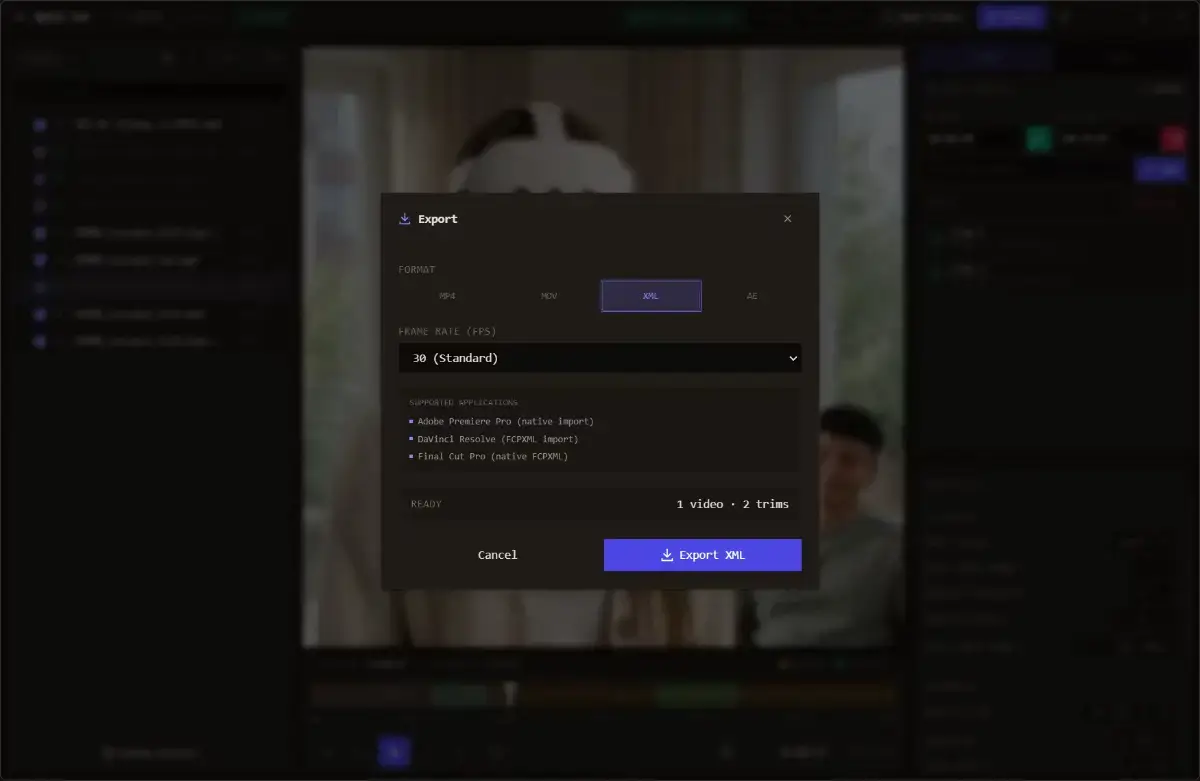
You can also export a Premiere-compatible XML timeline, making it easier to move selected clips into a professional editing workflow.
VQC is not trying to replace Premiere, DaVinci Resolve, Final Cut Pro, or CapCut. Instead, it helps with the repetitive selection and trimming stage that happens before the actual creative edit.
Core features:
- Batch video trimming from folders
- Keyboard shortcuts for fast In/Out marking
- Multiple clips per source video
- FFmpeg-based export
- Premiere-compatible XML timeline export
- Lightweight desktop workflow
- One-time payment, no subscription
- Free trial available
Best for:
- Video editors
- YouTubers
- Content creators
- Researchers
- Marketers
- Teams working with lots of raw footage