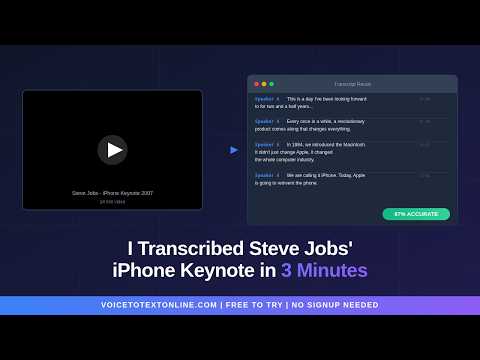
VoiceToTextOnline turns your voice and audio files into clean, readable text — directly in your browser, no signup required.
Start speaking and your words appear instantly via live voice typing. Or upload an audio file and get a full transcript in seconds. It works both ways.
How it works:
- Open the tool and start speaking — live transcription begins immediately
- Or upload an audio/video file (MP4, MP3, WAV, and more)
- Get a complete transcript with timestamps
- Download as TXT, DOCX, or SRT — or upgrade for longer files
Use cases:
- Transcribe lectures and study notes
- Convert interviews and meetings into text
- Turn podcast episodes into written content
- Generate subtitles and caption files
- Convert voice notes into readable text
- Text-to-speech — paste any text and get a natural AI voice
Why VoiceToTextOnline:
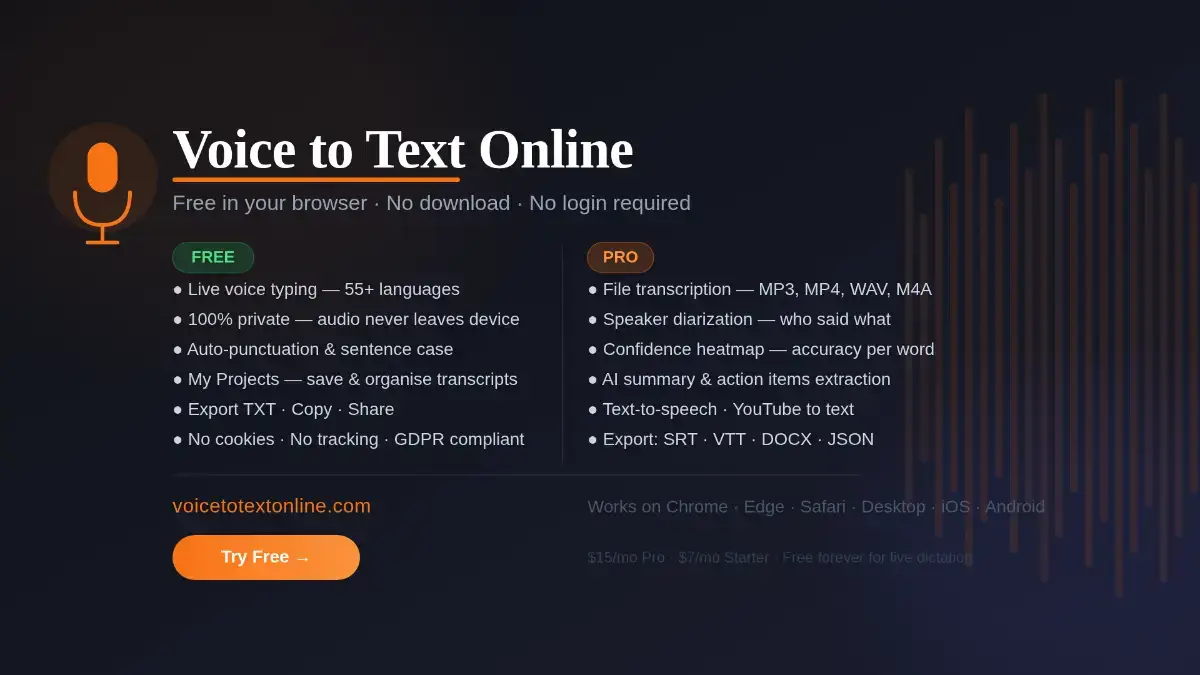
- No signup or login to use the free voice typing - free tier is fully functional, not a teaser
- 55+ languages supported
- Speaker diarization - see who said what
- Fast processing with AI-powered accuracy
- Works entirely in your browser
Free tier gives you up to 5 minutes of file transcription plus unlimited live voice typing. Paid plans unlock longer files, batch uploads, and more.
I built this because I kept losing time manually transcribing recordings and couldn't find a tool that just worked without friction. Would love your feedback — especially on accuracy, speed, and usability.