Smart Home Cinema is a Windows voice-control product family for people who watch their own movies through VLC, PotPlayer, or Jellyfin and want practical hands-free control without reaching for a keyboard, mouse, or remote.
It is available through two packages:
• VLC / PotPlayer Package — controls movies playing locally on a Windows PC through either Local Voice or Alexa / Google Assistant.
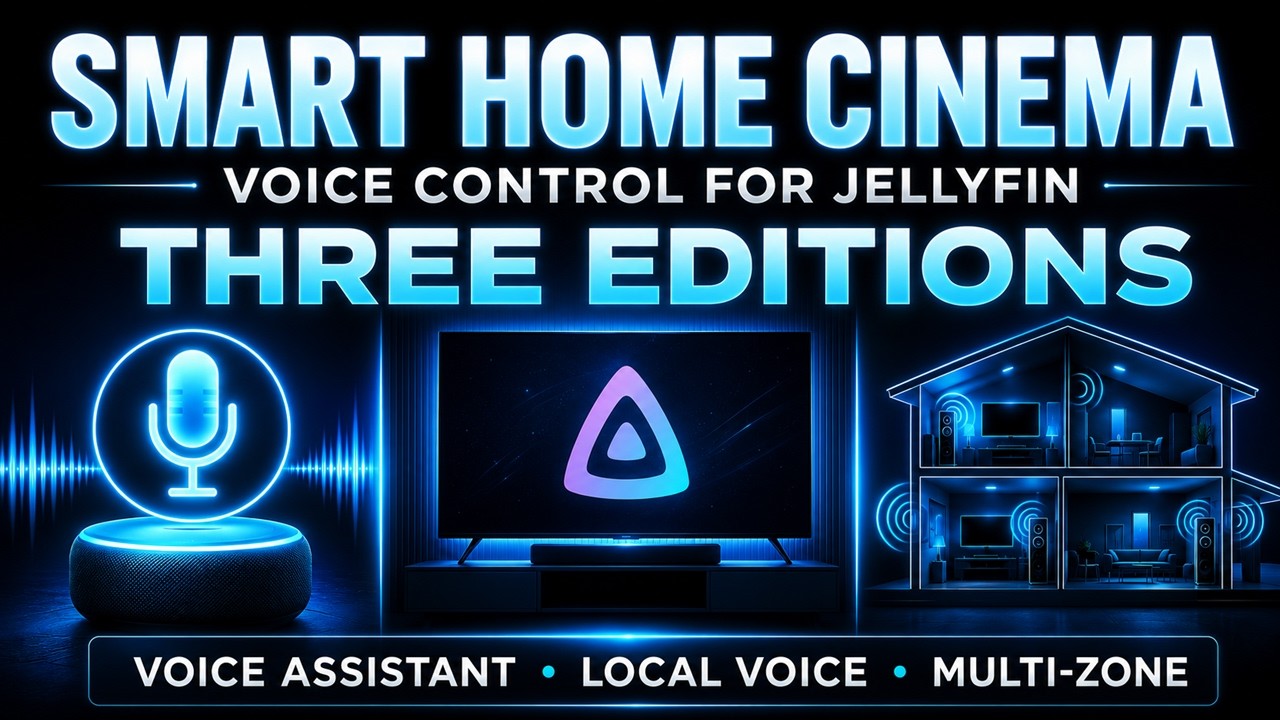
• Jellyfin Package — controls supported Jellyfin TV clients through Local Voice, Voice Assistant, or Multi-Zone.
Local Voice editions use a microphone connected to the Windows PC and local speech recognition, without Alexa, Google Assistant, or TRIGGERcmd for normal playback control.
Voice Assistant editions use Alexa or Google Assistant through TRIGGERcmd. In the standard Jellyfin editions, up to four TVs or devices can be configured, with one selected target controlled at a time.
Jellyfin Multi-Zone controls up to four independent viewing zones. Each zone can use its own Jellyfin user, TV or device, and Movie List playlist.
Depending on the package and client capabilities, voice commands can start movies, pause or resume playback, seek forward or backward, move between items, show progress, open Movie Lists and Command Centers, and control supported navigation functions. The VLC / PotPlayer Package also includes subtitle download, synchronization, and cleanup workflows for local movie folders.
Smart Home Cinema does not provide, host, or stream movies. It works with the user’s own media, existing playback software, and personal Jellyfin environment.
A fully functional 14-day free trial is available. Smart Home Cinema uses a one-time purchase model, and one license covers the product family on the licensed Windows PC.