
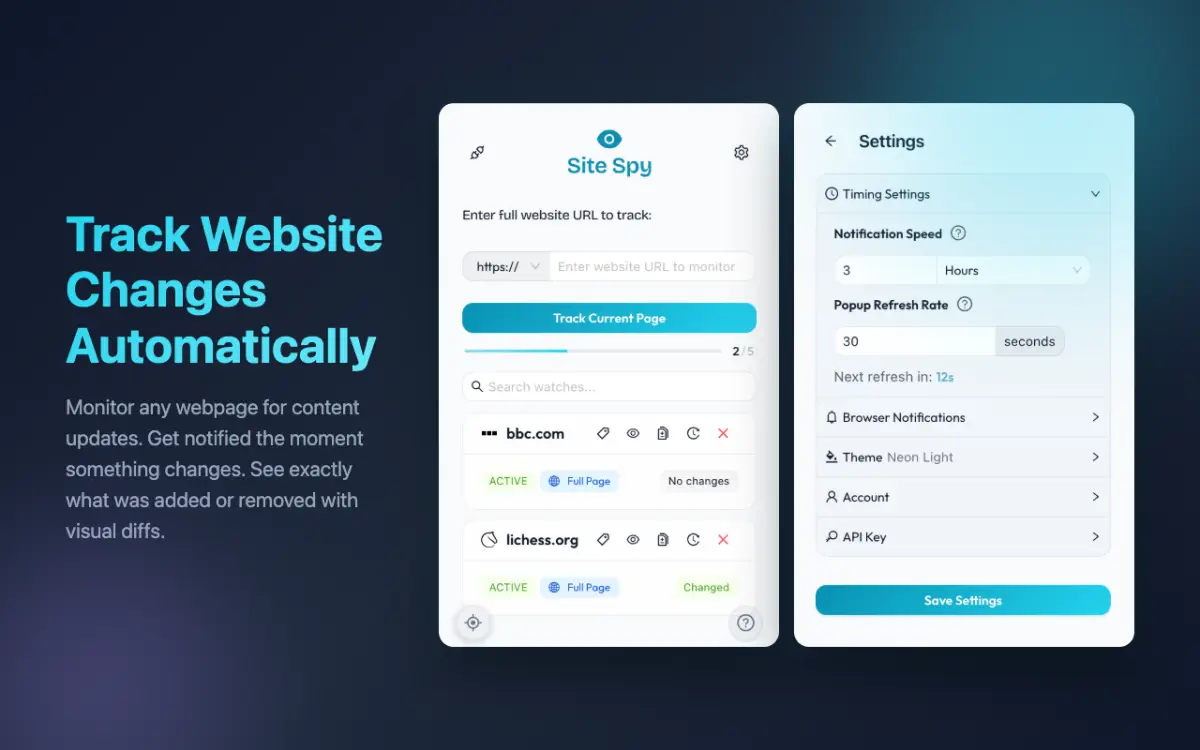
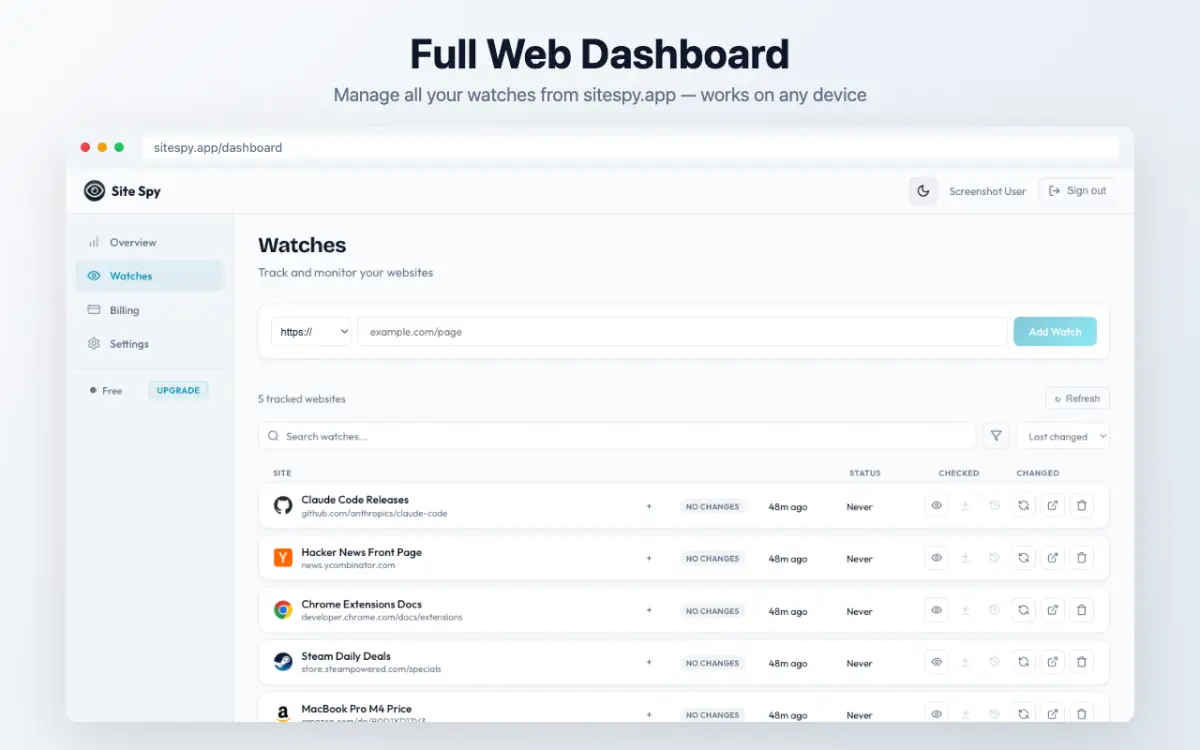
Site Spy monitors websites for changes and shows you exactly what's different.
How it works:
1. Add any URL from the dashboard or use the browser extension to click on a specific element (a price, headline, stock status)
2. Site Spy checks on your schedule — from every minute to weekly
3. When something changes, you get an instant notification (browser push, email, or Telegram)
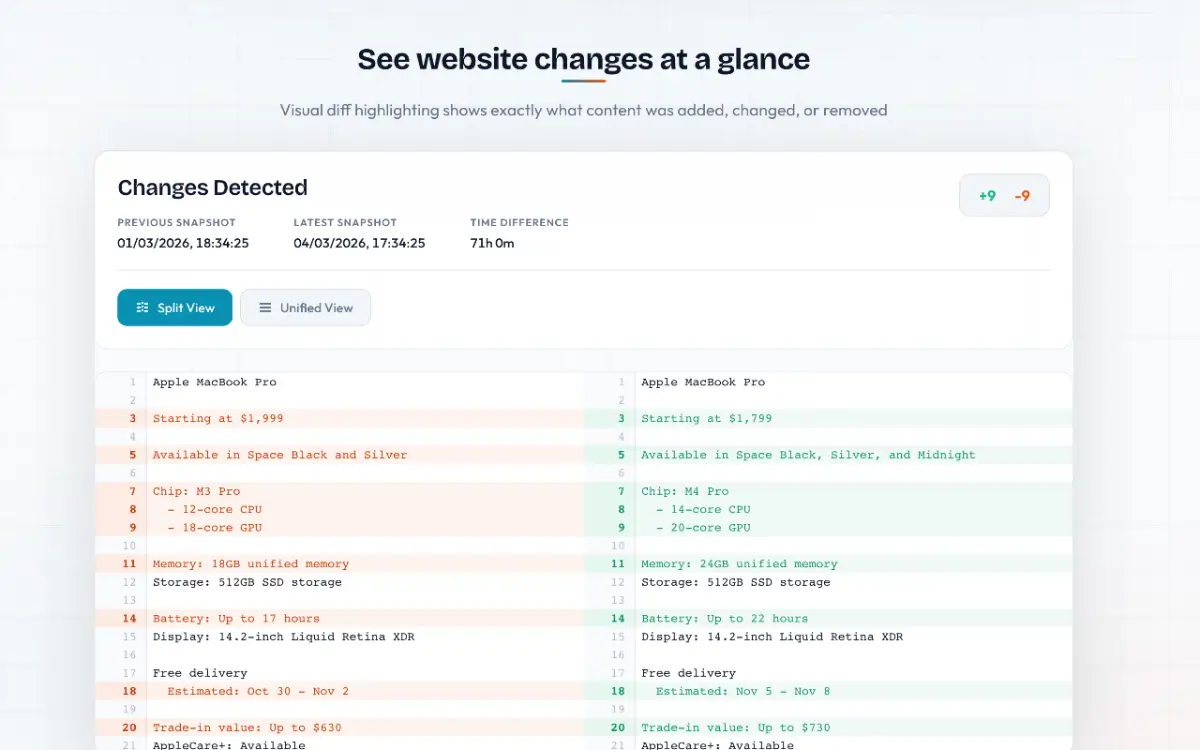
4. Open the visual diff view to see exactly what was added or removed
Key features:
- Element Inspector: Click on any part of a page to track just that section instead of the whole page
- Visual Diff Viewer: Side-by-side and unified diff views with color-coded changes
- Snapshot Timeline: Browse every captured version and compare any two snapshots
- Color-Coded Tags: Organize tracked websites with color labels
- Multi-Browser: Chrome extension, Firefox add-on, and web dashboard
- AI Integration: MCP server lets AI assistants create watches, check changes, and summarize diffs