
Turn anything you read into something you can listen to
Readox is a Chrome extension that reads web pages, PDFs, selected text, and saved reading aloud with clean, natural playback. It’s built for people who want to keep up with long articles, research, documentation, notes, or PDFs without being stuck staring at the screen the whole time.
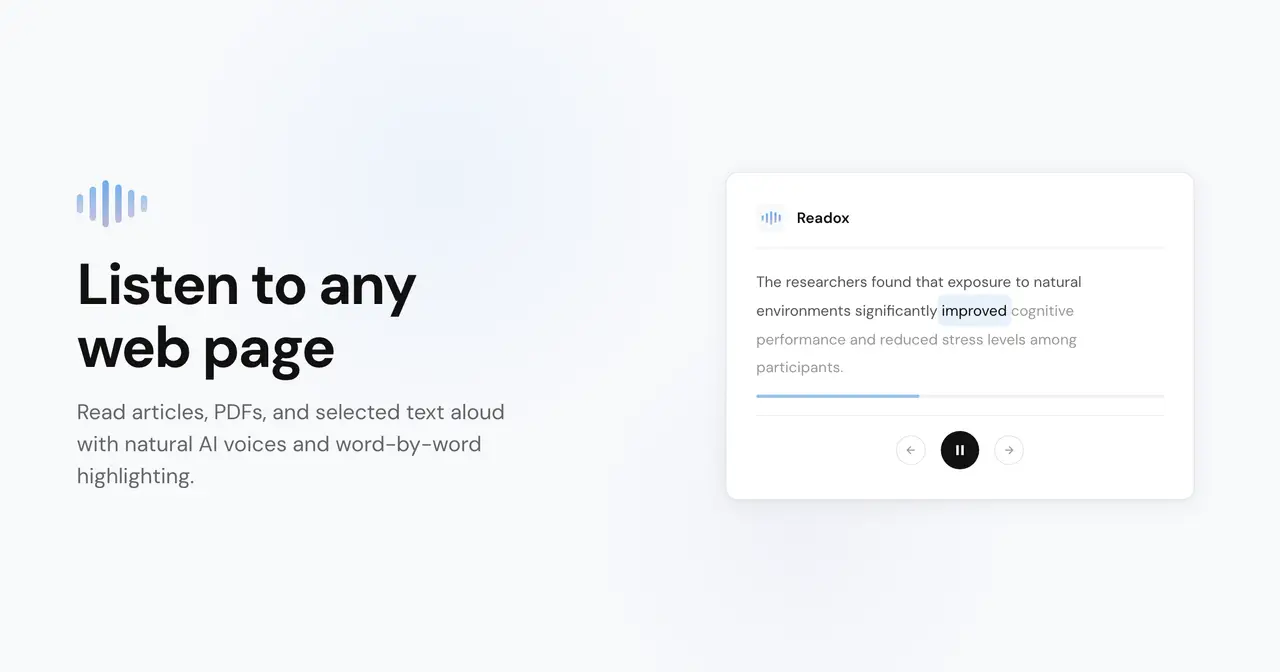
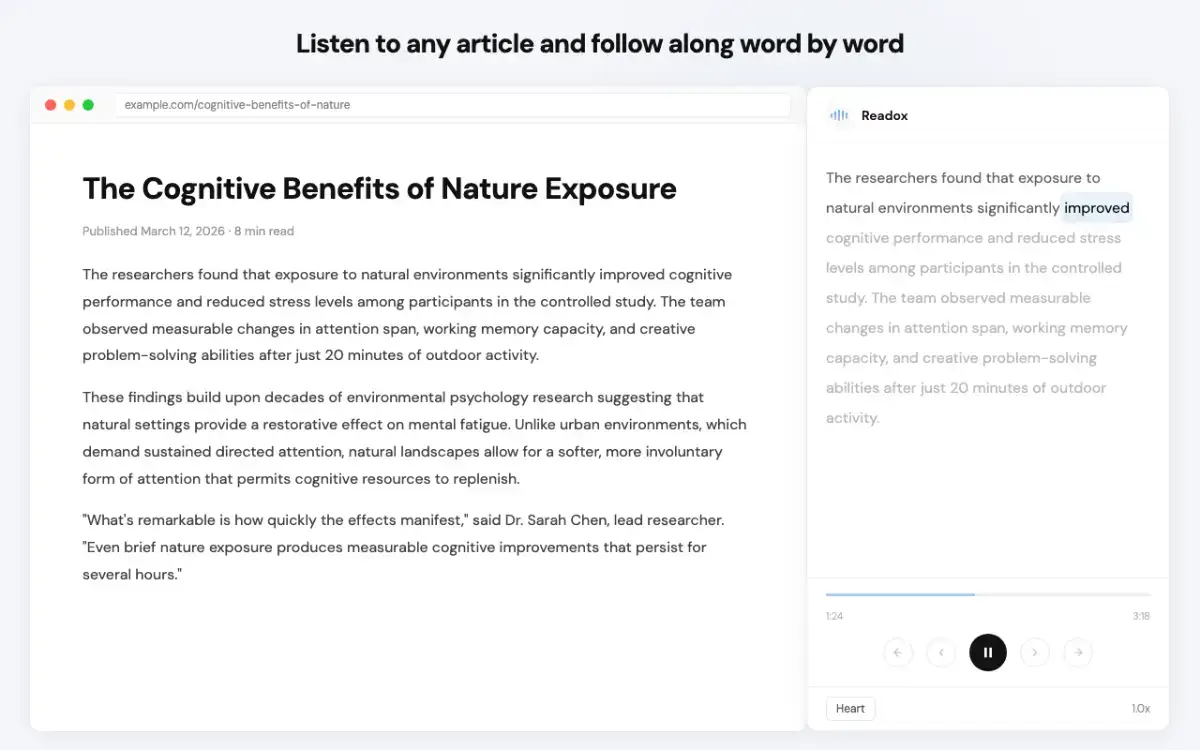
Instead of a basic text-to-speech button, Readox gives you a reading experience that’s designed to be easy to follow. You can track playback with word-by-word highlighting, jump around in the transcript, adjust speed, and keep reading moving while you work or switch tasks.
What Readox helps with
Read articles, blog posts, docs, and long-form web pages aloud
Listen to PDFs, including scanned documents with OCR
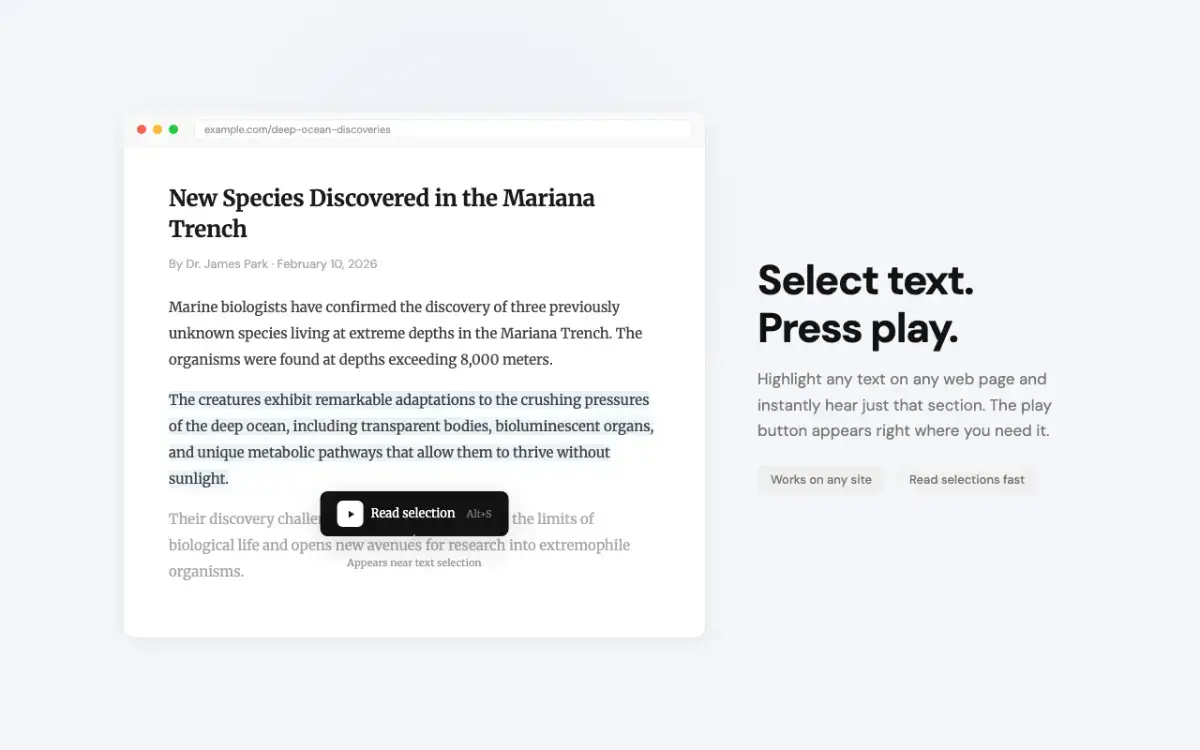
Read selected text without reading the whole page
Follow along with word-by-word highlighting and transcript syncing
Use premium English voices that run locally on your device
Save pages and selections to your library for later
Control playback with keyboard shortcuts
Summarize long content, then listen to the summary
Built for real reading, not just text-to-speech
Readox is especially useful for people who read a lot online: researchers, students, founders, developers, writers, and anyone trying to reduce screen fatigue. It works well for turning reading into a more flexible, audio-first workflow without losing your place.
Premium voices are processed on-device, which makes playback feel faster, more private, and more seamless for long sessions. And when a page or PDF is hard to extract normally, Readox can use OCR to help recover readable text.