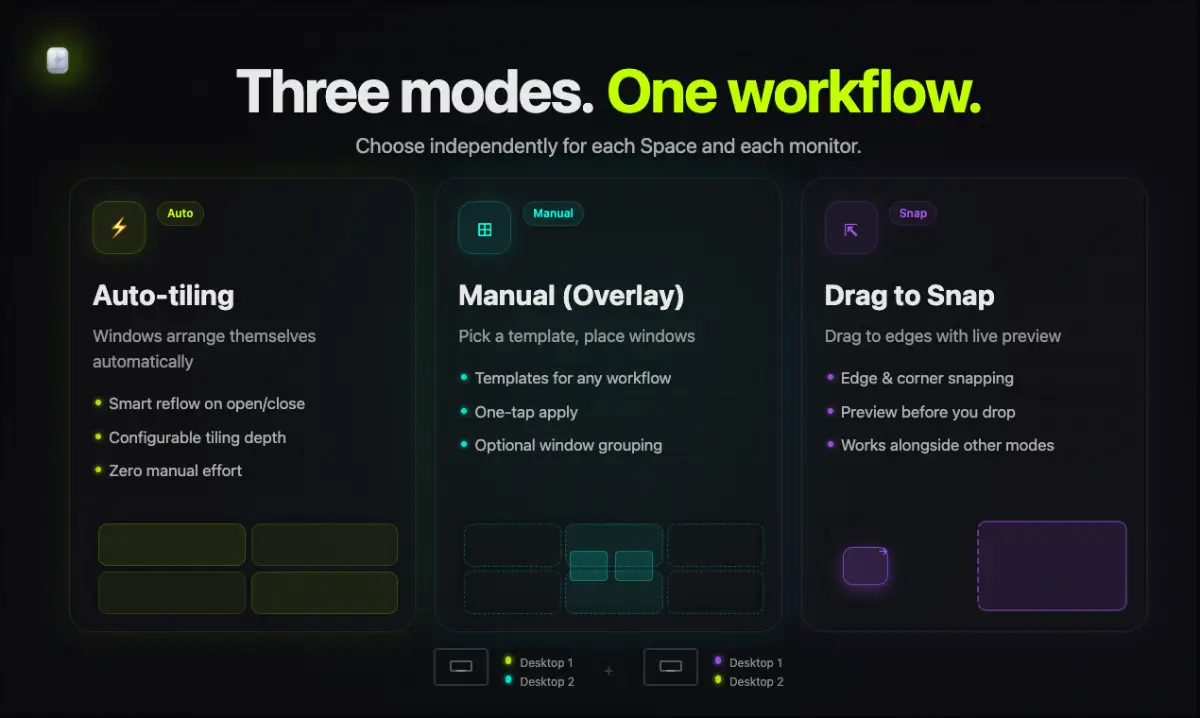
Rapto is a powerful macOS window manager that combines three workflows in one app: auto‑tiling, drag‑to‑snap, and a manual overlay. Choose the best mode for each Space and each monitor — no complicated setup.
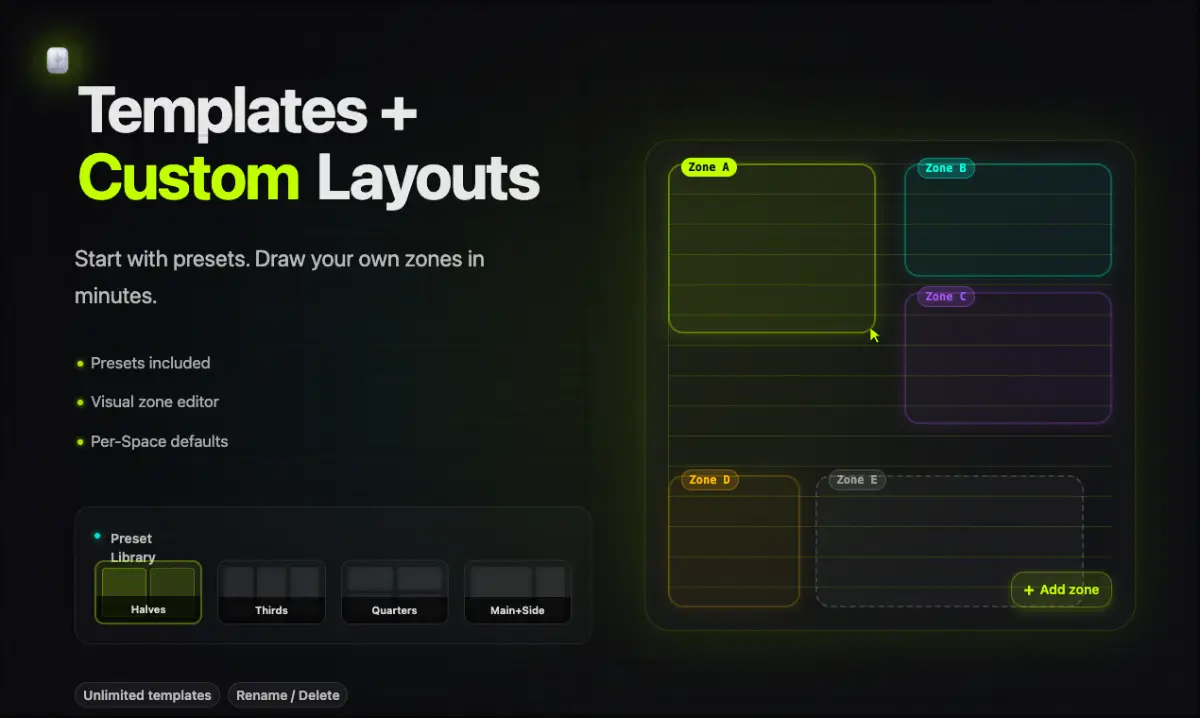
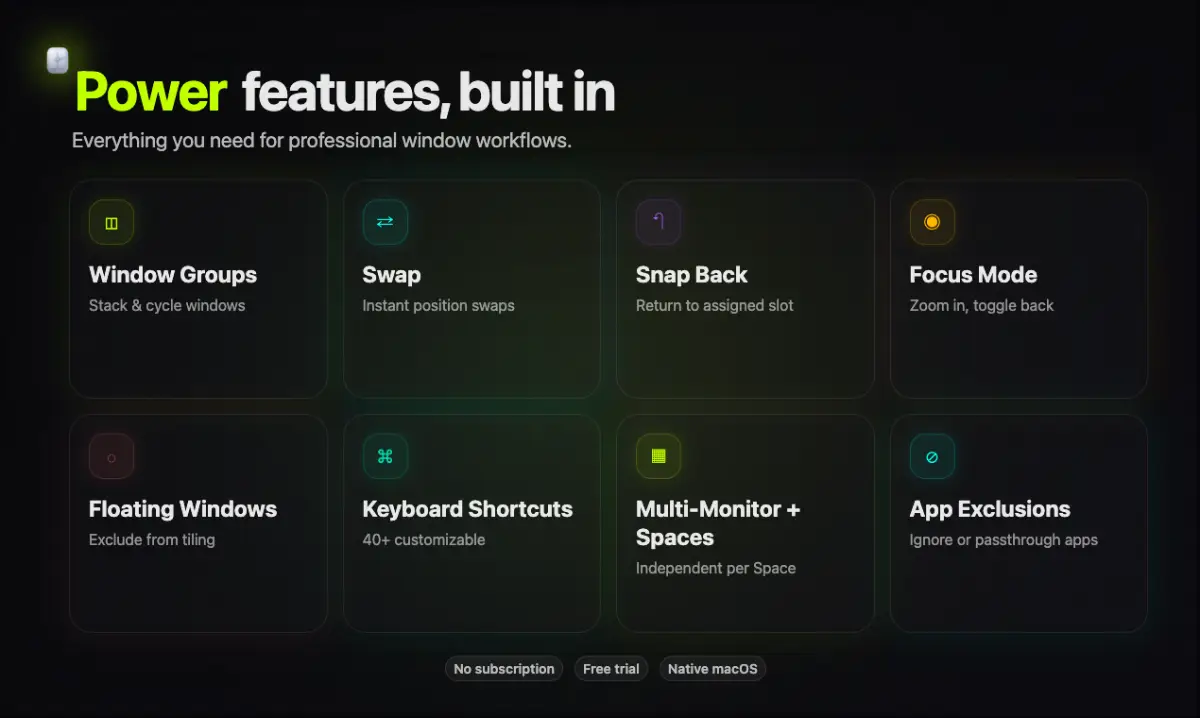
Rapto keeps your desktop clean and predictable with keyboard navigation and swapping, window groups in a single slot, Focus Mode for instant fullscreen or predefined zone, floating windows, layout restore, and clear slot indicators. It includes ready‑made templates plus custom grids, including ultrawide‑friendly layouts.
Key advantages
3 modes in one app: auto‑tiling + drag‑snap + manual overlay
Per‑Space × Per‑Monitor: different modes/layouts per desktop and screen
Window groups: multiple windows in one slot with fast cycling
Focus Mode & Floating: expand a window or keep exceptions on top
Snap‑back: windows return to their slot after accidental moves
Exceptions & Passthrough: exclude apps from tiling and disable Rapto hotkeys in selected apps (e.g. VS Code, Terminal, 1Password)
Native macOS app: fast, lightweight, no config files
Perfect for developers, designers, and anyone who works with lots of windows.