Local-first macOS menu bar app for safely prepping context before you send it to ChatGPT, Claude, Cursor, Copilot, and other AI tools.
The context we paste into AI tools often hides more than we think — API keys, tokens, client names, internal paths, logs, emails, private keys. Offsend catches that before it leaves your Mac.
Four ways to stay safe:
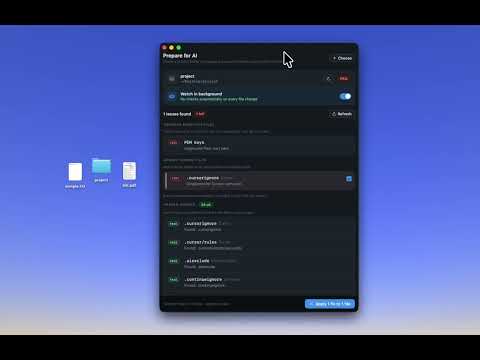
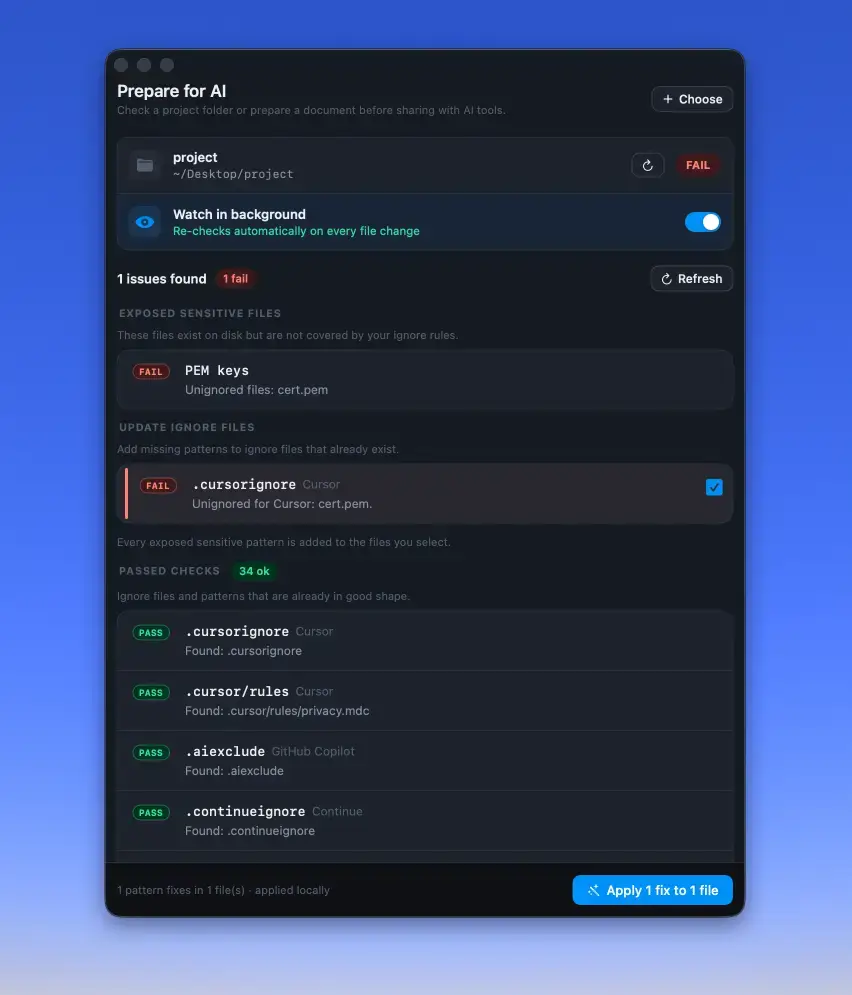
- Project — scan a folder before opening it in an AI coding tool. Checks .cursorignore, .claudeignore, .aiexclude and similar rules, flags sensitive paths, and fixes missing ignore patterns.
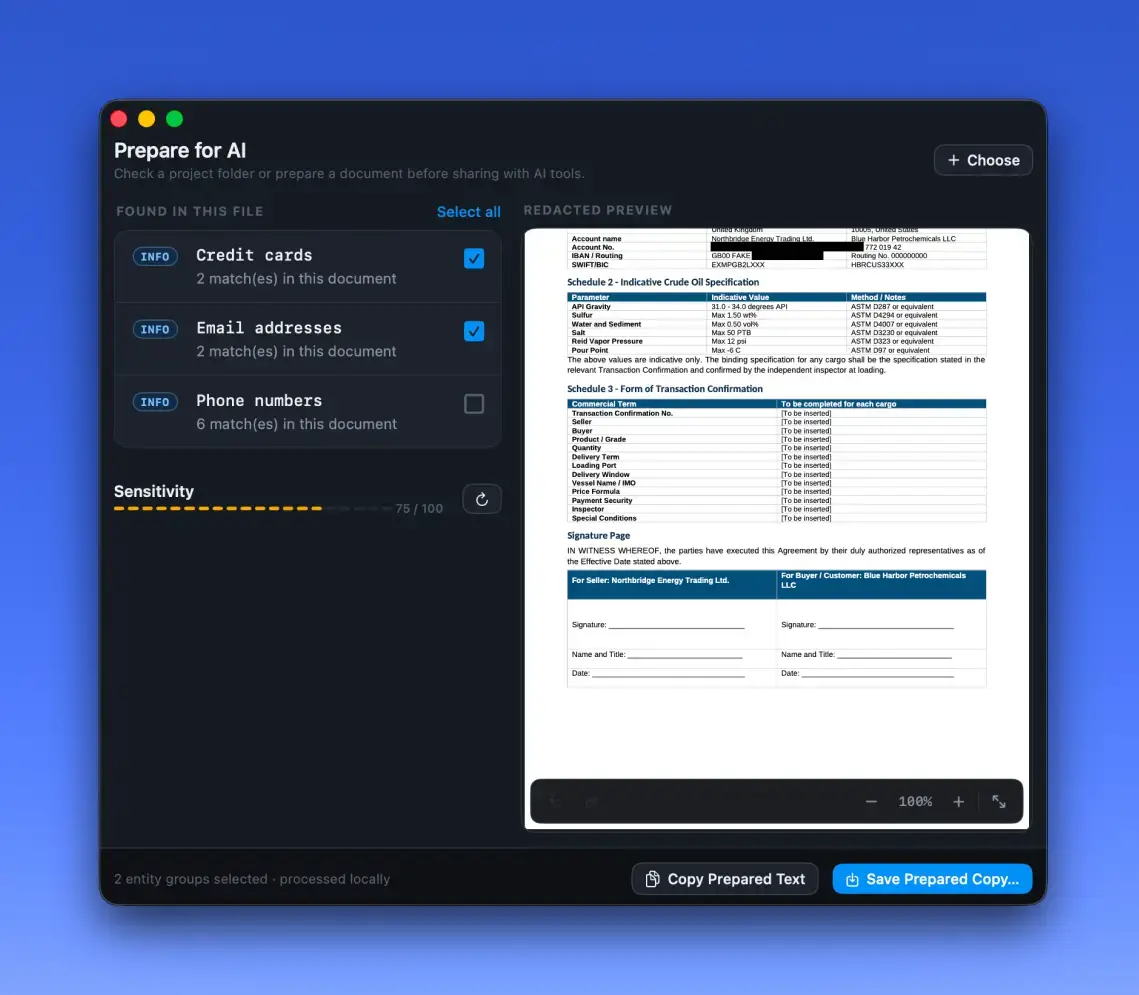
- File — drop a log, JSON, CSV, PDF, DOCX, or Markdown file, review what's sensitive, mask it, and export a clean copy.
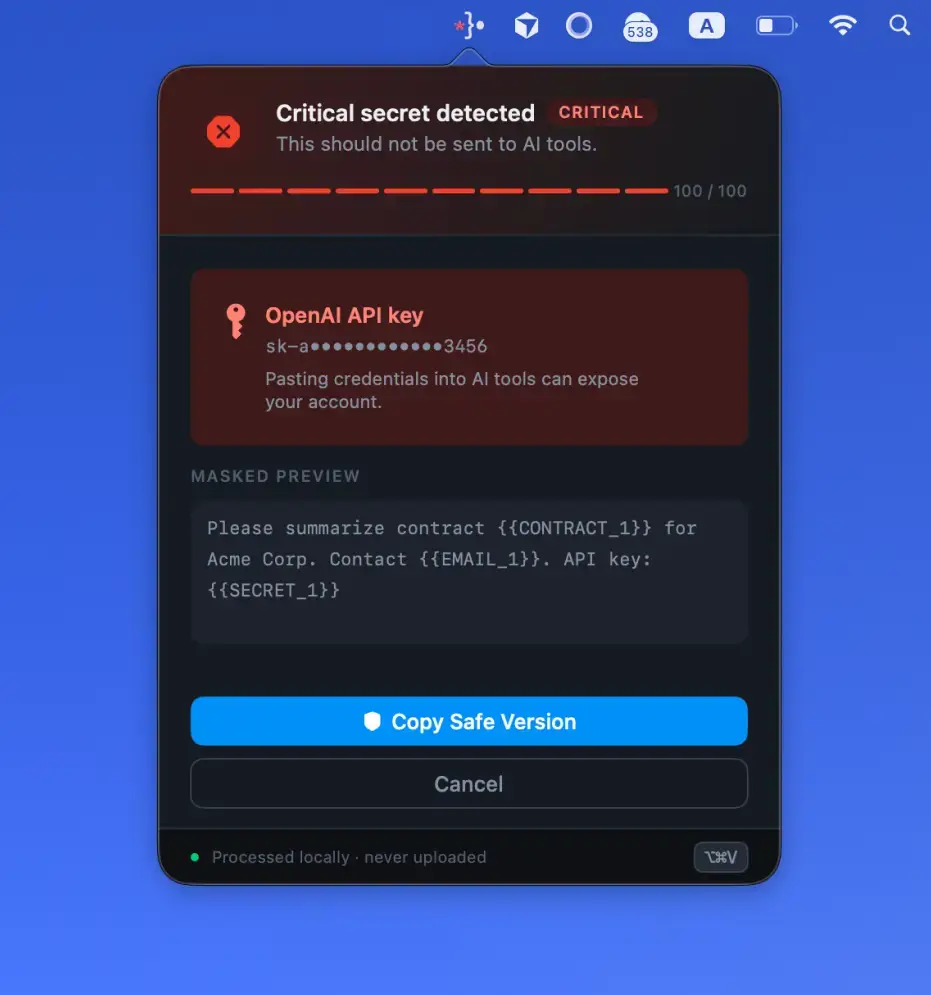
- Safe Paste — hit Cmd + Shift + V to paste a masked version into any app; Cmd + Shift + R restores the originals.
- CLI & Git — offsend check scans files or staged changes, offsend hook install blocks commits with secrets, and JSON output drops into any CI. Configured via a versioned .offsend.yml.
Everything runs locally — no account, no cloud, no server-side scanning. Placeholder mappings are encrypted on disk, with the key in Keychain.
Open source, signed and notarized. Works on macOS 13+ (Apple Silicon & Intel).
Built for developers, founders, and teams who use AI with real projects and client data — and want a safer step between copy and send.