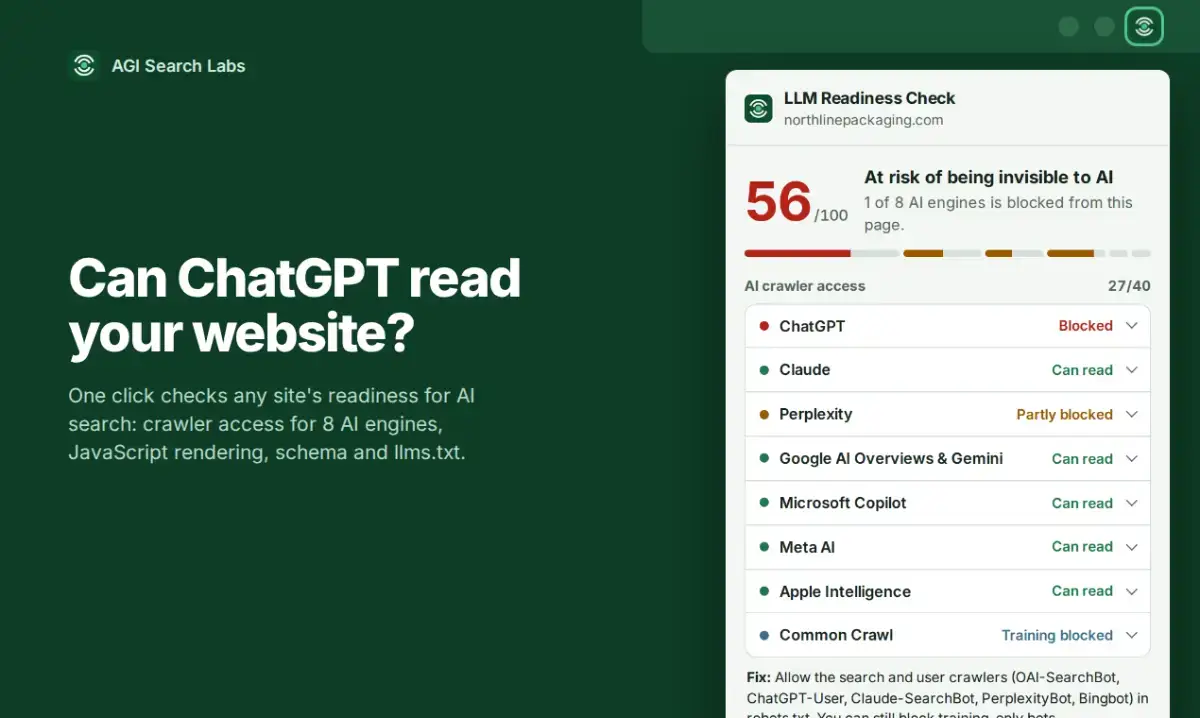
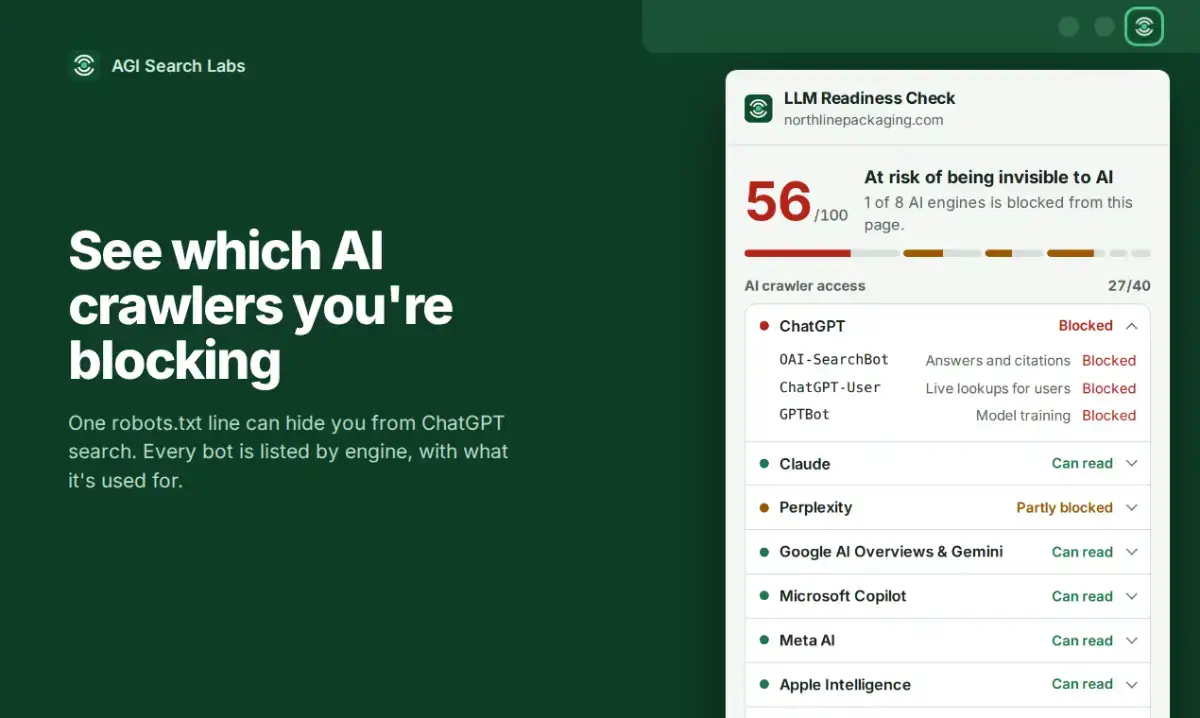
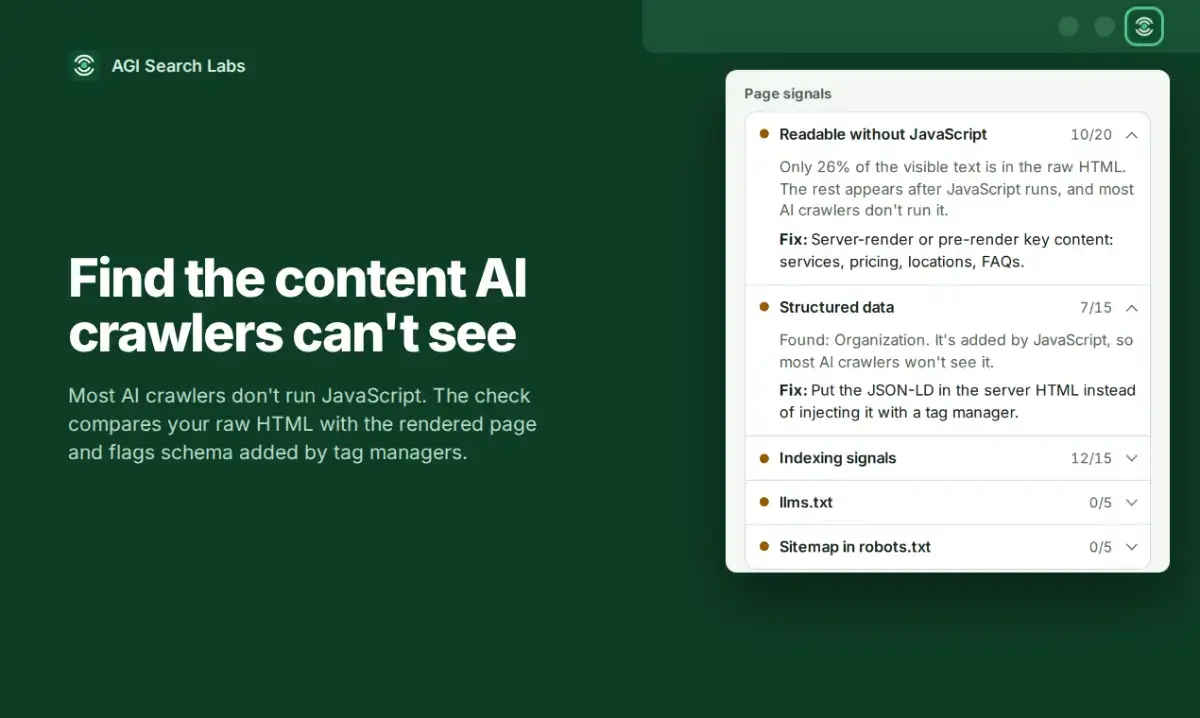
LLM Readiness Check is a free diagnostic tool that scans your website against 15 AI crawlers across 8 major AI engines, including ChatGPT, Claude, Perplexity, Gemini and Copilot. You get a readiness score, specific fixes, and a ready-to-use robots.txt snippet — all in seconds.
Designed for site owners and developers who want to control how AI engines index and interact with their content.
About LLM Readiness Check
LLM Readiness Check is a development product listed on Uneed, available for free. It's tagged with AI, SEO. See the best AI products for related options.
Frequently asked questions about LLM Readiness Check
What is LLM Readiness Check?
LLM Readiness Check is test your site's readiness for AI crawlers in 10 seconds.
Is LLM Readiness Check free?
Yes, LLM Readiness Check is free to use.
What are alternatives to LLM Readiness Check?
Discover similar ai, seo, testing products in the Uneed directory.
What category does LLM Readiness Check belong to?
LLM Readiness Check is listed under Development on Uneed.
What users say about LLM Readiness Check
SpinHire
The robots.txt snippet is the part I'd have wanted a month ago. We let every AI crawler in on purpose, and the trouble came from the other side: a few bots hammered our job search URLs with endless filter combinations, each one a heavy database query, and the site started freezing. Disallowing the parameterised search paths while keeping the job pages open fixed it. Does the score treat "allow everything" as the ideal, or does it look at what the bots can actually reach, like infinite filter URLs?
This product has no rewards yet.
This product has no deals yet.