
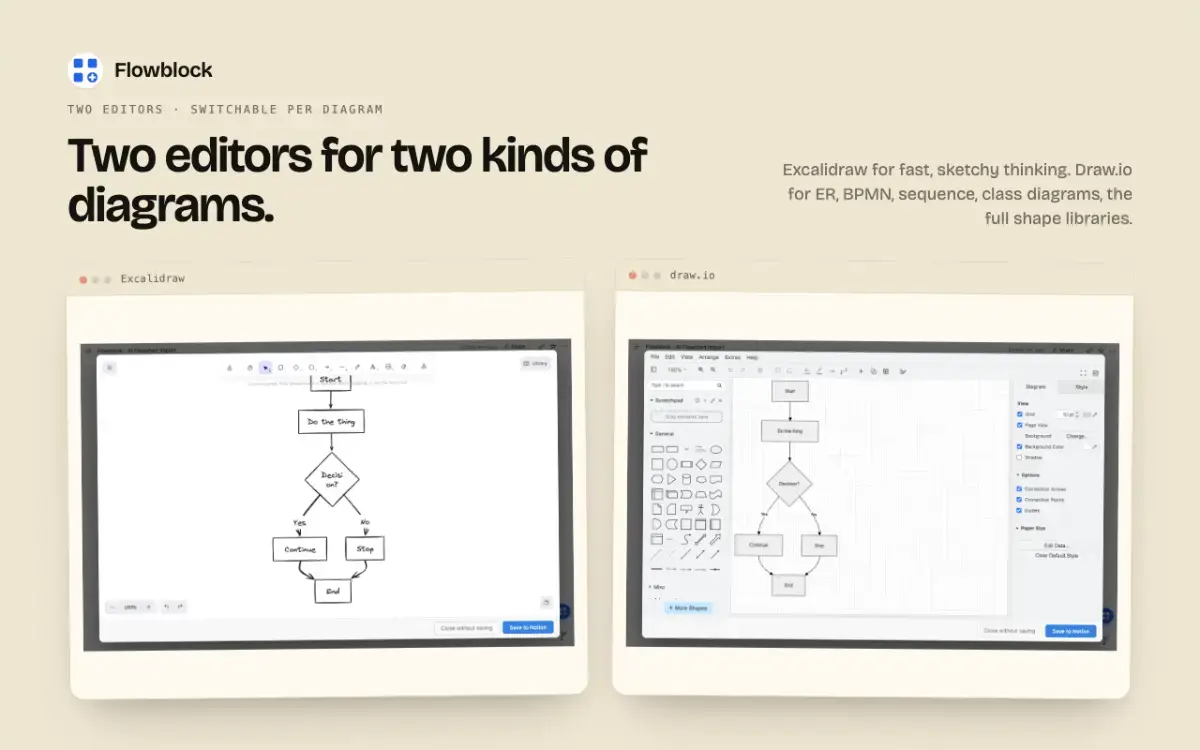
Two of the best diagram editors, native inside Notion.
Notion has no real diagram block. You either embed Excalidraw and need to update diagrams there, paste an image file (which breaks the moment anything changes) or you fiddle around with Notion AI's Mermaid output in a code block.
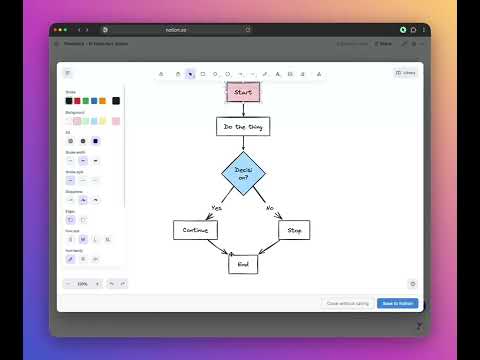
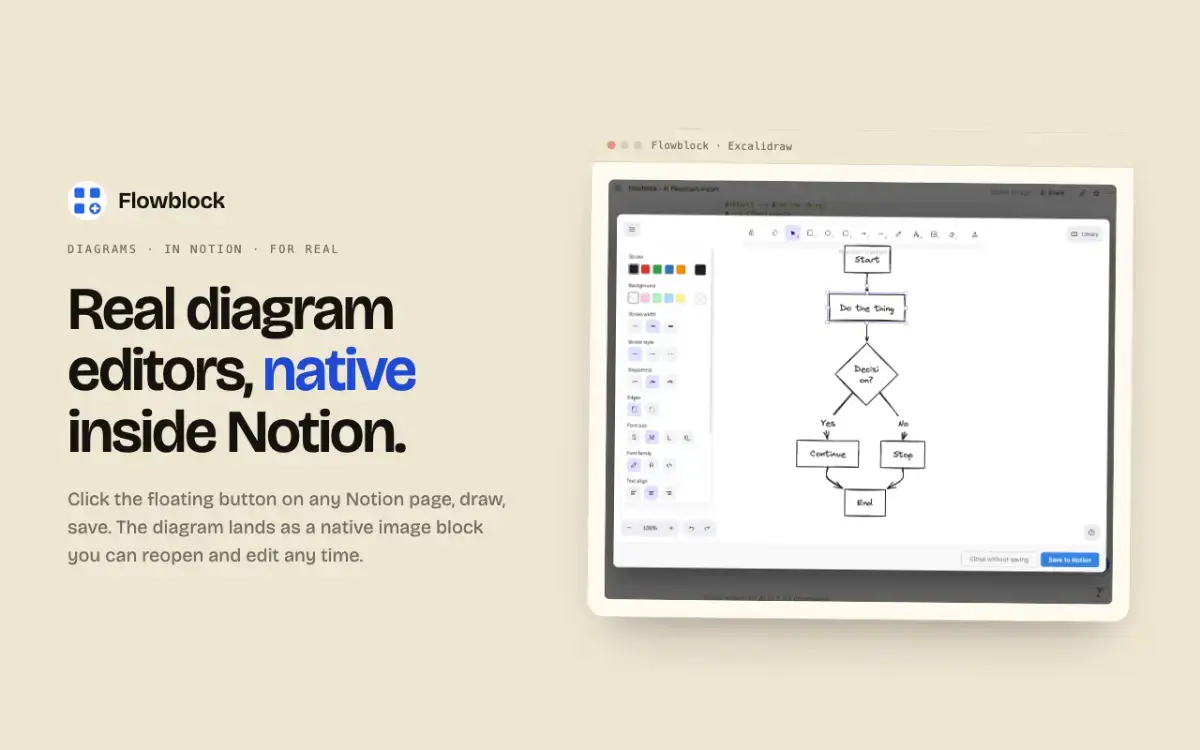
This is why I built Flowblock - it's a Chrome extension that adds a floating button to every Notion page. Click it and a full Excalidraw or draw.io editor opens right over your doc, with every shape library you'd expect: ER, BPMN, sequence, class, sketchy hand-drawn for whiteboard moments. After saving, the diagram lands in your Notion page as a native image block. Hover later, click Edit and you're back in the editor exactly where you left off.
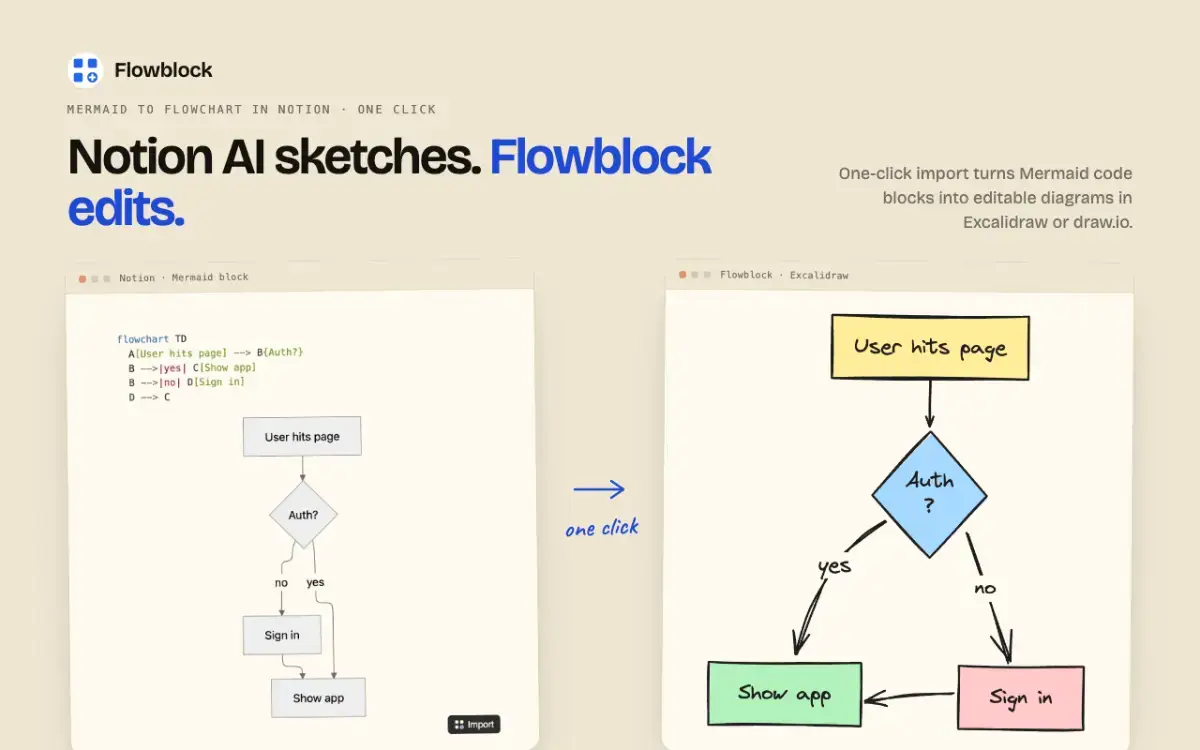
Flowblock also adds an Import button to Mermaid code blocks generated by Notion AI. One click reopens the diagram in Excalidraw or draw.io as something you can actually edit visually, no more nudging arrows by retyping syntax.
Diagrams save straight to your workspace. Flowblock's servers never hold a copy, which means the diagrams will be in your Notion workspace forever, even if you uninstall.
Free tier: 5 diagrams/imports a month. Pro starts from $3.75/month, giving you unlimited diagrams & imports, version history with one-click rollback and multi-workspace support.