
The writing studio for stories too large to keep in your head
Once a novel grows beyond a few chapters, the manuscript is only half the work. You also have scenes to move, characters to track, places to remember, research to retrieve and, sometimes, several books sharing the same world.
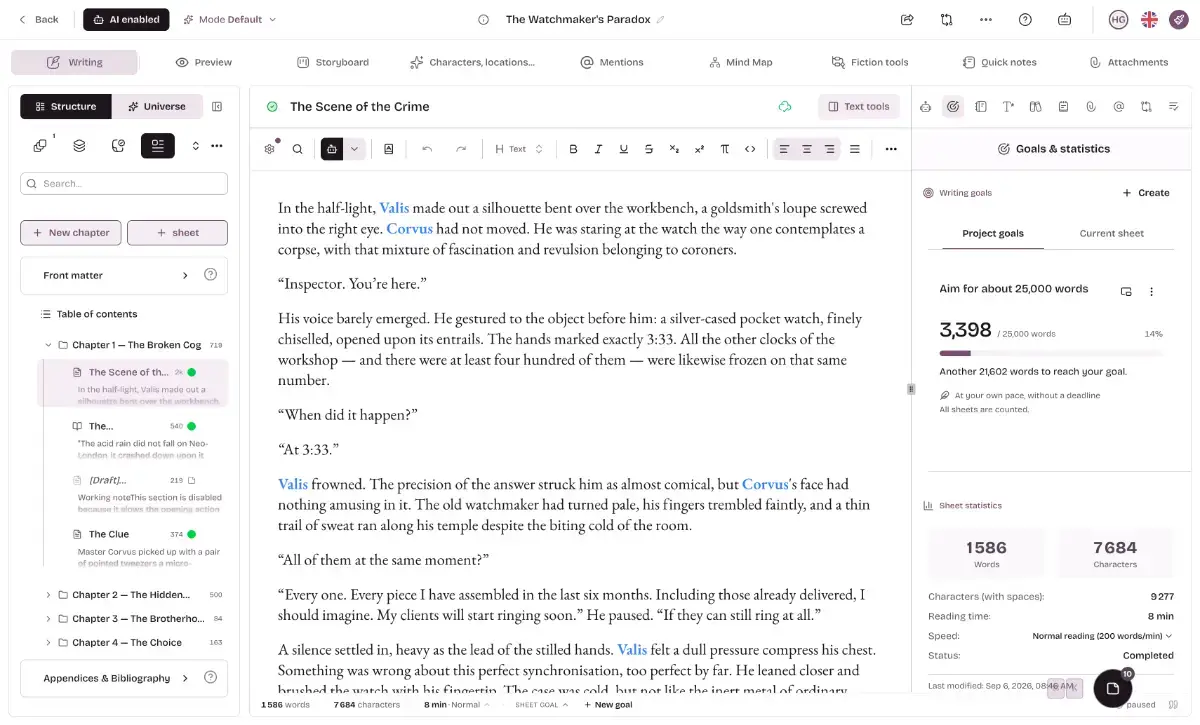
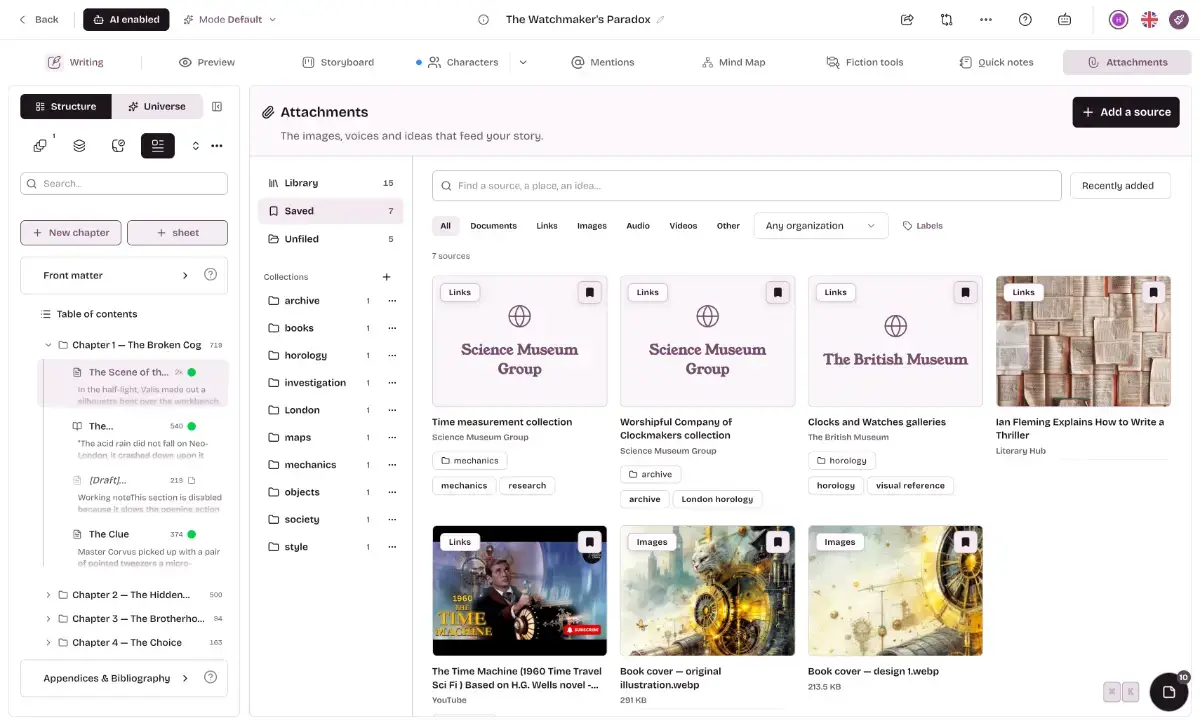
Extypis keeps all of it in one writing studio: your manuscript, outline, storyboard, connected worldbuilding profiles, notes, research library, saved versions and publishing tools.
Most AI writing products place a chat box beside an editor. Extypis starts with the writing tools authors need, connects the information surrounding the manuscript, then gives AI access to that context when you choose to use it.
What Extypis does
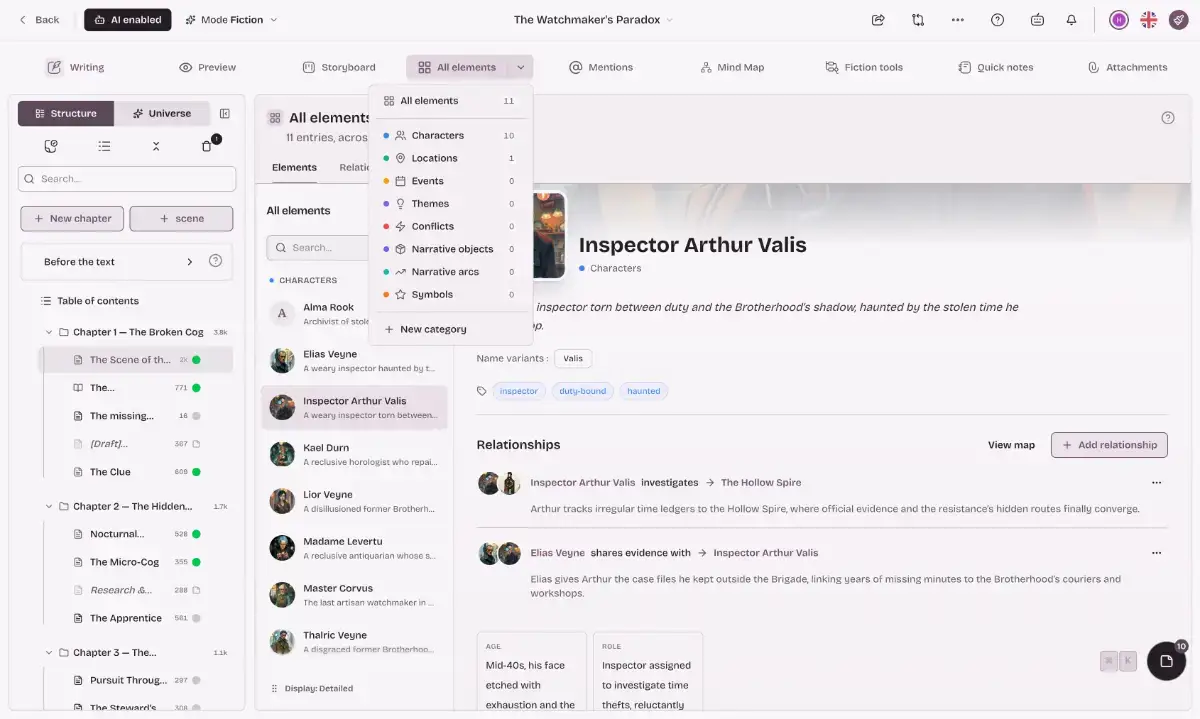
Your world stays connected to your manuscript. Extypis detects characters, places and objects as you write, including their nicknames. Click a mention to reopen its profile, find every passage where it appears or inspect its relationships with the rest of your world.
A series can share one world. Group books under a series and reuse their characters, places and other narrative elements across volumes. A character created in the first book keeps the same profile, relationships and aliases in the next one.
The storyboard shows the book you are actually writing. Every scene becomes a card with its summary, characters, status and length. Move scenes between chapters, compare neighbouring passages and find the point where the pacing started to drift.
Worldbuilding remains useful because it stays close to the prose. Create profiles for characters, places, objects, events, conflicts or themes, add your own fields, connect them on a relationship map and attach images or documents. These profiles are working notes for the story, not a separate encyclopedia to maintain.
AI already has the relevant context when you call it. Ghost completion, inline rewriting, scene continuation and dialogue suggestions can use your outline, profiles and existing chapters. You select the passage and choose the action; Extypis prepares the context.
Different forms of writing get different tools. Screenplay projects use screenplay formatting in the editor and export, with scene breakdowns and production details. Poetry projects display syllables inside each line, count them in the margin, identify recognised metres and mark rhyme patterns.
Research stays beside the text it supports. Keep books, articles, web pages, documents and reading notes in a searchable library. Add citations and automatically numbered footnotes, then export them with the manuscript.
Your manuscript leaves as a finished file. Export to PDF, DOCX, EPUB, LaTeX, Markdown, HTML, Final Draft or Fountain. The PDF engine handles book layout, bibliography and paginated footnotes.
Publish without another round of copy and paste. Send a project to WordPress as a draft or published article, or create a public reading page where readers can comment on the paragraph they are reading.
Revise with evidence from the text. Check readability, repetitions, passive voice, logical connectors and sentiment. Poetry projects also include syllable and metre analysis.
AI is optional
A single setting removes every generative AI button, panel and suggestion, and prevents your writing from being sent to a model.
The rest of the studio remains available: structure, storyboard, worldbuilding profiles, research, saved versions, non-generative analysis and exports. This makes Extypis suitable both for writers working under academic integrity rules and for anyone who simply does not want AI involved in their prose.
Who Extypis is for
Extypis is built first for novelists and writers of long-form fiction, especially those working on fantasy, romance, science fiction, recurring characters or multi-book series.
It also provides dedicated workflows for screenwriters, playwrights, poets, academics, essayists, bloggers and journalists.
In short, it is for anyone writing something long enough that it no longer fits comfortably inside their head, a document and three folders of notes.