Logo of DeskRipple

DeskRipple

Every shortcut group, one desktop icon — opens on hover

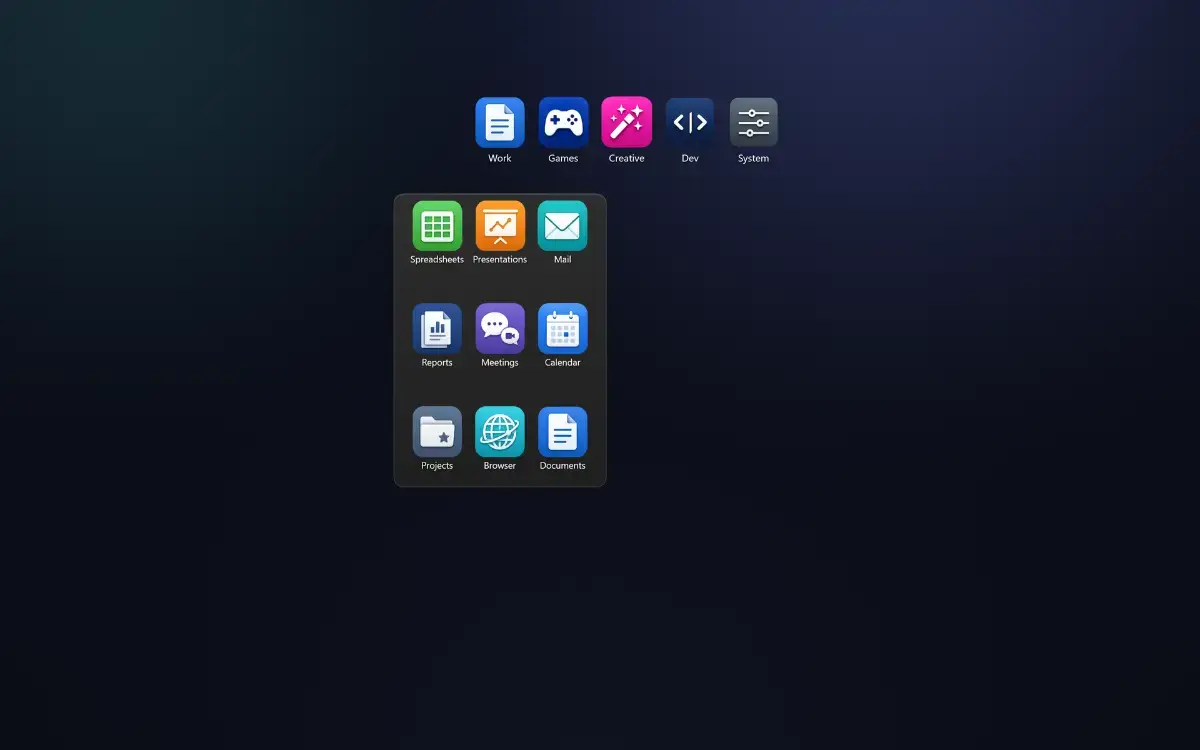
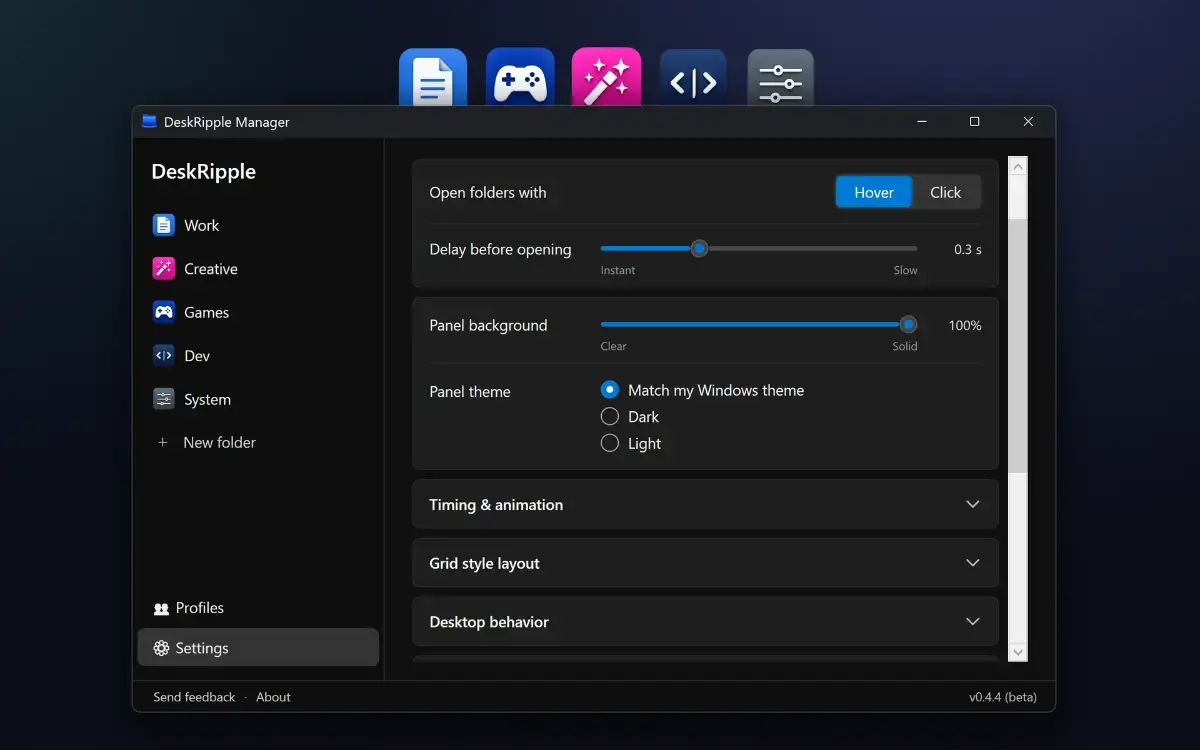
Keep your Windows desktop tidy: each group of shortcuts lives in one folder icon that expands on hover or click.

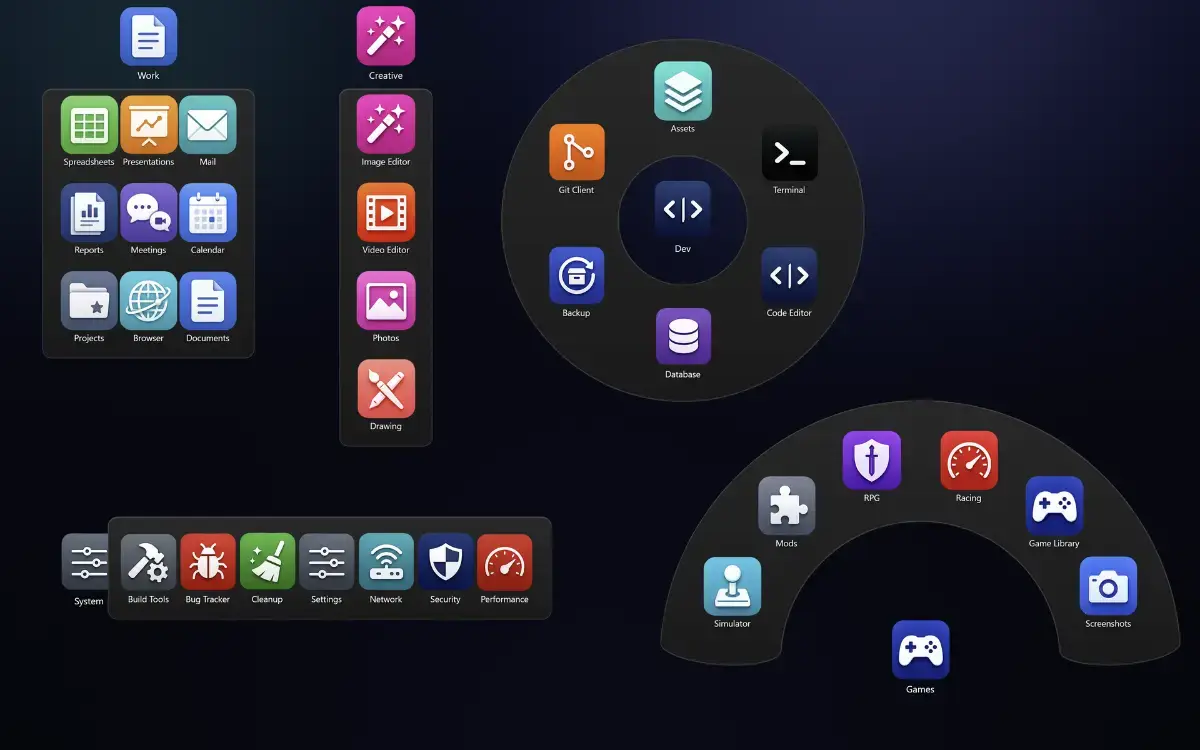
Add shortcuts to apps, files, folders, and websites. Choose a layout for each folder: Grid, Column, Row, Fan, or 360° Ring. You can also set a folder to open all its shortcuts with a double-click, launching your email, calendar, and project folder together.

DeskRipple sits alongside your regular desktop icons, aligned to the desktop grid and behind your open windows. When you delete a DeskRipple folder, desktop shortcuts you moved into it are restored to the desktop.

Works on Windows 10 (22H2) and Windows 11, 64-bit (x64).

Try DeskRipple free for 14 days, with every feature included. No account or payment details are required to start. After the trial, a license key is required to keep using the app. DeskRipple is a one-time purchase, not a subscription. The price is shown at checkout.


About DeskRipple

DeskRipple is a personal life product listed on Uneed as a paid product. It's tagged with Desktop Apps, Productivity. See the best Desktop Apps products for related options.

Frequently asked questions about DeskRipple

What is DeskRipple?

DeskRipple is every shortcut group, one desktop icon — opens on hover.

Is DeskRipple free?

DeskRipple is a paid product. Check their website for current pricing.

What are alternatives to DeskRipple?

Discover similar desktop apps, productivity products in the Uneed directory.

What category does DeskRipple belong to?

DeskRipple is listed under Personal Life on Uneed.

What users say about DeskRipple

Qroole

Considering the various display options like Fan or 360° Ring, which layout has been the most surprisingly effective or popular among beta testers for managing their shortcuts?

Read all 1 review