Arc stops working on December 22, 2026. Here are 12 browsers that keep its sidebar, Spaces and split view, compared on Arc import, platforms and price.
How each browser covers what Arc users rely on: tabs in a sidebar, Spaces to separate work and personal browsing, two pages side by side, and a way to bring their Arc setup over before it stops working. Arc is the first row, as the baseline. Every cell was read on the browser's own website, help pages or changelog on October 25, 2026; "Not stated" means we did not find it written, not that it is missing.
Prices are monthly and in US dollars unless the vendor quotes otherwise. Browsers this young change every week: check the download page before you switch.
Ranked by how much of Arc's way of working each browser keeps (sidebar, Spaces, split view, link previews), how easily it takes your Arc setup, and how safe a bet it looks today. The screenshots come from each browser's own website.
🥇
1. Zen Browser
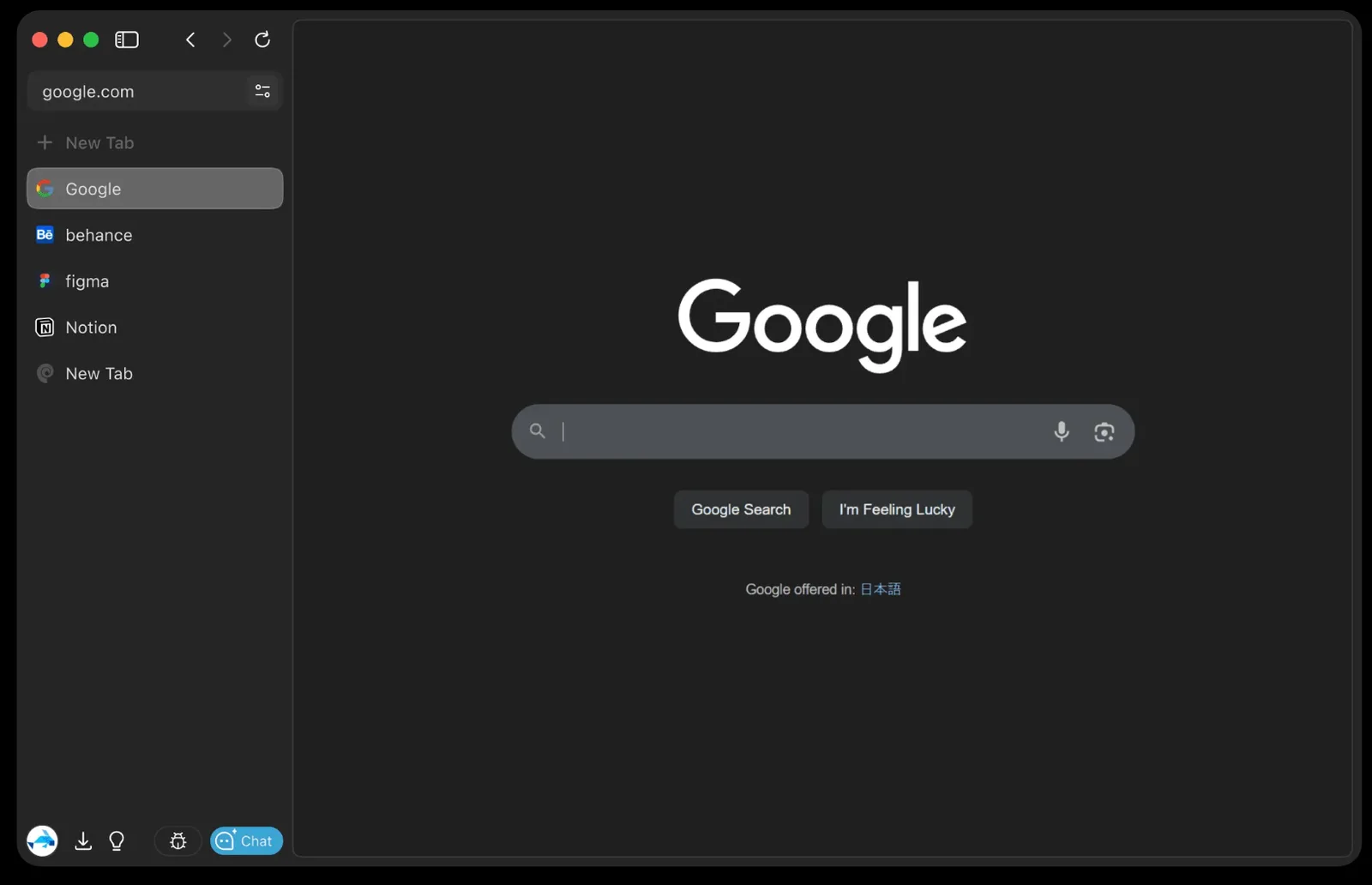
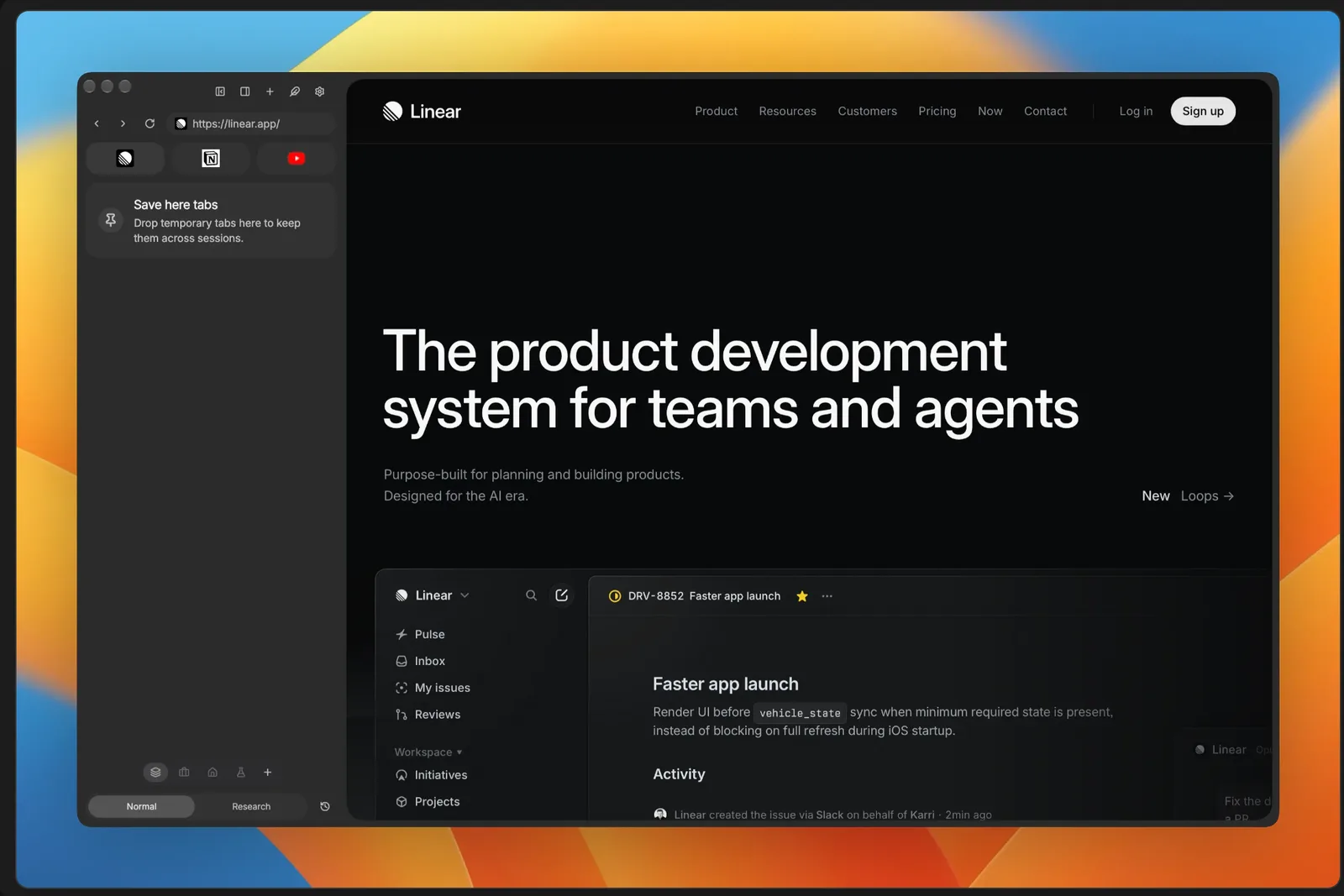
A free, open-source desktop browser built on Firefox, with tabs in a vertical sidebar, Workspaces, split view, link previews (Glance) and a Compact Mode that hides everything but the page.
Zen Browser, as shown on zen-browser.app
The closest thing to Arc that runs everywhere Arc did, plus Linux, and the one with the largest community (over 45,000 stars on GitHub). Vertical tabs are not an option but the design: Zen says it will not support horizontal tabs. Because it is built on Firefox, it takes Firefox add-ons rather than Chrome extensions, and it has no Arc importer.
Pros
Free and open source (MPL 2.0), funded by donations
macOS, Windows and Linux
Workspaces, split view, Glance link previews, Compact Mode
Follows each Firefox release within days (1.23.4b on October 21, 2026)
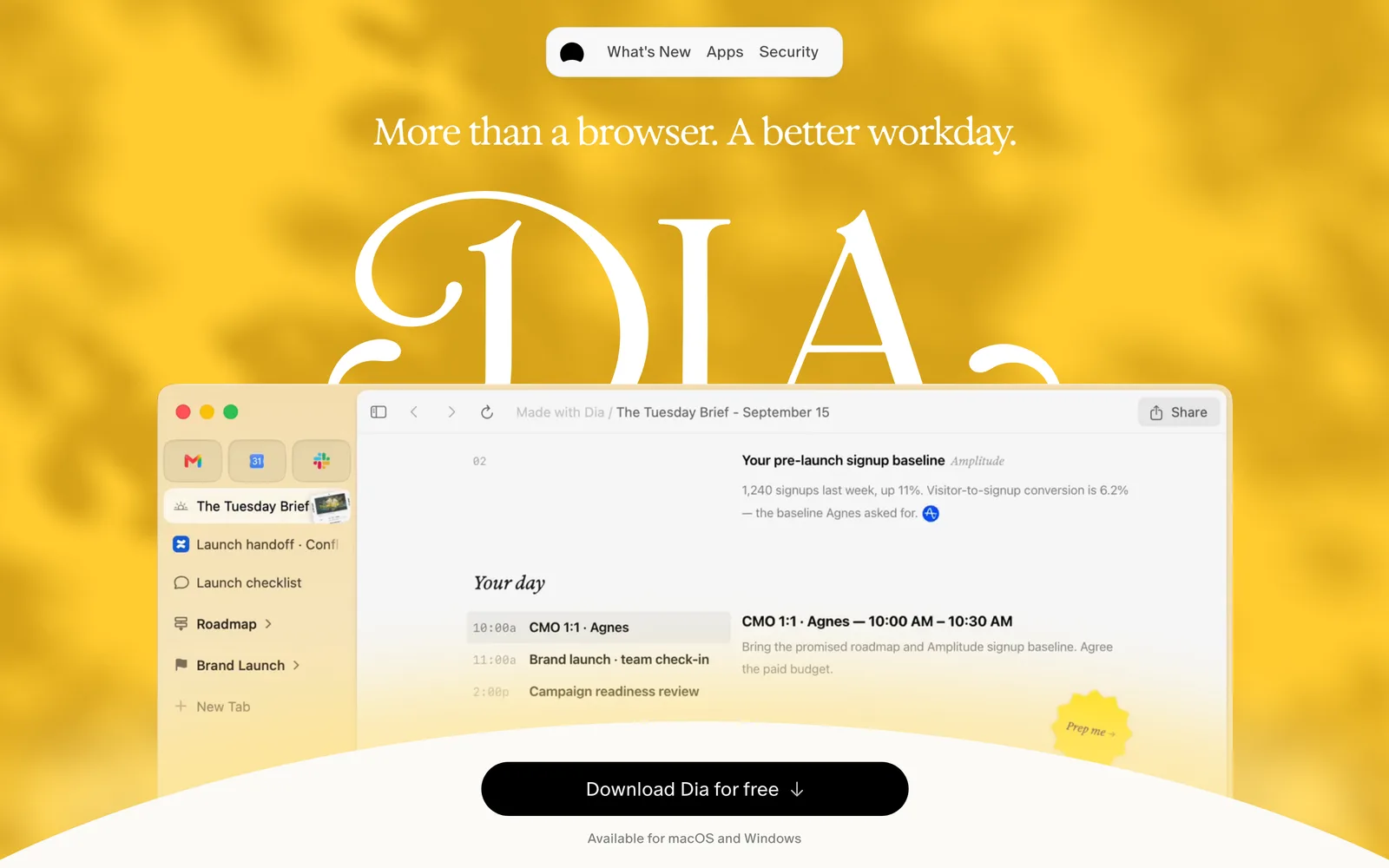
The browser The Browser Company built after Arc, now owned by Atlassian. A Chromium browser with Profiles, tab groups, split view and an ad blocker, and paid AI plans that answer questions about your pages and your work tools.
Dia, as shown on diabrowser.com
The migration path Arc itself recommends. Its importer brings over passwords, history, tabs, Profiles, Folders, bookmarks and extensions, and through 2026 Dia added back Arc-style sidebar tabs and pinned tabs. Arc's Spaces become Profiles. The free plan, Better Browser, has no AI at all; the AI plans are what Dia is built around, from $10 a month (the same page also quotes $20 for that plan) to $100.
Pros
Official Arc importer: passwords, tabs, Profiles, Folders, bookmarks, extensions
macOS and Windows
Free plan with profiles, tab groups, split view, ad blocker and sync
Same team as Arc, weekly releases on current Chromium
Cons
Spaces become Profiles
AI chat needs a paid plan, up to $100 a month
Built around work AI rather than around Arc's sidebar
An open-source browser for Mac, iPhone and iPad that bills itself as "the browser for life after Arc": Spaces, a sidebar, Peek and Split View, with Chromium (ungoogled-chromium) on the Mac and WebKit per site or on iOS.
Crest, as shown on crestbrowser.com
The most explicit Arc replacement. Its importer brings Spaces, tabs, folders, colors, icons and passwords, and the site maps each Arc feature to its Crest version (Little Arc becomes Quick Window, Air Traffic Control becomes Link Routing). It is also the only one here with Arc-style apps for iPhone and iPad, synced through iCloud. The catch: the project started in August 2026 and says itself "Early access. Security not independently audited."
Pros
Imports Arc Spaces, folders, colors, icons and passwords
Mac, iPhone and iPad, synced through iCloud
Chrome Web Store extensions per Space on the Mac
Free, open source (MPL 2.0), no account and no analytics
Cons
Early access, security not independently audited
Apple silicon Macs only, no Windows
Extensions only on Chromium pages, none on iPhone or iPad
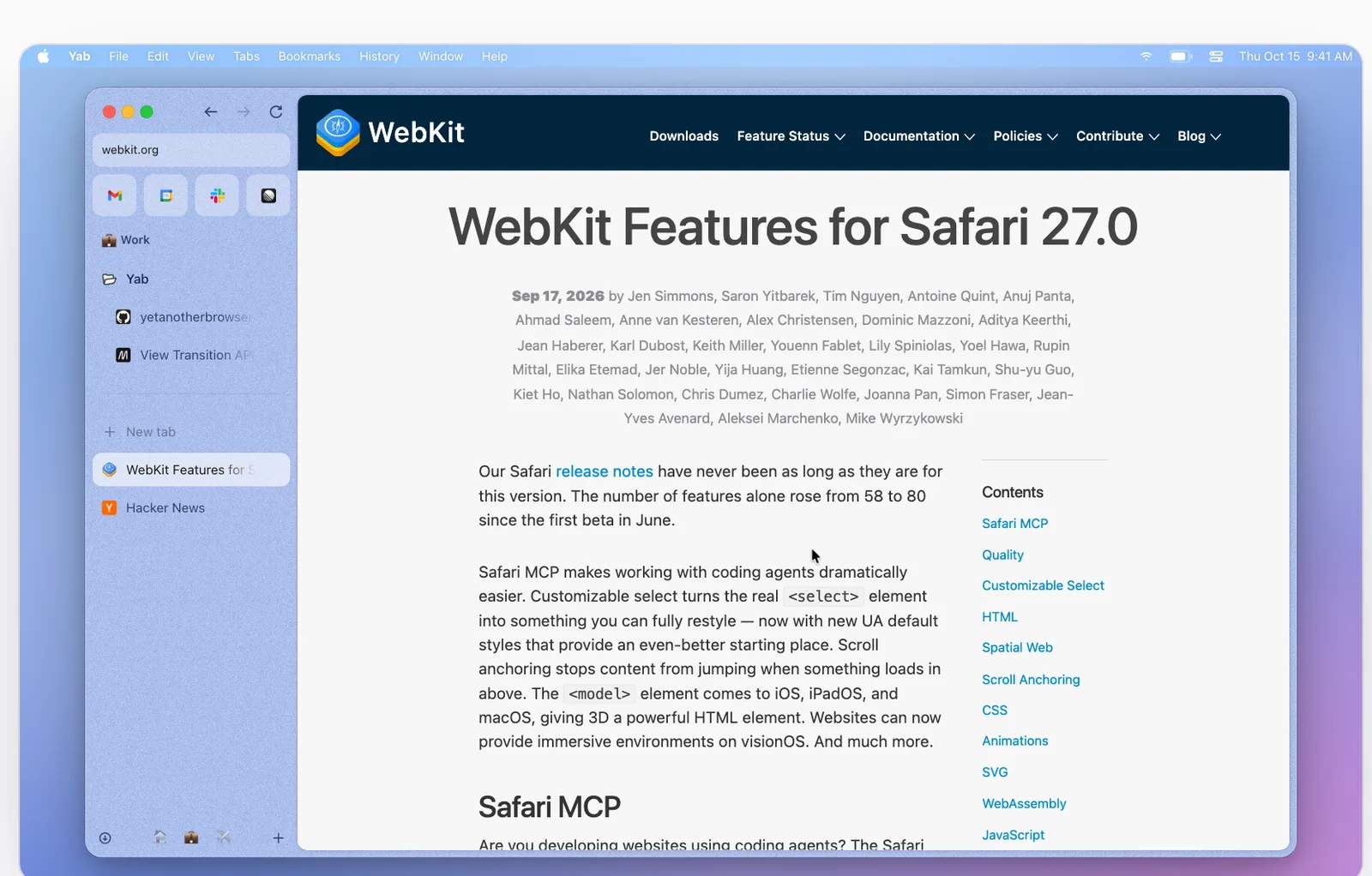
Yab for short: a free Mac browser on WebKit that keeps Arc's sidebar, Spaces, pinned tabs, folders, Peek and split view, and lets your own Claude or ChatGPT work in your tabs.
Yet Another Browser, as shown on yetanotherbrowser.com
"Keep Arc. Add hands." Yab imports Arc Spaces, pins and folders, installs Chrome Web Store extensions on top of WebKit, and puts tabs down the side or across the top, one key apart. Its AI has no model of its own: it uses your Claude or ChatGPT plan, asks before sending or paying, and coding agents can drive it through MCP or a command line. Its first version shipped on September 26, 2026, and new ones come out almost daily.
Pros
Free, no account needed
Imports Arc Spaces, pins and folders
Chrome Web Store extensions on WebKit
AI agent on your own Claude or ChatGPT plan, no extra subscription
Cons
About a month old, version 0.x
macOS 15.4 or later only, iPhone in beta, no Windows
A Chromium browser with a native macOS interface and an AI assistant built in: local memory of your browsing, agent tasks you can schedule, and models that can run on your own machine.
Phi, as shown on phibrowser.com
Phi keeps Arc's model on purpose: Spaces on top of Profiles, URL rules "inspired by Arc's Air Traffic Control", and "From Arc" in its import screen. The AI is included free for now, and one switch turns all of it off. Phi says pricing "may be introduced for advanced features in the future", and it ships fast (2.14.1 on October 23, 2026).
Pros
Imports from Arc; Spaces, link rules and split view
AI assistant and agent tasks included, free for now
Local models supported, and a switch to disable all AI
Open-source macOS client (Apache 2.0)
Cons
Apple silicon and macOS 14 or later; Windows in early access
Future pricing not defined
Engine and AI back end closed; an anonymous usage count cannot be turned off
Platforms
macOS (Windows early access)
Engine
Chromium
Price
Free for now
Imports from Arc
Yes
Arc's Spaces plus an AI assistantStable, frequent releases
A native Mac browser on WebKit that groups tabs into Workspaces in a vertical sidebar, treats tabs as tasks you can mark done, and adds split screen and an AI assistant called Airis.
SigmaOS, as shown on sigmaos.com
One of the original Arc-style browsers, with real Workspaces, vertical tabs, split screen and Chrome Web Store extensions in a SwiftUI app. The question is momentum: the public update feed of SigmaOS last lists a version in February 2025, and the company publishes no changelog. The browser is free; Airis without limits costs $20 or $30 a month.
Pros
Workspaces, vertical tabs and split screen
Native SwiftUI app on WebKit
Chrome Web Store extensions
Free plan
Cons
macOS only
No public changelog; last version in its update feed dates from February 2025
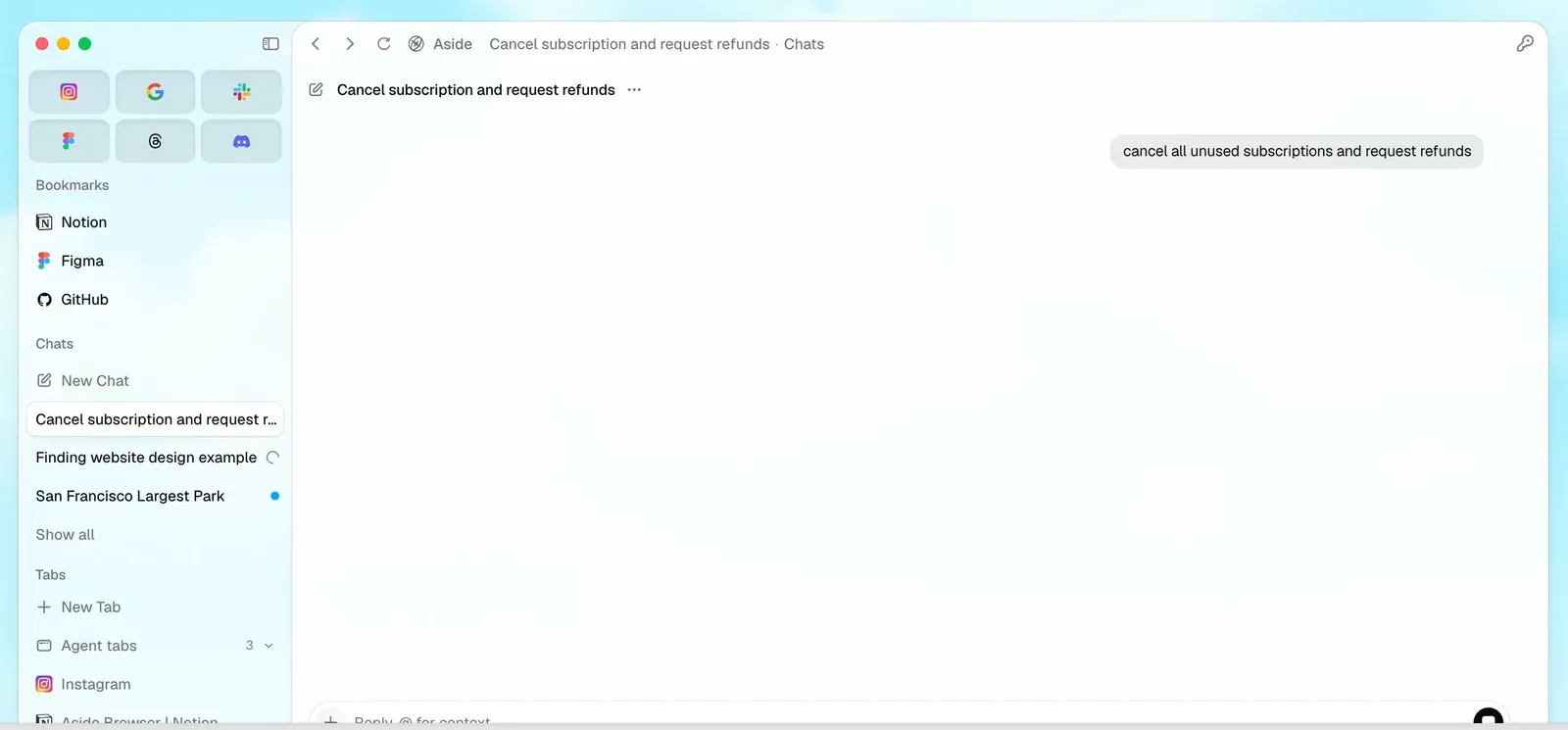
An AI agent that happens to be a browser, backed by Y Combinator: it uses the sites you are logged into to send messages, fill in forms, run scheduled routines and research in depth, on Mac and Windows.
Aside, as shown on aside.com
Not an Arc clone, and not trying to be: Aside has vertical tabs and split tabs, but its point is the agent. It asks for approval before payments and posts, keeps passwords in a vault the agent uses without seeing them, and lets you bring your own ChatGPT or Claude subscription or API key. Aside claims first place on several browser-agent benchmarks. Pricing runs on credits: 500 a month free, Pro at $20, Max at $200.
Pros
The most capable agent on this list, by its own benchmarks
Free plan with 500 credits a month
Bring your own ChatGPT or Claude subscription or API key
macOS and Windows
Cons
No Arc import and no Arc-style Spaces
Credit-based pricing, $20 or $200 a month for real use
Account required; analytics sharing is on by default
A free, open-source Mac browser that sums itself up as "Arc's sidebar and Dia's polish on real Chromium": sidebar tabs with pinned tiles, profiles with their own themes, split view up to three panes, a command bar and the full uBlock Origin built in.
Ardia, as shown on ardia.dev
Made for people who miss Arc's sidebar. Its importer brings over Arc spaces (as profiles, with their theme colors), pinned tabs and their names, and the Chrome Web Store works as it does in Chrome. Sync goes through your own iCloud Drive, end-to-end encrypted, with no Ardia server in the middle. It is very new: the first version shipped on September 25, 2026, it needs an Apple silicon Mac, and Netflix does not play yet (no Widevine).
Pros
Imports Arc spaces, pinned tabs and their names
Free and open source (GPL 3.0)
Chrome Web Store extensions, full uBlock Origin built in
Sync through your own iCloud Drive, end-to-end encrypted
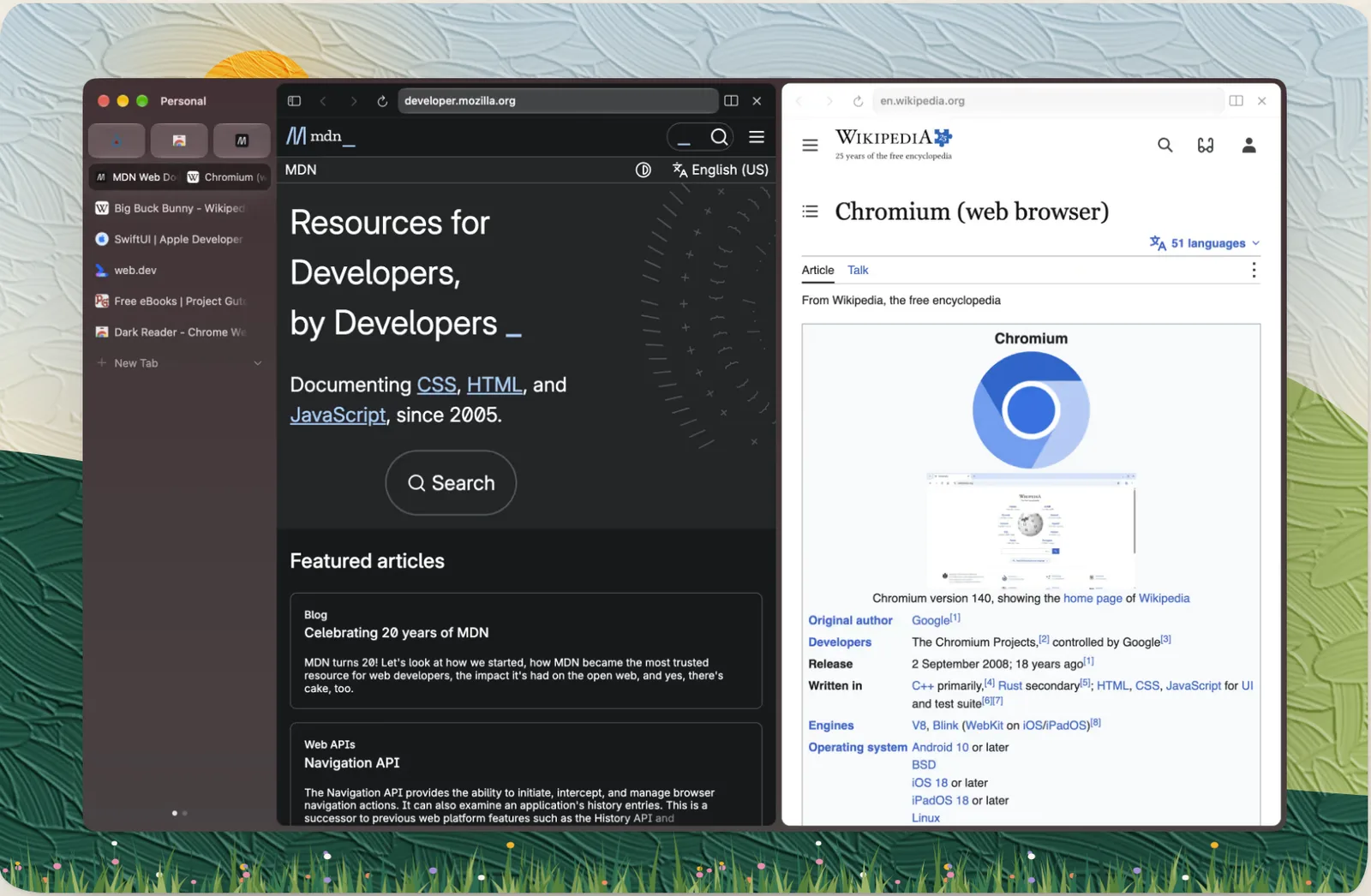
A free, open-source Chromium browser with every Google service dependency removed. It blocks ads, trackers, cookie banners and third-party cookies by default, and adds vertical tabs, split view, four layouts and over 13,000 !bangs that skip the search page.
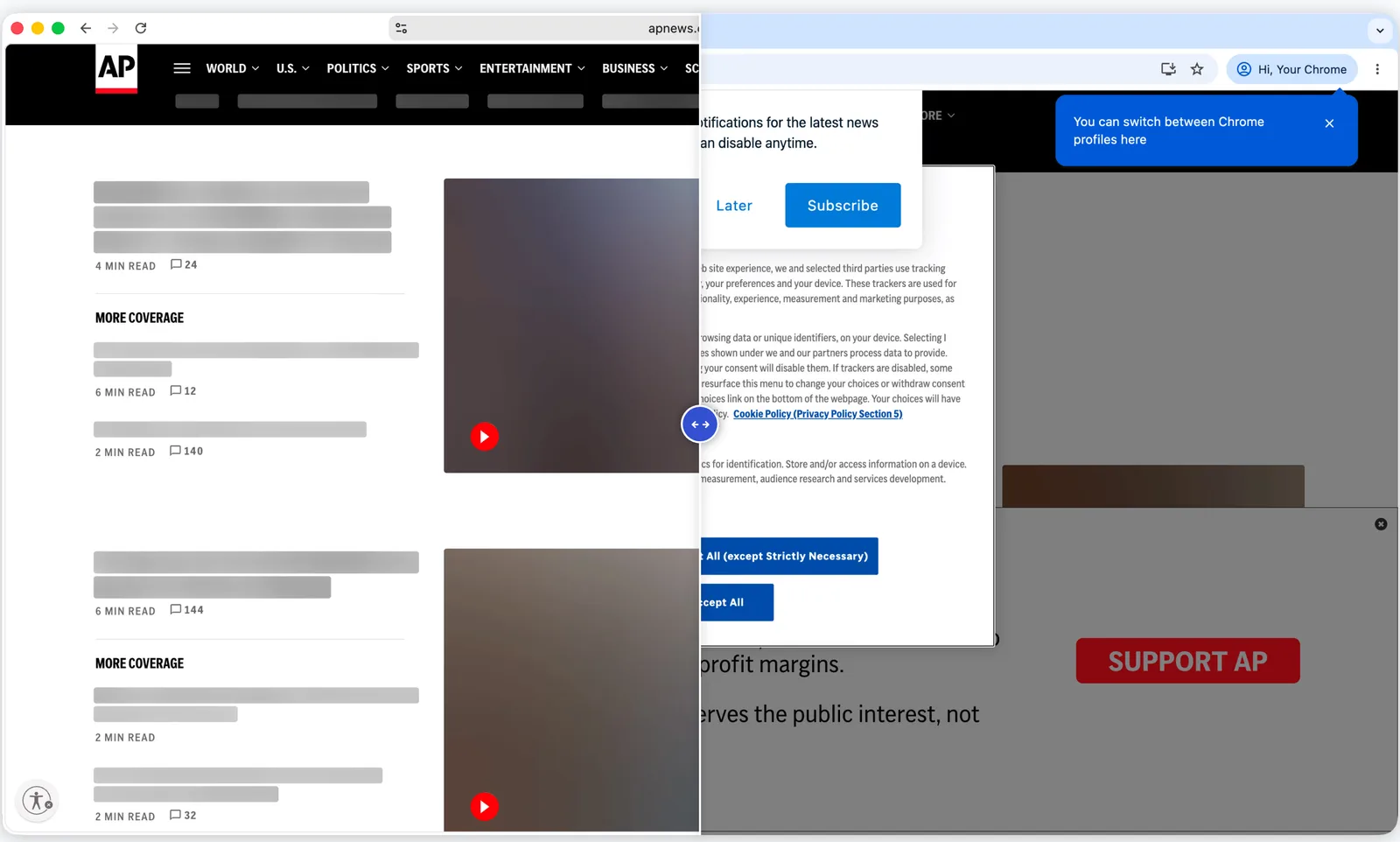
Helium (left) and Chrome (right) on the same page, from the comparison slider on helium.computer
Less an Arc look-alike than a calm, private Chromium for people who left Arc for its clean interface. Helium says it makes zero web requests on first launch, has no analytics and collects no data, yet it runs every Chrome extension (Chrome Web Store requests are anonymized). It has vertical tabs and split view, but no Spaces and no sync yet, and it is still in beta. Over 21,000 stars on GitHub.
Pros
Free and open source (GPL 3.0), funded by sponsors
macOS, Windows and Linux
Blocks ads, trackers and cookie banners by default, no analytics
Runs all Chrome extensions
Cons
Still in beta
No Spaces and no sync yet
No Widevine, so some streaming services do not play
Platforms
macOS, Windows, Linux
Engine
Chromium (de-Googled)
Price
Free
Imports from Arc
Not stated
A private, distraction-free ChromiumBeta, frequent releases
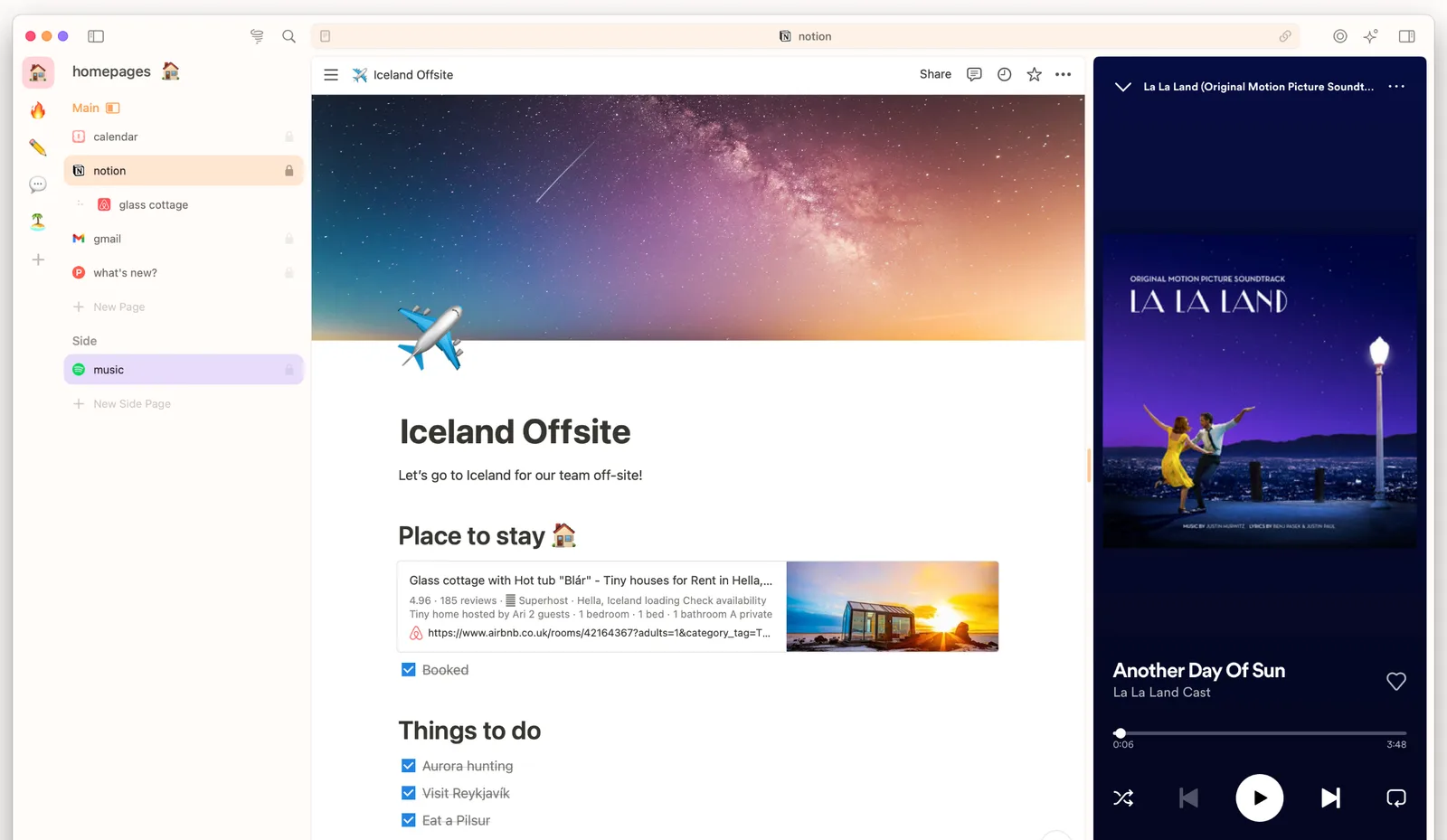
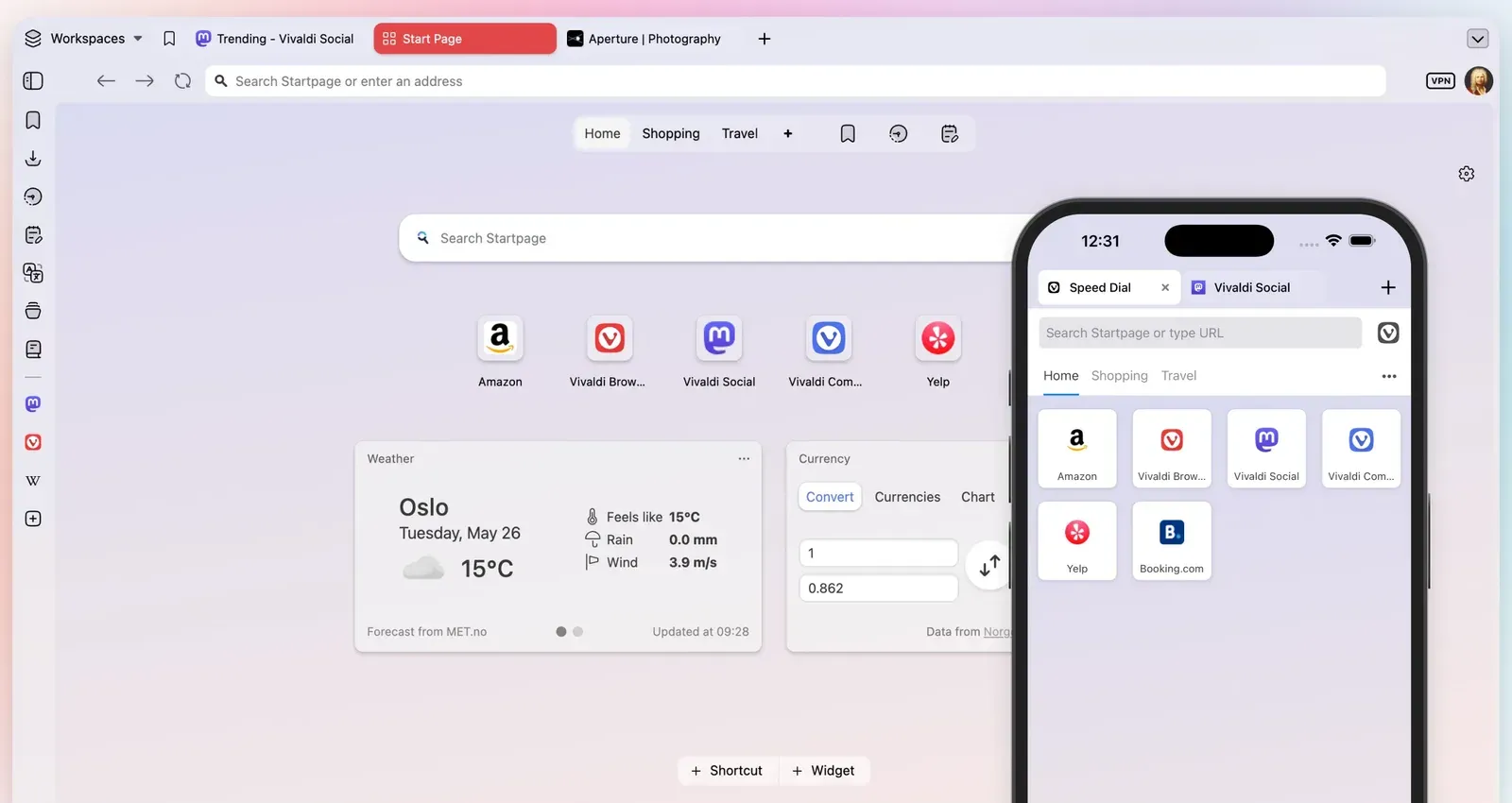
A highly customizable Chromium browser from Norway, with the tab bar on any side of the window, Workspaces, two-level Tab Stacks and Tab Tiling, plus built-in mail, calendar, feed reader and notes.
Vivaldi, as shown on vivaldi.com
The most mature home for Arc's organizing ideas, on every desktop system and on phones, with Chrome extensions. Vivaldi has said it will not add an LLM chatbot, summarizer or suggestion engine. The price of all that power is an interface far busier than Arc's: expect to spend time in the settings to get a calm sidebar.
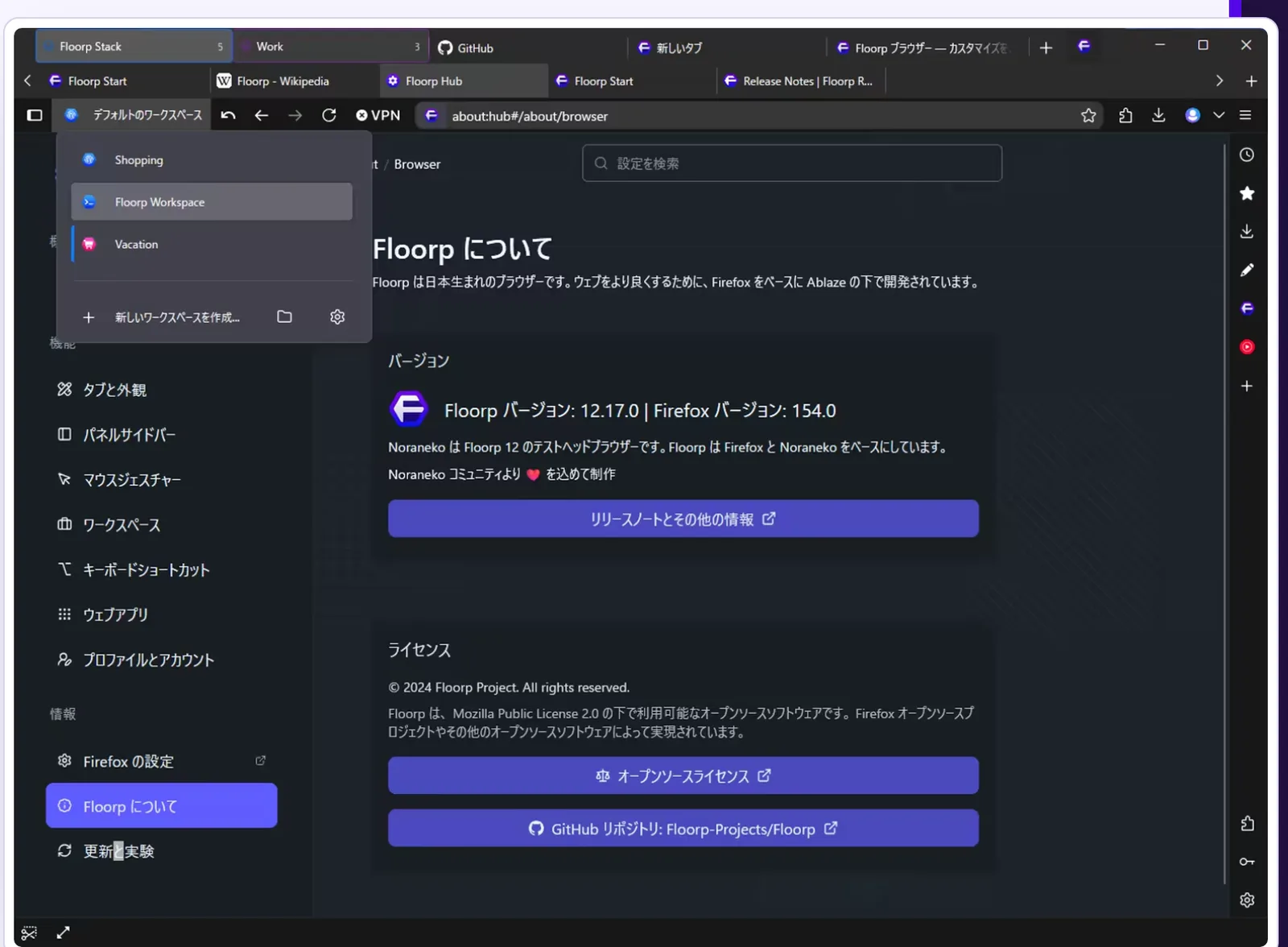
A free, open-source browser built on Firefox in Japan, with workspaces tied to Firefox containers, split view, web panels in a sidebar, and horizontal, vertical or multi-row tabs.
Floorp, as shown on floorp.app
Zen's Firefox-based neighbour, more conventional out of the box and very configurable. Workspaces can each keep their own cookies and sign-ins through containers, split view shows up to four pages, and web panels pin sites in the sidebar the way Arc pinned apps. It runs on Windows, macOS and Linux, with an iOS app in testing.
Pros
Free and open source (MPL 2.0)
Windows, macOS and Linux
Workspaces with containers, split view up to four pages
Web panels for sites you keep open
Cons
Looks like a classic browser until you configure it
Built on Firefox, so no Chrome Web Store
No Arc importer
Platforms
Windows, macOS, Linux
Engine
Firefox (Gecko)
Price
Free
Imports from Arc
Not stated
A configurable Firefox with workspacesStable (12.20)
An independent productivity browser for Mac, sold on the Mac App Store, with persistent sidebar tabs and folders, Spaces, a profile per tab, floating tabs for videos and calls, and a research mode.
Pola Browser, as shown on polabrowser.com
Arc's building blocks from a single maker, updated regularly on the App Store. Unlike most browsers here it is paid: 19.99 euros a year or 49.99 euros once, after a free trial. Extensions are early (uBlock Origin Lite, Bitwarden, 1Password, Keepa), and AI tools connect to your own AI services.
On October 22, 2026, The Browser Company announced that it is sunsetting Arc. The browser had received no new features since May 2025, and the company was bought by Atlassian in September 2025. The reason given is security: keeping a browser safe "takes constant, dedicated work", and the team is moving to Dia. Open-sourcing Arc is ruled out, because it would mean open-sourcing ADK, the framework Dia is built on too. The calendar, from arc.net:
Since October 22, 2026: no new Arc accounts can be created. The latest version of Arc adds an Export Data option, and Arc only gets basic updates until the end.
November 23, 2026: Arc Search on iPhone and Android loses Browse for Me and its other AI features, sign-in and tab sync. It keeps working as a basic browser.
December 22, 2026: Arc stops working on macOS and Windows. Accounts are deactivated and the personal data tied to them is deleted within 30 days. Arc Search for Android is removed.
How to get your data out of Arc
Import directly while Arc still works. Dia, Crest, Yet Another Browser, Phi and Ardia read an installed Arc and bring over Spaces and pinned tabs (Dia and Crest also take passwords). Run the import before December 22, with Arc still on your computer.
Keep a copy with Arc's export. On a Mac: Arc menu, Settings, Advanced, Export Data. On Windows: Settings (Ctrl+,), Advanced, "Export Spaces and tabs", Export Data. In Arc Search: the tab switcher, Settings, Export Data. The export is a list of links you can open in any browser, so it is a backup, not a migration.
Check your passwords. arc.net does not describe a separate password export. If your new browser does not import Arc passwords, move them to a password manager before the deadline.
Which Arc alternative fits you?
You want the least change:Dia is the official path and imports the most, on Mac and Windows. On a Mac, Crest and Yet Another Browser stay closer to Arc's look and Spaces.
You use Windows:Dia, Zen, Helium and Vivaldi. Aside also runs on Windows, and Phi has an early-access build.
You want an AI that does the work:Aside for the strongest agent, Yet Another Browser to use your own Claude or ChatGPT plan, Phi for an assistant that is free for now.
You mostly liked how calm Arc felt:Helium, a de-Googled Chromium that blocks ads and cookie banners and stays out of the way.
How we picked these Arc alternatives
We started from the browsers Arc users actually move to, plus the browsers listed on Uneed that rebuild Arc's sidebar. On October 25, 2026, we opened each one's website, pricing and download pages, help center, changelog and, when it is open source, its GitHub repository, and we read the details of Arc's shutdown on arc.net. We compared them on what Arc users rely on: a sidebar of tabs, Spaces, split view, importing from Arc, platforms, price and how actively each one ships. We did not run benchmarks. Inclusion and ranking are editorial and not paid.
Our verdict: the best Arc alternative
For most Arc users, Zen is the best replacement: free, open source, on Mac, Windows and Linux, with vertical tabs, Workspaces and split view, as long as Firefox add-ons are enough for you. If you want your Arc setup moved for you and do not mind a company-run browser, Dia is the official path and its free plan has no AI. Mac users who want Arc itself, Spaces and all, should try Crest (no AI, iPhone app), Ardia (Arc's sidebar on Chromium) or Yet Another Browser (your own AI agent), knowing all three are a few months old at most. Vivaldi is the safest long-term bet if you can live with a busier interface. Whatever you pick, run the import before December 22, while Arc still opens.
Frequently Asked Questions
What is the best alternative to Arc Browser?
For most people, Zen: it is free, open source, runs on Mac, Windows and Linux, and has vertical tabs, Workspaces and split view. If you want your Arc setup moved for you, Dia is the official path from The Browser Company. On a Mac, Crest, Ardia and Yet Another Browser stay closest to Arc's look, and all three import from Arc.
Is Arc Browser shutting down?
Yes. The Browser Company announced on October 22, 2026 that Arc stops working on macOS and Windows on December 22, 2026. Accounts are then deactivated and their personal data deleted within 30 days. Arc Search on iPhone and Android loses its AI features and sync on November 23, 2026.
Can I import my Arc Spaces and pinned tabs into another browser?
Yes, as long as Arc is still installed and working. Dia imports passwords, tabs, Profiles, Folders, bookmarks and extensions; Crest imports Spaces, tabs, folders, colors, icons and passwords; Yet Another Browser imports Spaces, pins and folders; Ardia imports spaces and pinned tabs; Phi has a "From Arc" import. Arc's own Export Data only gives a list of links.
What is the best Arc alternative for Windows?
Dia, which is The Browser Company's own browser and imports from Arc, and Zen, which is free and open source. Vivaldi offers vertical tabs, Workspaces and Tab Tiling on Windows too. Helium, free and open source, also runs on Windows. Most Arc-style newcomers, such as Crest, Ardia, Yet Another Browser and Pola, are Mac only.
Is there an open-source Arc alternative?
Zen and Floorp (built on Firefox) and Crest (Mac, iPhone and iPad) are open source under the MPL 2.0 license; Ardia (Mac) and Helium (Mac, Windows, Linux), both built on Chromium, are under GPL 3.0. Phi publishes its macOS client under Apache 2.0, but its engine and AI back end are closed.
Is Dia free?
Its browser is. The free plan, Better Browser, includes profiles, tab groups, split view, an ad blocker and sync, with no AI features. The AI plans cost $10 a month for Better Answers on the plan card ($20 in the same page's FAQ) and $100 a month for Better Days, after a 14-day trial.
Which Arc alternatives support Chrome extensions?
Dia, Phi, Ardia, Helium, Vivaldi and Aside are built on Chromium. Crest installs Chrome Web Store extensions per Space on the Mac, and Yet Another Browser and SigmaOS install them on WebKit. Zen and Floorp are built on Firefox and use Firefox add-ons.
What about Brave?
Brave is free, runs everywhere, and has vertical tabs, split view and its Leo AI assistant, so it covers the basics. It has no Arc-style Spaces or Arc importer, which is why it is not in the list above.
We use cookies
Essential and analytics cookies keep Uneed running and help us understand usage, and a referral cookie credits the partner who sent you. Marketing cookies are optional. Privacy policy