
OverlayQA helps design and frontend teams catch visual bugs before users do.
Compare your Figma designs against any live page, run AI-powered design reviews, and audit for WCAG accessibility issues, all from your browser.
How it works:
- Connect your Figma account and select a design frame
- Navigate to any URL: localhost, staging, or production
- Toggle the overlay to spot visual differences instantly
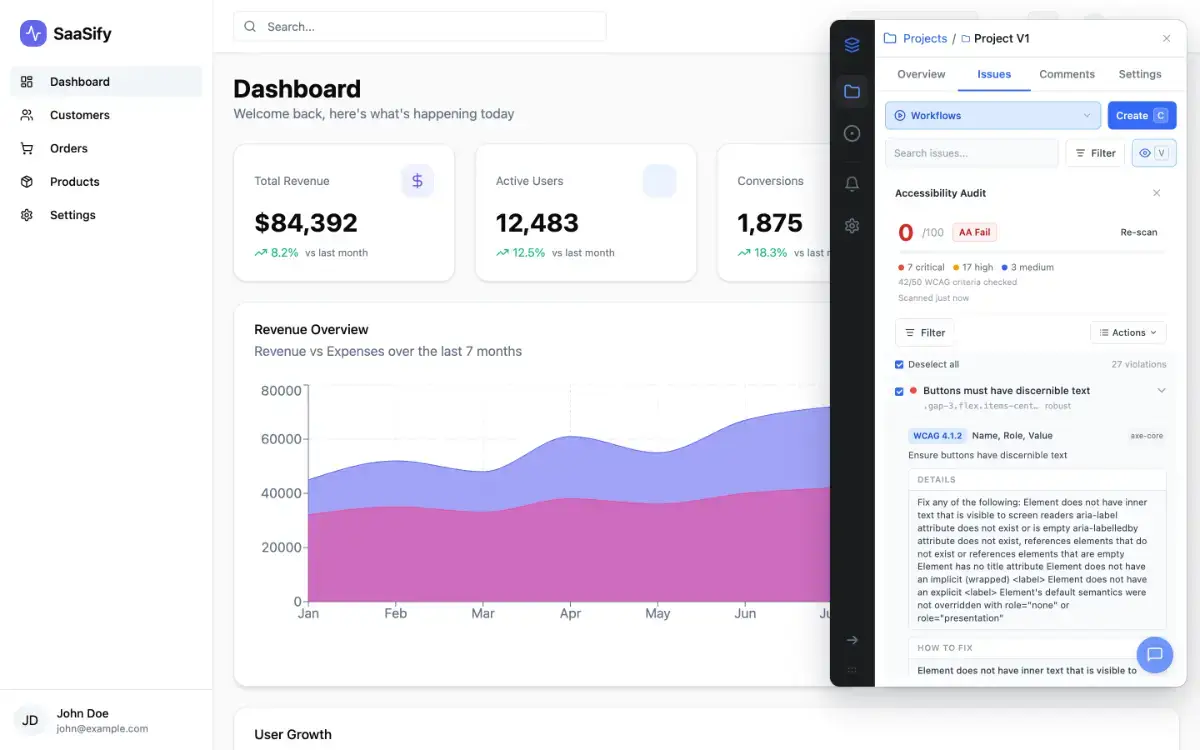
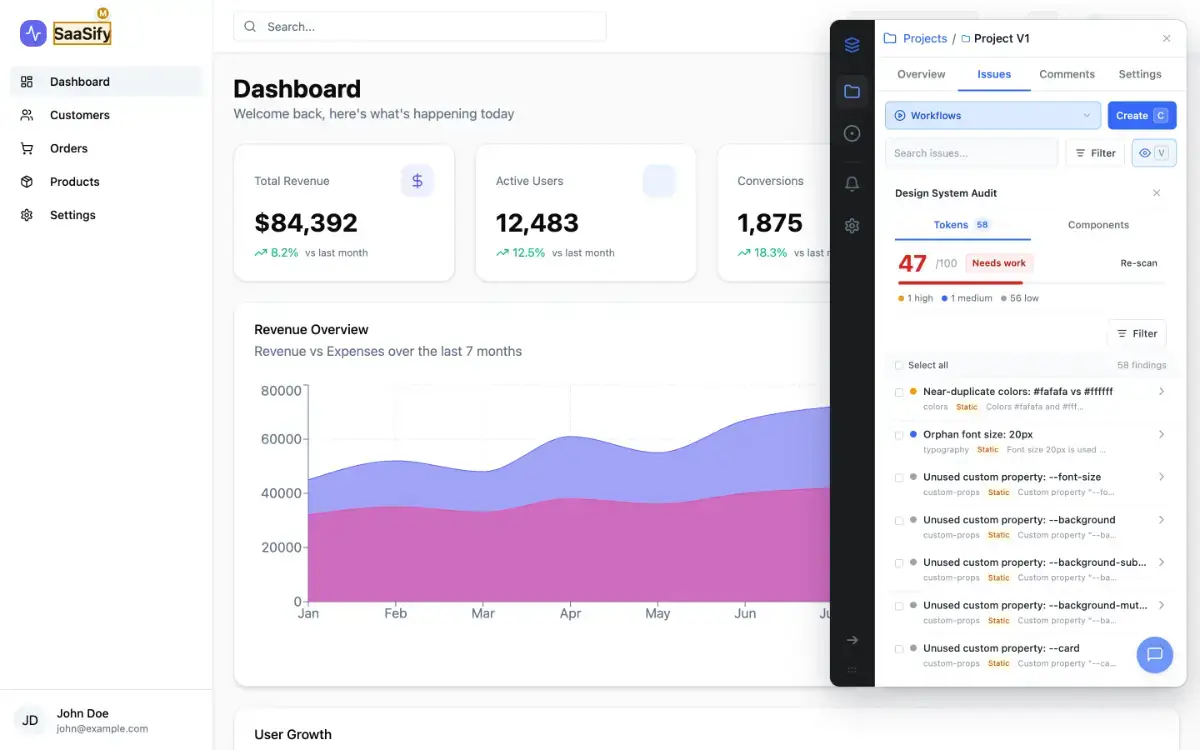
- Run an AI Design Review or Accessibility Audit in one click
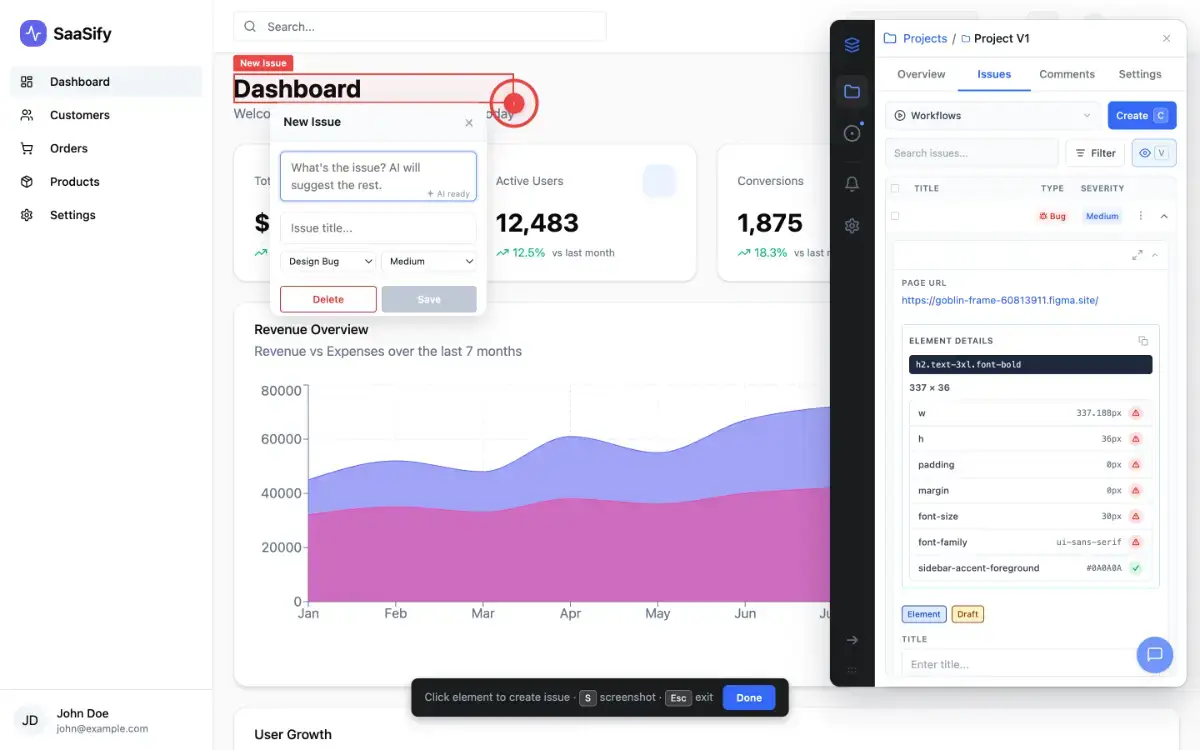
- Export issues with screenshots, CSS selectors, and metadata to Jira, Linear, Notion, or Slack
Key features:
- Visual Comparison with opacity controls and responsive scaling
- AI-powered design review that flags layout, spacing, and typography issues
- WCAG accessibility auditing with axe-core and AI analysis
- Two-way sync with Jira, Linear, Notion, and Slack
- Shareable issue links for client and stakeholder review
- Works on any URL: localhost, staging, or production