
M2PDF is a Chrome extension that helps you save Gmail emails as clean, readable PDFs with attachments included.
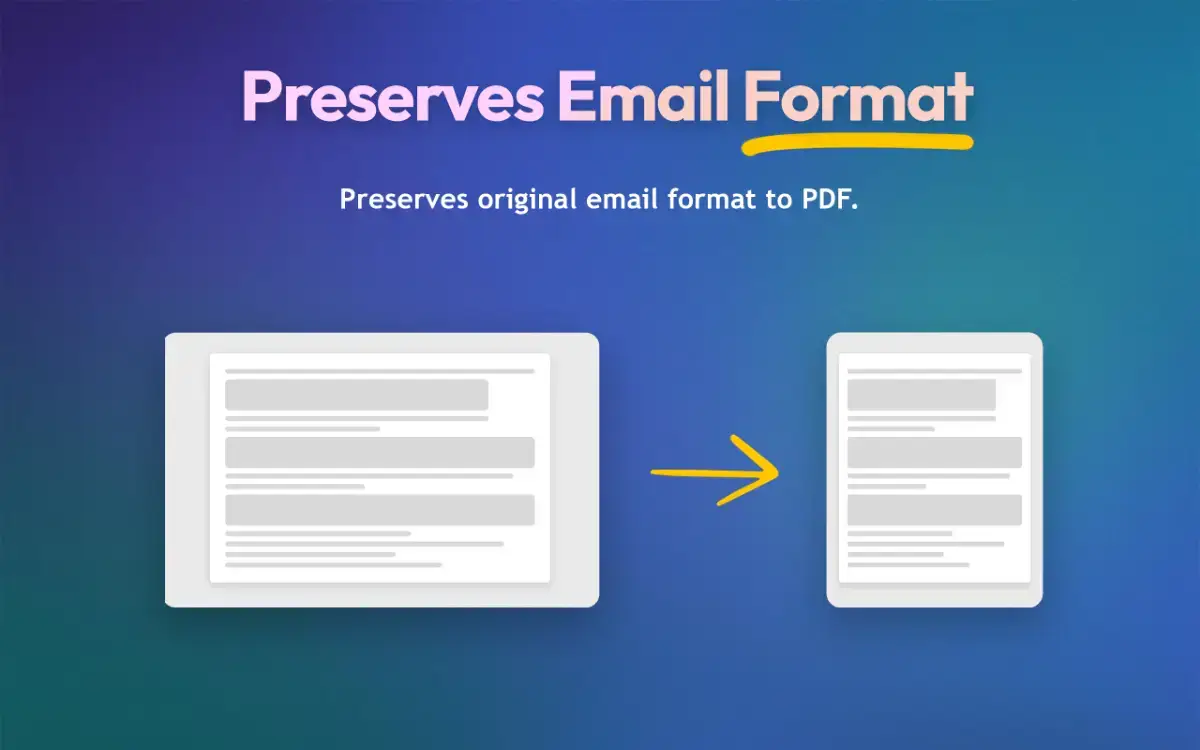
Unlike Gmail’s default print option, which often creates messy layouts and ignores attachments, M2PDF generates well-structured PDFs that are easy to read, share, and archive. You can export individual emails or use Gmail’s built-in search, labels, or filters to batch export multiple emails at once.
M2PDF runs entirely inside your browser. Your emails are never uploaded or processed on external servers, making it a reliable choice for professionals who deal with sensitive data.
The tool is especially useful for keeping client communication records, preparing documents for audits, maintaining backups, or simply organizing important conversations outside of Gmail.
Key features:
• Save Gmail emails as clean, formatted PDFs
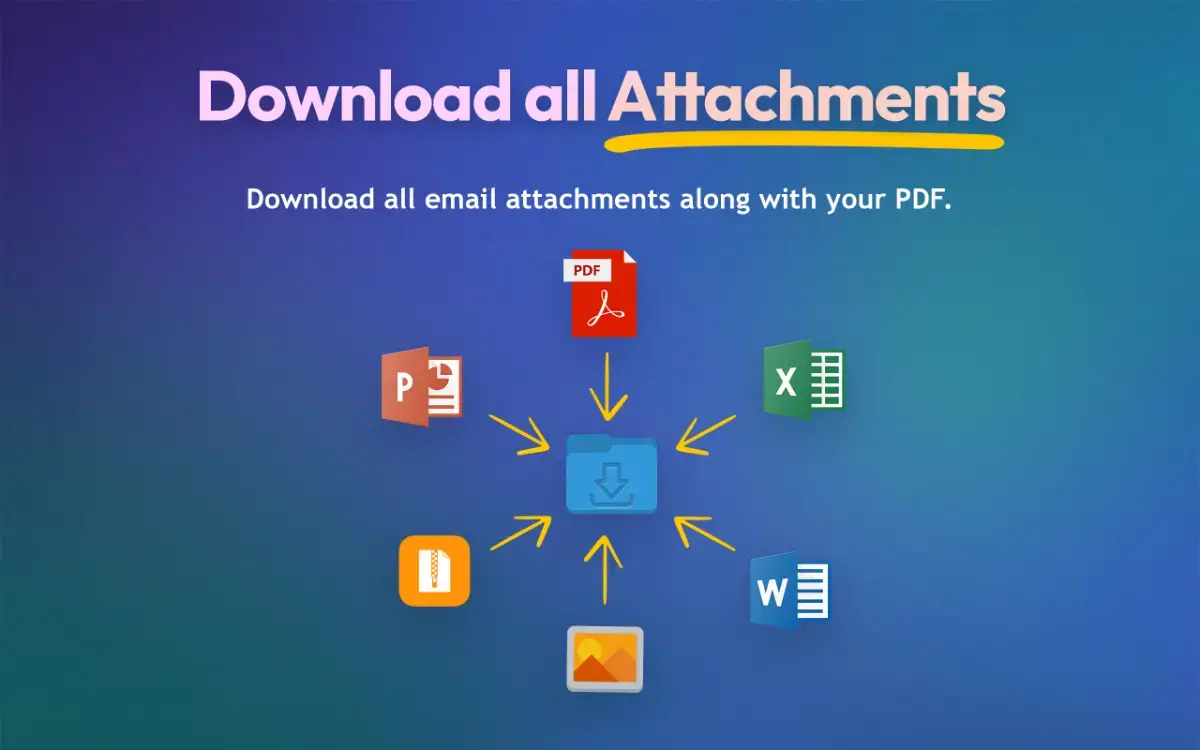
• Automatically include attachments
• Export emails using search, labels, or sender filters
• Batch export multiple emails at once
• Works locally with no data uploads
M2PDF is designed for professionals who rely on email and need a simple, secure way to store and manage their communication.