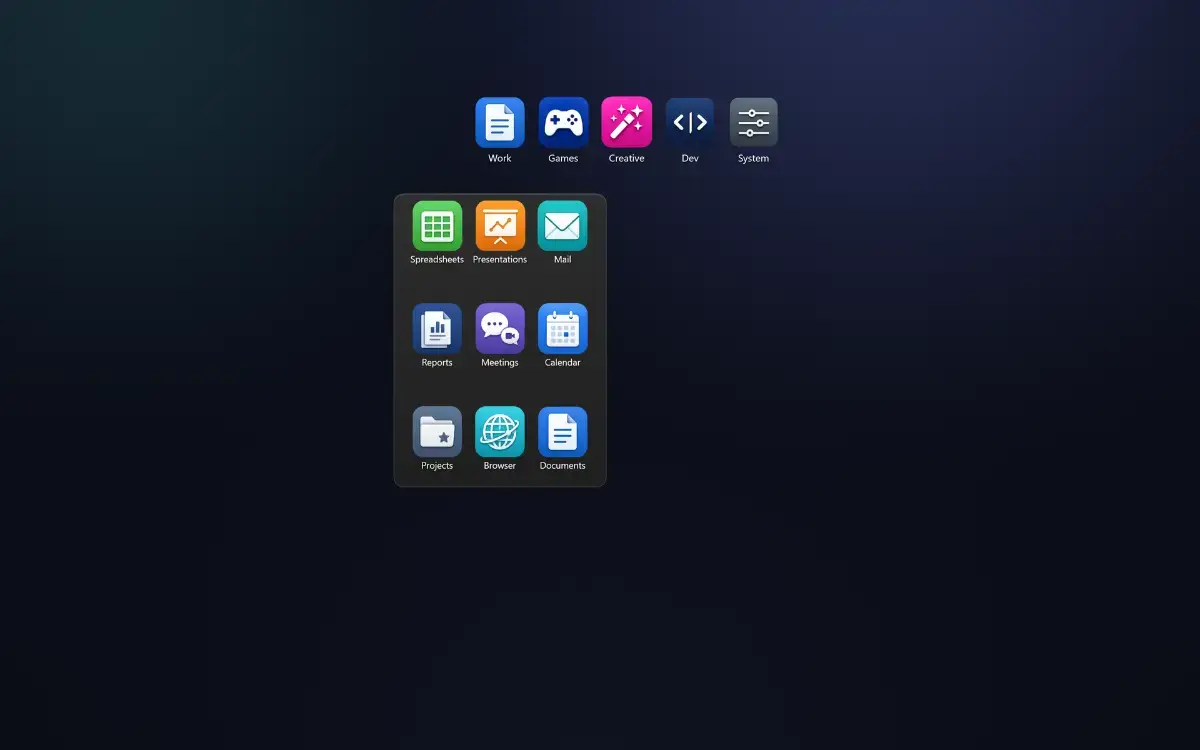
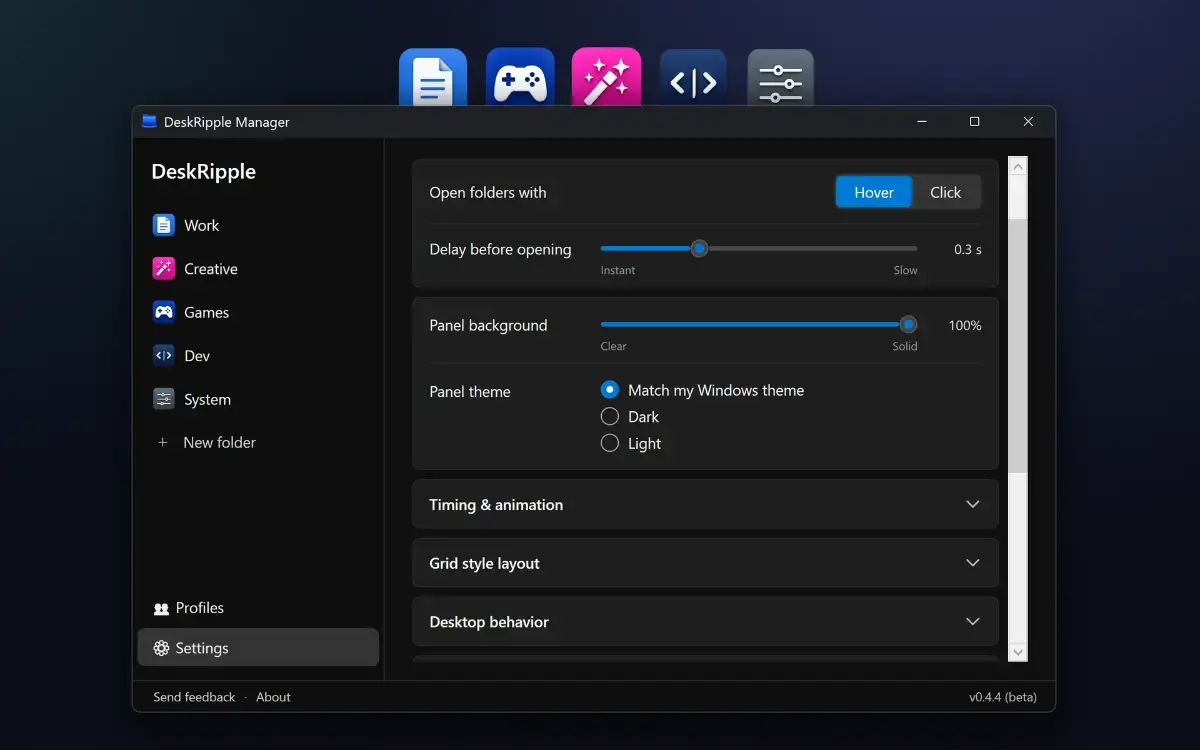
Keep your Windows desktop tidy: each group of shortcuts lives in one folder icon that expands on hover or click.
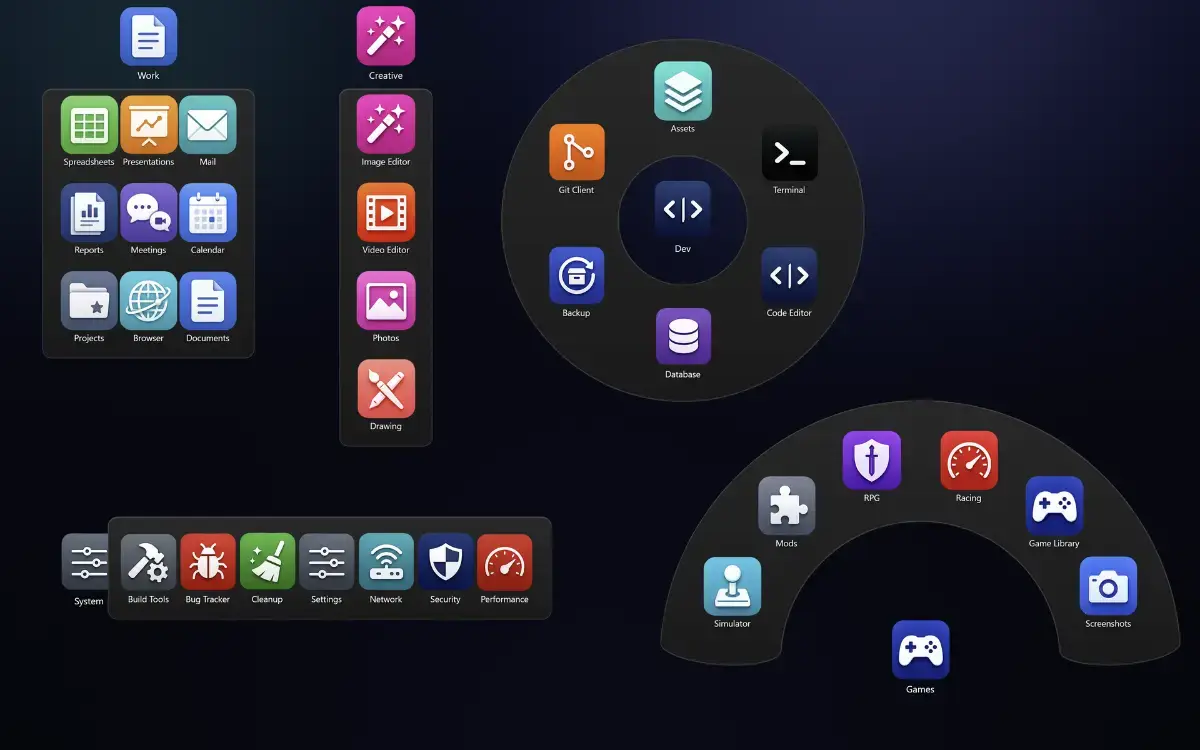
Add shortcuts to apps, files, folders, and websites. Choose a layout for each folder: Grid, Column, Row, Fan, or 360° Ring. You can also set a folder to open all its shortcuts with a double-click, launching your email, calendar, and project folder together.
DeskRipple sits alongside your regular desktop icons, aligned to the desktop grid and behind your open windows. When you delete a DeskRipple folder, desktop shortcuts you moved into it are restored to the desktop.
Works on Windows 10 (22H2) and Windows 11, 64-bit (x64).
Try DeskRipple free for 14 days, with every feature included. No account or payment details are required to start. After the trial, a license key is required to keep using the app. DeskRipple is a one-time purchase, not a subscription. The price is shown at checkout.